

How to Stop Your Toner Cartridge From Making Strange Noises?
A laser printer should operate with a steady and predictable sound, so when a toner cartridge suddenly starts making strange noises, it can quickly become frustrating. Clicking, grinding, squeaking, rattling, or buzzing sounds may indicate toner cartridge problems, printer wear, or installation issues that should not be ignored.
In many cases, unusual printer noises are caused by toner cartridge alignment problems, worn internal components, loose packaging materials, or printer maintenance issues. Fortunately, many toner cartridge noise problems can be fixed with simple troubleshooting and proper maintenance.
This guide explains the most common reasons toner cartridges make strange noises and how to stop them before they affect print quality or damage your printer.
Why Toner Cartridges Make Strange Noises?
Laser printers contain several moving parts that work together during printing.
These include:
- Toner cartridges
- Drum units
- Rollers
- Gears
- Fuser assemblies
When one component becomes damaged, dirty, misaligned, or worn out, unusual noises may develop during operation.
Because toner cartridges interact directly with many printer components, they are often linked to printer noise problems.
Common Types of Toner Cartridge Noises

Different sounds may indicate different toner related problems.
Grinding Noises
Grinding sounds may suggest:
- Misaligned cartridges
- Damaged gears
- Worn internal components
Clicking Sounds
Clicking noises sometimes occur because of:
- Improper cartridge installation
- Loose cartridge parts
- Gear alignment problems
Squeaking or Chirping
Squeaking may indicate:
- Dry rollers
- Drum friction
- Internal wear
Rattling Sounds
Loose packaging materials or damaged cartridge pieces may create rattling noises inside the printer.
As a result, identifying the sound type helps narrow down the possible problem.
Reinstall the Toner Cartridge Properly
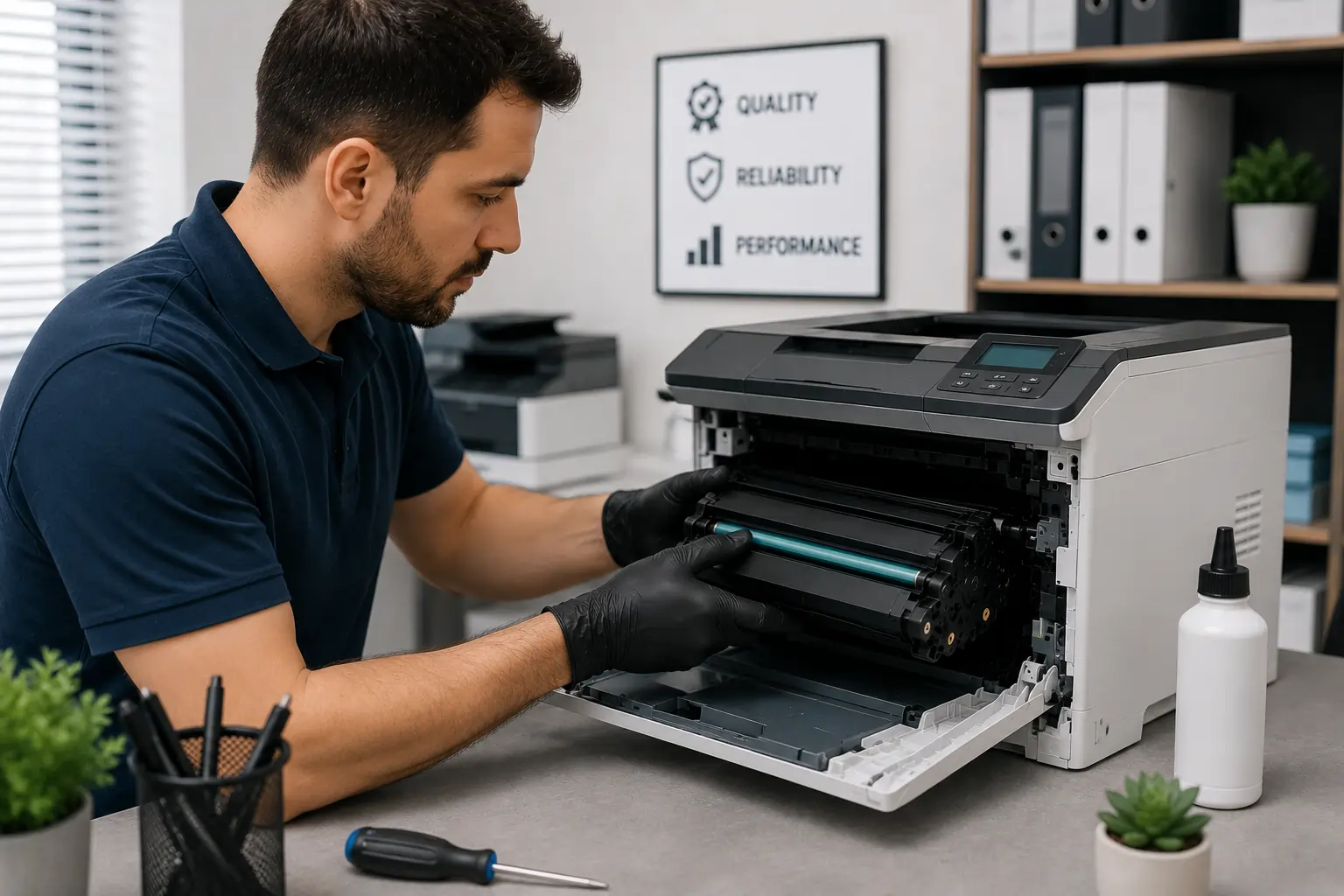
Improper installation is one of the most common causes of toner cartridge noise.
Remove and Reinsert the Cartridge
Carefully:
- Power off the printer
- Remove the toner cartridge
- Inspect alignment guides
- Reinstall the cartridge slowly
Make Sure the Cartridge Locks Into Place
Most toner cartridges should:
- Slide smoothly
- Sit securely
- Lock properly into position
Because of this, reinstalling the cartridge correctly often solves noise issues quickly.
Check for Leftover Packaging Materials
New toner cartridges include:
- Protective strips
- Plastic covers
- Shipping clips
- Sealing tape
Forgotten Packaging Can Cause Noise
If protective materials are not removed completely, they may interfere with:
- Cartridge movement
- Rollers
- Gears
Inspect the Cartridge Carefully
Before installation, verify all:
- Pull tabs
- Protective covers
- Seals
have been removed.
As a result, simple packaging mistakes are often easy to fix.
Inspect the Toner Cartridge for Damage
Damaged toner cartridges may create unusual sounds during printing.
Look for Cracks or Loose Parts
Inspect the cartridge for:
- Broken plastic pieces
- Loose gears
- Cracked housing
- Internal movement
Damaged Cartridges May Affect Printer Components
Continuing to use damaged cartridges may:
- Worsen print quality
- Increase printer wear
- Damage internal mechanisms
Therefore, replacing damaged cartridges quickly is important.
Businesses looking for dependable toner cartridge solutions can explore products from Toner Connect.
Clean the Printer Interior
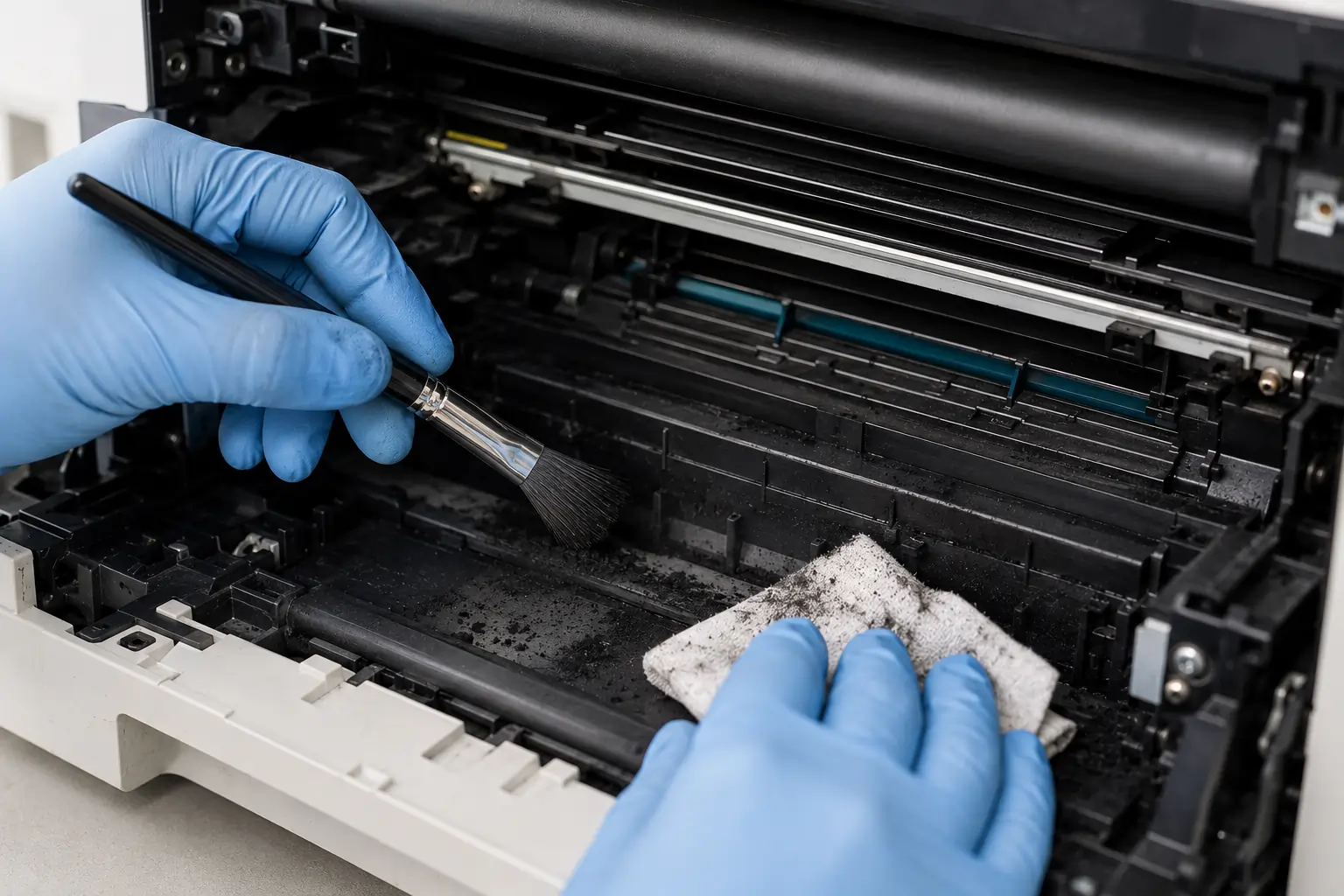
Dust and loose toner buildup may also create noise problems.
Toner Residue Can Affect Rollers and Gears
Excess toner buildup may interfere with:
- Roller movement
- Gear operation
- Drum rotation
Use Safe Cleaning Methods
Clean the printer carefully using:
- Soft lint free cloths
- Manufacturer approved cleaning tools
- Gentle air dust removal if recommended
Because of this, routine cleaning helps maintain smoother printer operation.
Check the Drum Unit and Rollers
Sometimes the noise comes from related printer components rather than the toner cartridge itself.
Drum Units May Wear Out
A worn drum may create:
- Squeaking
- Grinding
- Repetitive clicking
Rollers Can Become Dry or Damaged
Worn rollers may struggle to move paper properly, leading to unusual printer sounds.
As a result, inspecting nearby components is also important during troubleshooting.
Use High Quality Toner Cartridges
Low quality or counterfeit cartridges may increase the risk of noise problems.
Cheap Cartridges May Have Poor Internal Construction
Inferior cartridges sometimes contain:
- Weak gears
- Loose components
- Poorly fitted parts
OEM and Reliable Compatible Cartridges Often Perform Better
Higher quality cartridges usually provide:
- Better alignment
- Smoother operation
- More reliable performance
Because of this, cartridge quality directly affects printer reliability.
Avoid Ignoring Strange Printer Noises
Small noises may become larger printer problems over time.
Continued Use May Increase Damage
Ignoring unusual sounds may eventually lead to:
- Print defects
- Paper jams
- Gear failure
- Printer downtime
Early Troubleshooting Helps Prevent Expensive Repairs
Fixing minor cartridge problems early often reduces long term maintenance costs.
Therefore, addressing unusual noises quickly is always recommended.
Proper Toner Cartridge Storage Helps Prevent Damage
Improper storage may affect cartridge condition before installation.
Store Cartridges Carefully
Keep toner cartridges:
- Away from heat
- Away from humidity
- In original packaging
Avoid Physical Impact
Dropped cartridges may develop:
- Cracked housing
- Gear damage
- Internal alignment problems
As a result, proper storage helps reduce future noise issues.
Modern Printers Include Better Noise Reduction Technology
Modern laser printers now feature:
- Improved cartridge alignment systems
- Quieter rollers
- Smarter gear mechanisms
- Better vibration control
These improvements help reduce operational noise and improve office printing environments.
According to HP and Canon printer support resources, routine maintenance and proper cartridge installation remain essential for maintaining reliable printer performance and reducing unusual noise problems.
Conclusion
Strange toner cartridge noises are often early warning signs of installation issues, worn components, damaged cartridges, or printer maintenance problems. Fortunately, many noise issues can be resolved through proper cartridge installation, careful cleaning, routine maintenance, and using reliable toner supplies. By addressing unusual sounds early, businesses and home users can improve printer reliability, maintain print quality, and reduce the risk of more expensive printer repairs later on.