
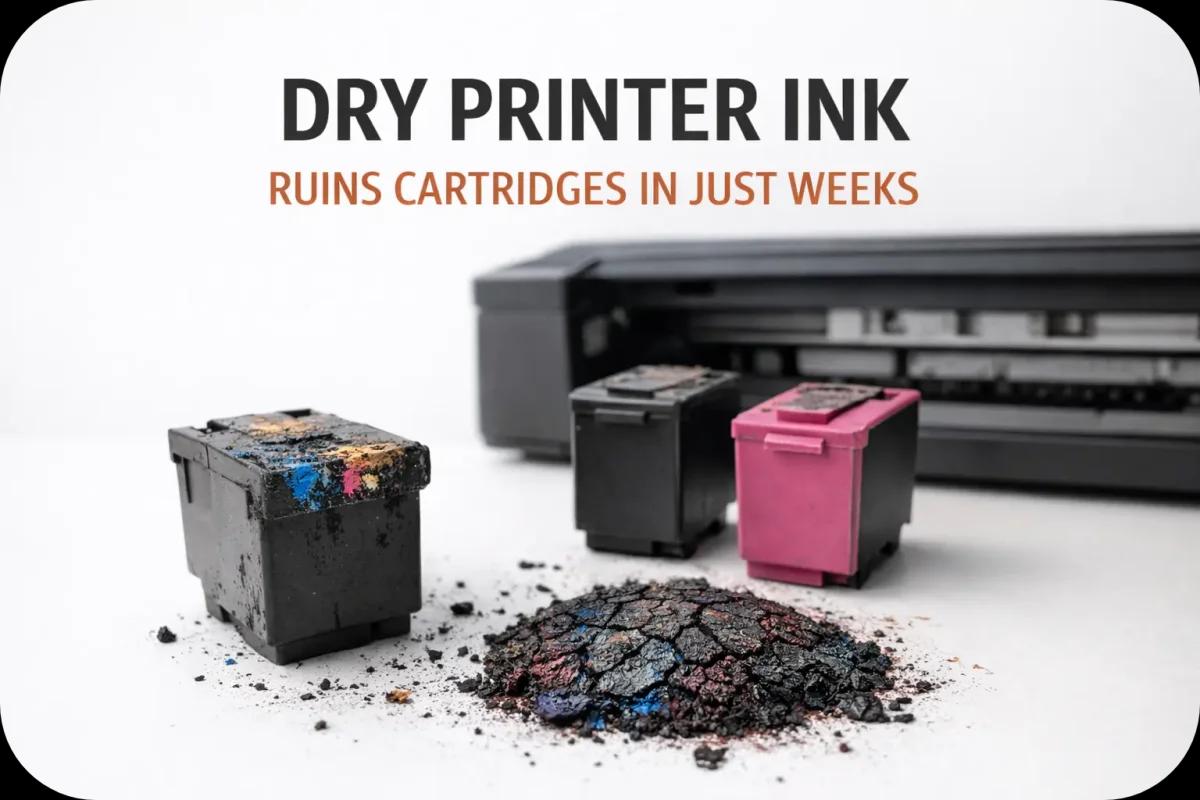
Yes, printer ink dry ruins cartridges, and it happens more often than most people expect. It can dry inside cartridges installed in your printer, and it can even degrade inside sealed, unopened cartridges sitting in storage. If you’ve ever tried printing after weeks of not using your printer and ended up with streaks or missing lines, This guide breaks down why ink dries, how long it lasts, and the best ways to prevent wasted cartridges and frustrating print failures.
Printer Ink Dry: Shelf Life, Why It Happens, and How to Prevent It
Inkjet ink is a carefully balanced liquid made from pigments or dyes suspended in a fluid base. Once ink is exposed to air, the fluid portion begins to evaporate, leaving the remaining ink thicker and harder to push through the printer. Watch this very informative video on dry printer ink to see the warning signs before your printer starts streaking or printing blank pages.
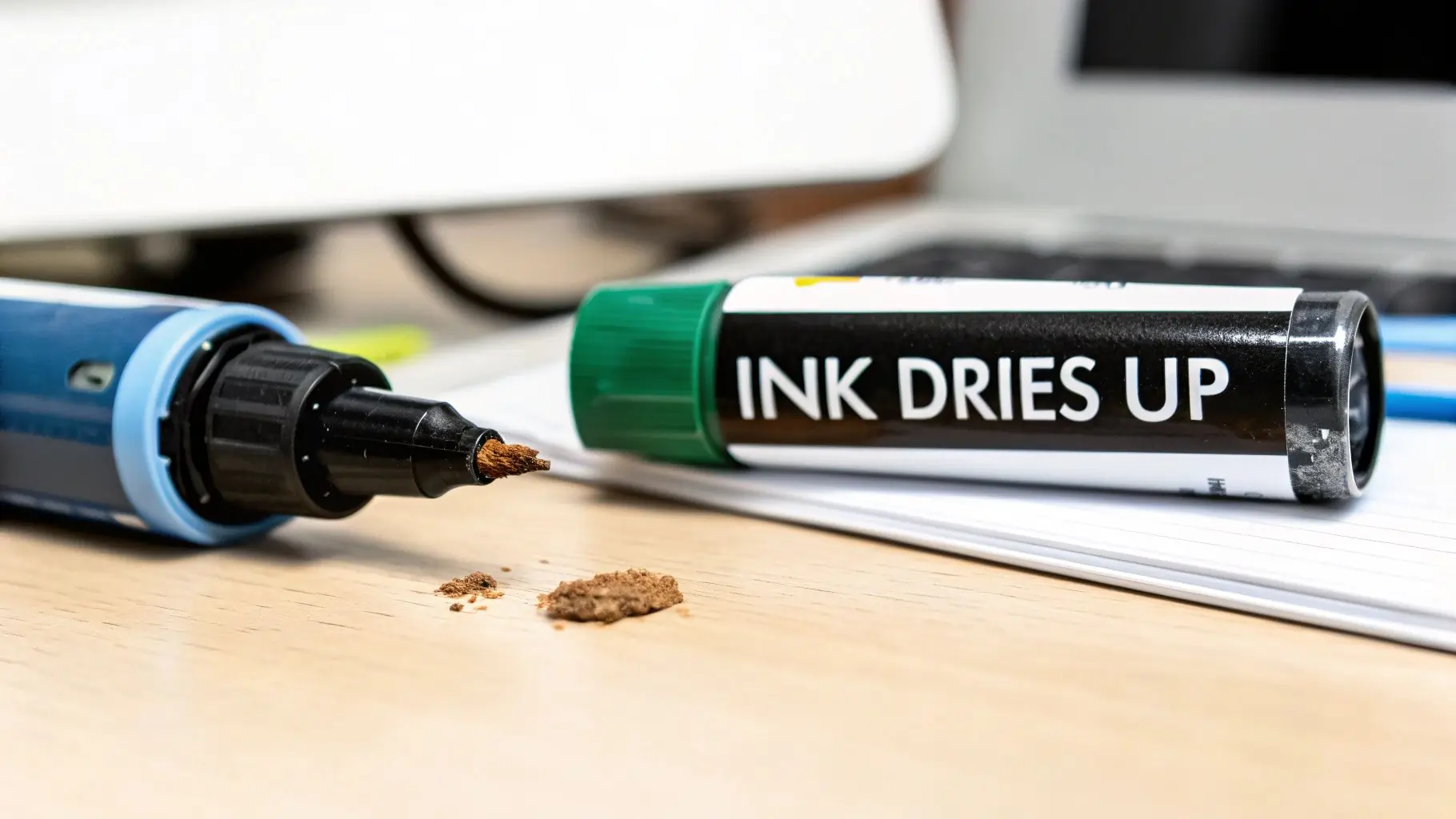
Think of it like leaving the cap off a marker. The liquid dries, the pigment clumps, and the tip stops working. The same process happens inside inkjet printers, especially in the microscopic nozzles of the printhead.
The Two Main Ways Printer Ink Dry Problems Start
So, we know evaporation is the enemy. But it plays out in two different scenarios, one of which might surprise you.
-
Printer Ink Dry in Installed Cartridges
Once a cartridge is opened and placed in your printer, air can reach the printhead nozzles. If you don’t print regularly, tiny droplets left at the nozzle opening dry and harden into clogs.
Example: A student prints once every few months. The next time they need something urgent, the printer produces faded output, or nothing at all, because the nozzles are clogged.
Printer Ink Dry in Unopened Cartridges
Even sealed cartridges aren’t immortal. Over time, ink can slowly degrade. Pigments may settle, viscosity can change, and micro-evaporation can still occur.
Example: An office manager finds a “new” cartridge that’s three years old. After installing it, prints come out faded or discolored because the ink chemistry has broken down.
Bottom line:
-
Air exposure causes drying and clogs in printers.
-
Time and chemical breakdown reduce shelf life in storage.
-
Key Factors That Cause Printer Ink to Dry Up
Several conditions speed up ink drying and degradation.
Infrequent Printing
The #1 reason printers clog. Ink sits in the nozzles and dries.
Best practice: Print a test page (black + color) once a week.
High Temperatures
Heat speeds up evaporation and breaks down ink chemistry.
Best practice: Keep your printer and cartridges in a cool, shaded room, away from sunlight and vents.
Low Humidity
Very dry air pulls moisture out of ink faster.
Best practice: Avoid storing printers in overly dry places (near heaters, attics, etc.).
Improper Storage
Cartridges stored incorrectly may settle unevenly or leak internally.
Best practice: Store unopened cartridges upright in their original packaging.
Cartridge Age
Ink simply doesn’t last forever, even sealed.
Best practice: Use ink within 1–2 years of purchase, and follow expiration dates.
The Difference Between Inkjet and Toner Cartridges
Before solving ink problems, it helps to know what kind of printer you own.
Inkjet Printers
Inkjet cartridges contain liquid ink, which can evaporate, thicken, and clog nozzles. That’s why inkjets are more likely to fail after weeks of non-use.
Laser Printers
Laser toner is a dry powder, not a liquid. Because there’s no fluid to evaporate, toner cannot “dry up” like ink. A sealed toner cartridge can often sit for years and still work well.
Toner can still have issues if stored in extreme humidity (it can clump), but that’s far less common than ink drying.
Do Unopened Ink Cartridges Go Bad?
Yes. Most manufacturers include expiration dates because ink is a chemical mixture that changes over time. Like that cup of mixed berry yogurt, toner and ink cartridges come with expiration dates that are kind of important to pay attention to.
Printer Ink Dry Shelf Life
For most major brands, unopened ink cartridges typically last 12 to 24 months at peak quality.
After that, you may start seeing:
-
Faded colors
-
Streaky printing
-
Poor ink flow
-
Incorrect color output
Why Expired Ink Can Damage Your Printer
Old ink may become thick, separated, or sludgy. Forcing it through the printhead can create clogs that standard cleaning cycles can’t remove.
In worst-case scenarios, the printhead can be damaged permanently, turning a “cheap shortcut” into an expensive repair.
How to Properly Store Ink Cartridges to Prevent Waste?
Knowing that printer ink can dry out is one thing, but actually preventing it is where you save real money. The single best way to protect your investment is proper storage. Getting the environment and handling right can be the difference between a perfectly good cartridge and a useless, dried-out brick.
The rules change based on one simple question: is the cartridge opened or still sealed? Each situation needs a slightly different approach, but thankfully, both are easy to follow. A few good habits will help you get every last drop out of the cartridges you buy.
How to Store Cartridges Properly to Prevent Printer Ink Dry Problems?
Correct storage is the easiest way to protect your cartridges and avoid waste.
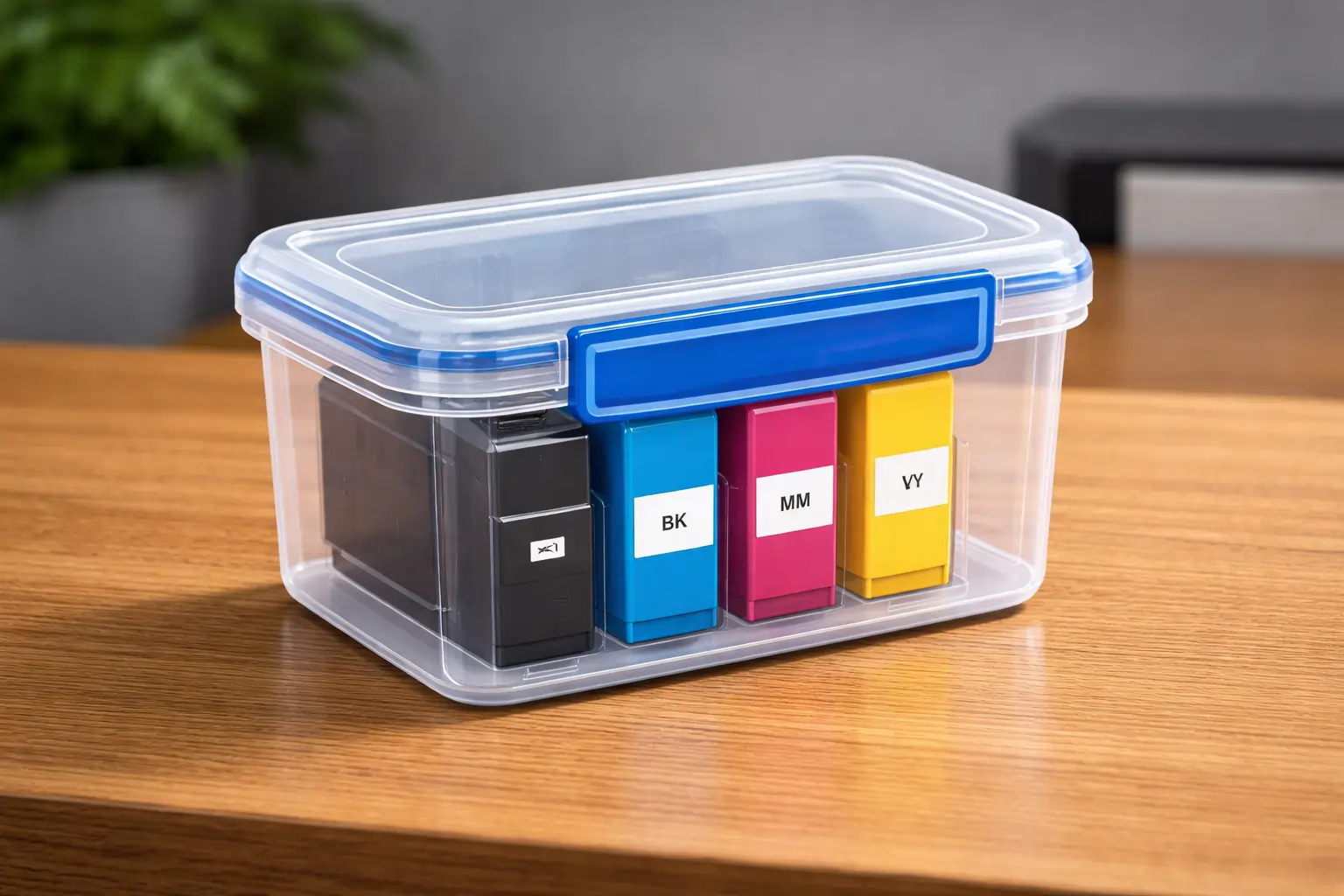
Storing Unopened Ink Cartridges
To maximize shelf life:
Keep them sealed until you’re ready to install
Store upright in their normal position
Use a cool, dark location (desk drawer, closet, cabinet)
Avoid hot cars, windowsills, garages, or damp basements
Golden rule: Leave unopened ink in the box, upright, and in a stable room-temperature environment.
Maintaining Installed Cartridges
Once installed, the goal is to keep ink moving through the nozzles.
Print one test page per week
Leave the printer in standby mode (if possible)
Avoid removing cartridges unless replacing them
A simple weekly print, like a to-do list or grocery list, is enough to reduce clogs dramatically.
How to Fix Printer Ink Dry Issues (And When to Replace)
If you’re already seeing streaks or missing lines, start with the safest options.
Step 1: Run a Head Cleaning Cycle
Most printers include a “Maintenance” or “Tools” option in settings. Run one cleaning cycle, then print a test pattern.
If it improves, you’re good.
Step 2: Try One More Cleaning Cycle (Maximum)
If the first cycle didn’t fix it, you can run it once more.
Don’t run repeated cleanings. Cleaning cycles consume a lot of ink, sometimes more than you expect.
Step 3: Replace the Cartridge When It’s Not Recoverable
Replace your cartridge if:
-
Two cleaning cycles don’t fix the issue
-
The cartridge is expired or very old
-
Your printer shows a persistent cartridge/print error
-
Print quality remains inconsistent
Manual printhead cleaning is risky and often causes more damage than it solves, especially if moisture reaches internal electronics.
Turn Surplus Cartridges Into Cash Before They Expire
The best way to avoid ink drying out is simple: don’t let unused cartridges sit long enough to lose value.
Businesses often end up with surplus ink for reasons like:
-
Upgrading printers
-
Switching to managed print services
-
Changing office volume needs
-
Standardizing different cartridge models
That surplus stock becomes a depreciating asset, and once it expires, it’s often worthless.
Why Selling Unused Ink Makes Sense?
A reputable buyback program helps you:
- Recover cash from unused inventory
- Free up storage space
- Avoid expired cartridges and wasted spending
- Reduce e-waste and landfill disposal
Instead of watching valuable supplies age out on a shelf, you can convert them into revenue right away. These situations are a natural byproduct of business purchasing, and for a wider look at turning unused items into capital, you can learn how to liquidate assets for maximum return.
The Smartest Supply Chain Strategy
A simple, straightforward process makes all the difference here. You can get a quick, no-obligation quote to find out exactly what your surplus ink is worth.
If you’re ready to see just how easy it is to turn those extra cartridges into cash, you can get a quote for your unused toner and ink here.
Common Questions About Printer Ink Life
Alright, let’s wrap this up by tackling some of the questions we hear all the time. If you’re still wondering, “will my printer ink dry up?” these quick answers should clear things up and help you handle your printer supplies like a pro.
Can You Use an Ink Cartridge After the Expiration Date?
Sometimes, but it’s a gamble. You may get streaks, faded prints, color shifts, or clogged nozzles. Expired ink can also risk printhead damage.
How Long Can Ink Sit Unused in a Printer?
Try not to go longer than a few weeks. After about a month, clog risk increases sharply. Weekly printing is ideal.
Does Shaking an Ink Cartridge Help?
Not really. Shaking can introduce air bubbles and make printing worse. Stick with printer cleaning cycles instead.
Should You Leave an Inkjet Printer On or Off?
Many modern inkjets are designed to stay on in standby mode. Sleep mode allows the printer to run light maintenance and helps reduce nozzle clogs.
Turning the printer off completely stops these cycles from happening, which can actually make it more likely for the ink to dry out. For more tips on printer care, head over to our comprehensive FAQ page.
Don’t Let Printer Ink Dry Up on the Shelf
Printer ink drying out is common, but it’s also preventable. Print regularly, store cartridges correctly, and avoid keeping unused supplies so long that they expire.
If you’re sitting on unopened, genuine ink or toner you no longer need, turn it into cash before it loses value.
Toner Connect LLC buys surplus printer supplies and makes it easy to get a fast, free quote.