
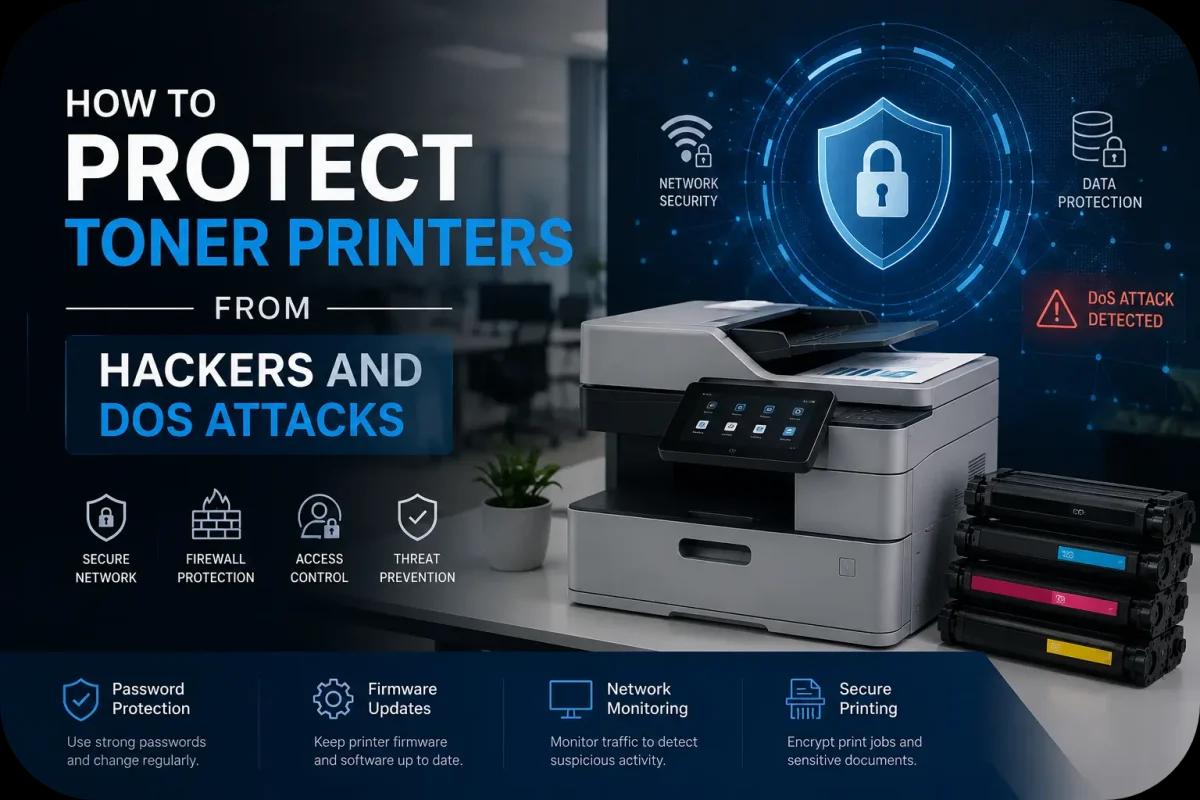
How to Protect Toner Printers from Hackers and DoS Attacks?
Modern toner printers are no longer simple office machines connected by cables in isolated rooms. Today’s laser printers often connect to office networks, cloud systems, wireless devices, and remote management platforms. While these features improve productivity and convenience, they also create potential cybersecurity risks that many businesses overlook.
Hackers increasingly target network connected printers because they may contain sensitive data, open network access points, and weak security settings. In some cases, toner printers can even become vulnerable to Denial of Service (DoS) attacks, unauthorized access, malware, or network disruptions.
This guide explains how businesses can protect toner printers from hackers and DoS attacks while improving office printing security and network reliability.
Why Toner Printers Are Vulnerable to Cyber Threats?
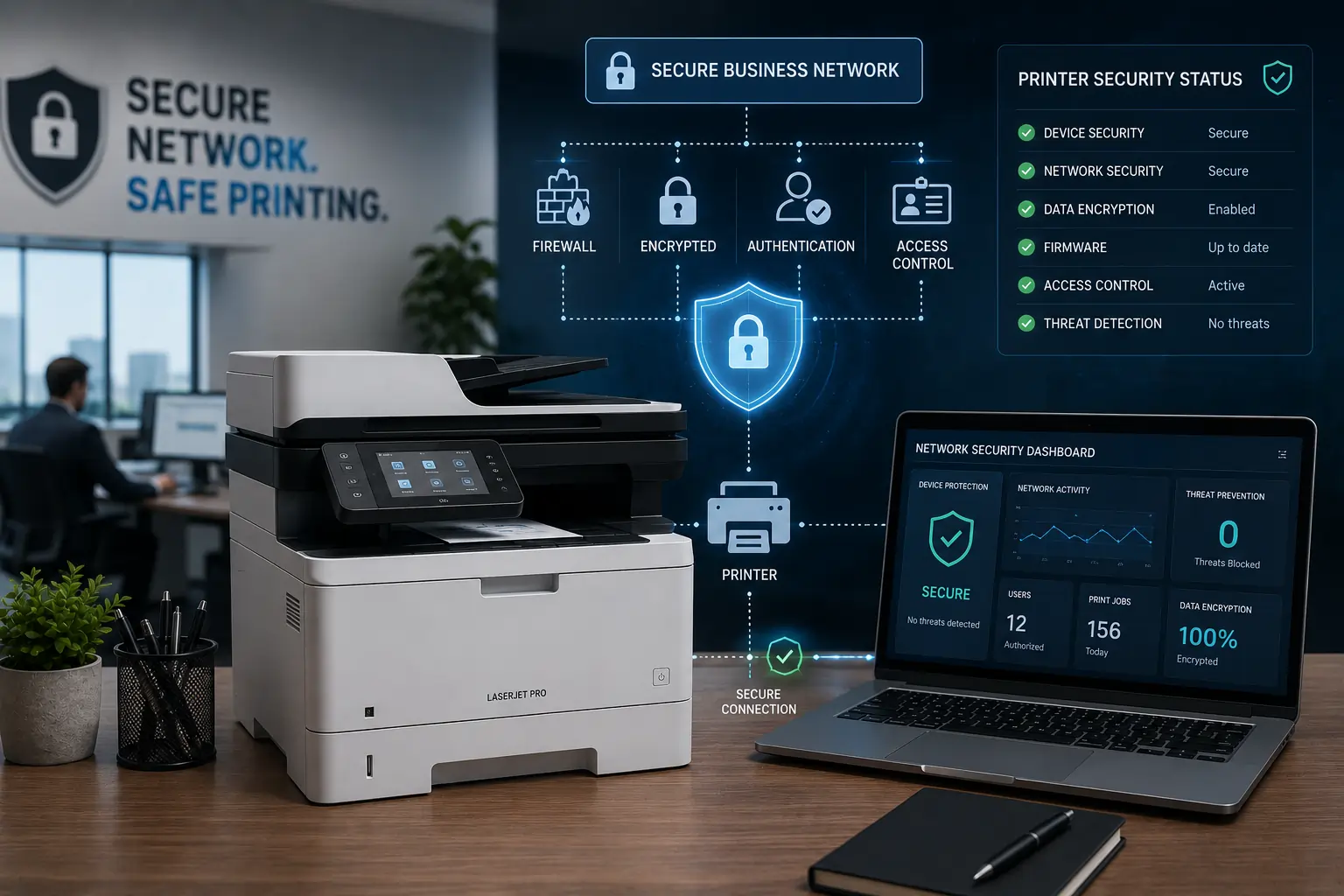
Modern laser printers often function like small computers inside office networks.
Printers Store and Process Data
Many toner printers handle:
- Confidential documents
- Employee records
- Contracts
- Customer information
- Financial paperwork
Network Connectivity Creates Security Risks
Printers may connect through:
- Wi Fi
- Ethernet
- Cloud printing systems
- Mobile devices
- Remote management tools
Because of this, unsecured printers may become attractive targets for cybercriminals.
Understand What DoS Attacks Are
A Denial of Service (DoS) attack attempts to overwhelm devices or networks with excessive traffic.
Printers May Become Network Entry Points
Attackers sometimes target:
- Open printer ports
- Weak network configurations
- Unsecured remote access systems
DoS Attacks Can Disrupt Office Operations
Printer related attacks may cause:
- Printing interruptions
- Network slowdowns
- Device crashes
- Operational downtime
As a result, printer security now plays a larger role in business cybersecurity planning.
Change Default Printer Passwords Immediately
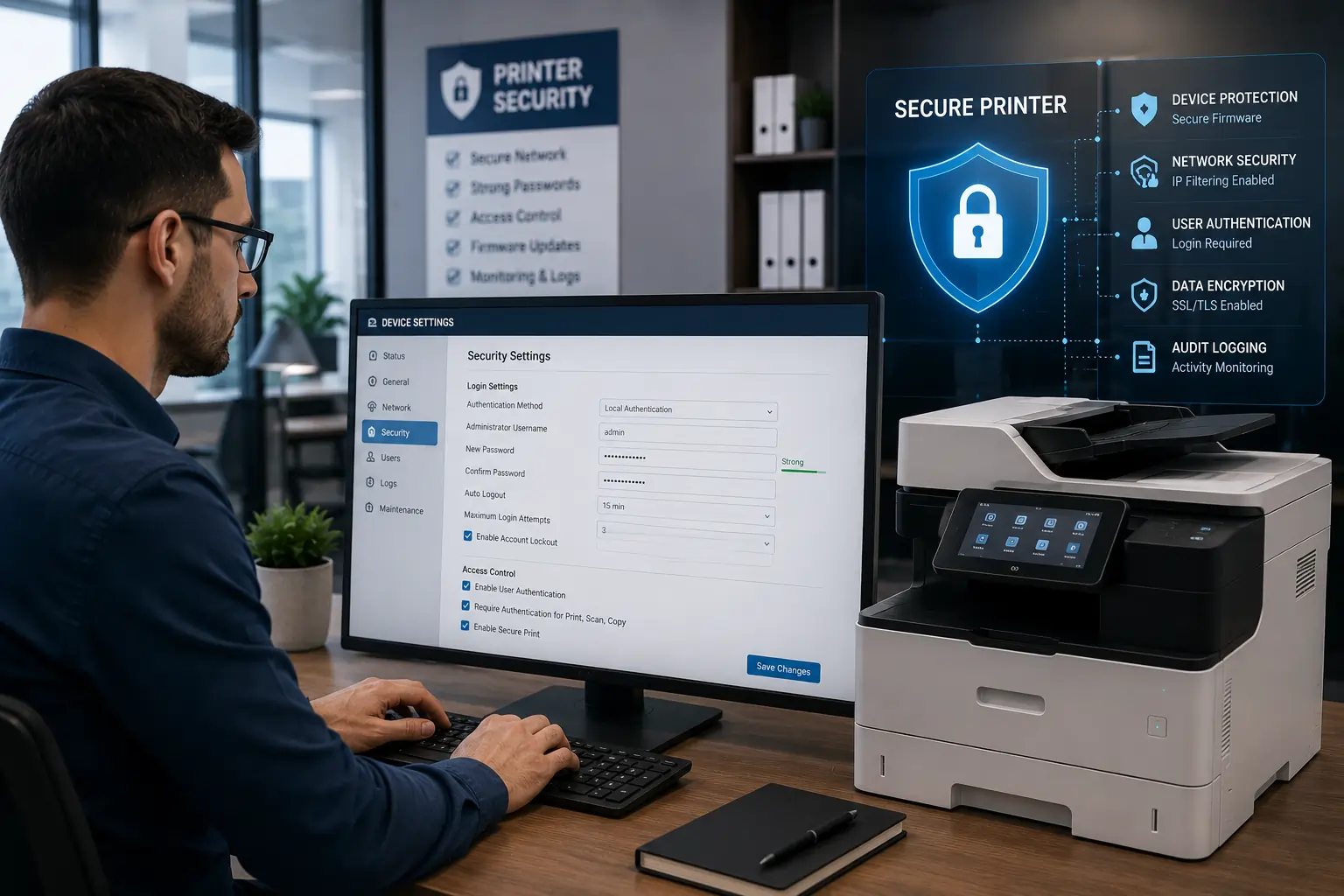
One of the biggest printer security mistakes is leaving default credentials unchanged.
Default Passwords Are Easy to Exploit
Hackers often search for:
- Factory login credentials
- Weak admin passwords
- Publicly documented printer access codes
Use Strong Password Policies
Create passwords with:
- Uppercase and lowercase letters
- Numbers
- Special characters
- Longer password length
Because of this, stronger authentication helps reduce unauthorized access risks.
Keep Printer Firmware Updated
Printer manufacturers regularly release firmware updates that improve security.
Firmware Updates Patch Security Vulnerabilities
Updates may help:
- Block known exploits
- Improve encryption
- Strengthen network protection
Outdated Printers May Be Easier to Attack
Old firmware may contain:
- Security flaws
- Weak authentication systems
- Unpatched vulnerabilities
As a result, regular updates are essential for printer security.
Businesses looking for dependable toner printer solutions and office printing support can explore products and services from Toner Connect.
Secure Your Office Network
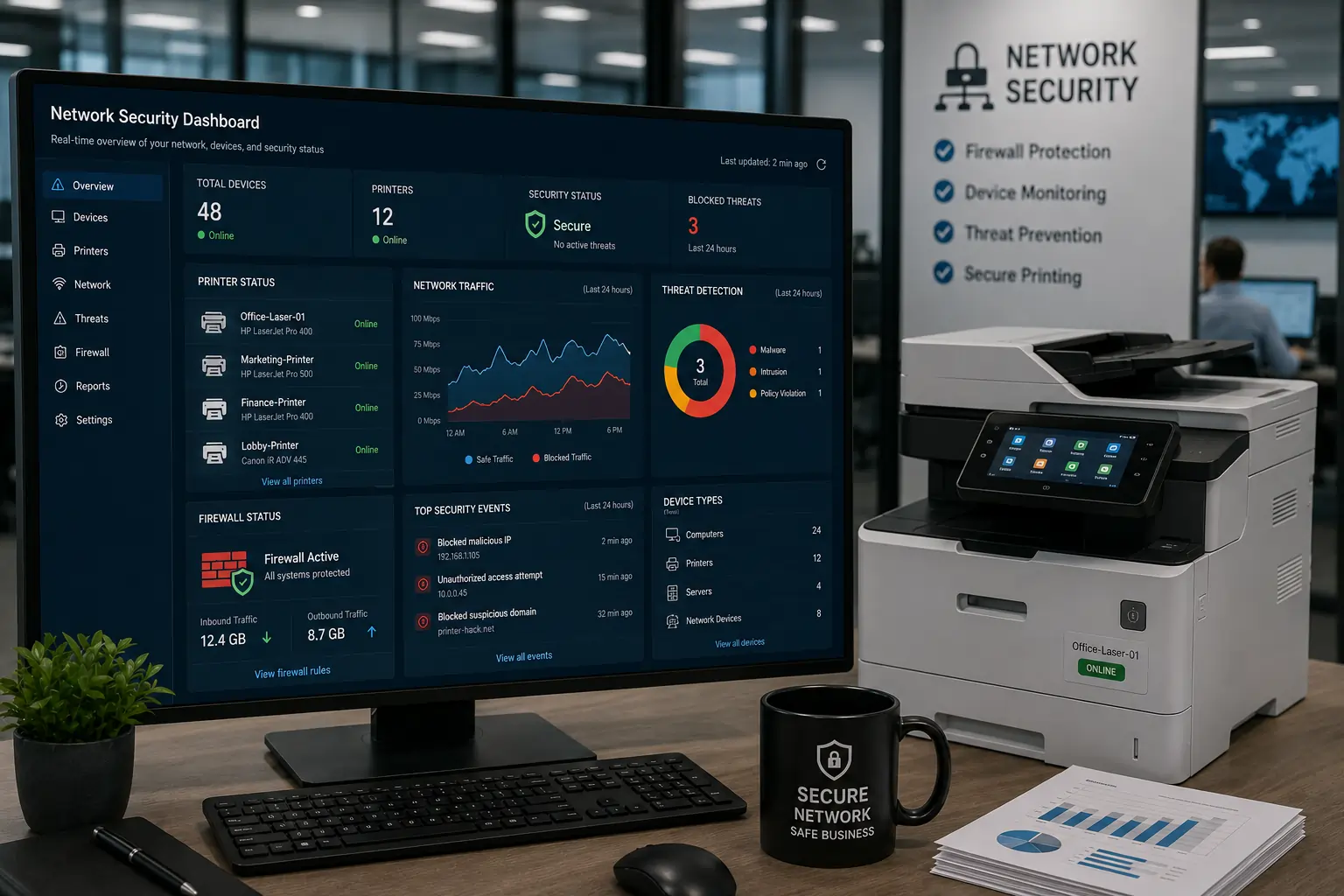
Printer security starts with overall network protection.
Place Printers Behind Firewalls
Firewalls help:
- Filter malicious traffic
- Restrict unauthorized access
- Protect internal devices
Separate Printers From Sensitive Systems
Businesses may use:
- VLAN segmentation
- Isolated printer networks
- Restricted device communication
Because of this, network segmentation reduces the impact of potential attacks.
Disable Unnecessary Printer Features
Many printers include features businesses never use.
Unused Services Increase Security Risk
Disable:
- Unused network protocols
- Remote administration tools
- Open ports
- Unnecessary cloud services
Reduce the Attack Surface
Fewer active services help:
- Improve security
- Reduce vulnerabilities
- Simplify printer management
As a result, limiting unnecessary functionality strengthens printer protection.
Use Encrypted Printing and Secure Access
Sensitive documents should not travel across networks unprotected.
Enable Secure Printing Features
Modern printers often support:
- Secure print release
- PIN protected printing
- Encrypted data transmission
Protect Confidential Documents
Secure printing helps reduce:
- Unauthorized document access
- Data exposure
- Internal security risks
Because of this, encrypted printing improves office privacy and compliance.
Monitor Printer Activity Regularly

Printer monitoring helps identify suspicious activity early.
Watch for Unusual Printer Behavior
Signs of possible security issues include:
- Unexpected print jobs
- Strange network activity
- Repeated login failures
- Printer slowdowns
Use Network Monitoring Tools
Businesses may monitor:
- Device traffic
- Printer usage logs
- Security alerts
As a result, proactive monitoring improves threat detection.
Restrict Printer Access to Authorized Users
Not every employee needs full printer administrative access.
Limit Administrative Permissions
Restrict:
- Configuration access
- Firmware management
- Security settings
Use Role Based Access Controls
Businesses can assign:
- User permissions
- Department level access
- Print quotas
Because of this, controlled access reduces accidental or malicious changes.
Protect Printers From Physical Tampering
Physical printer security also matters.
Restrict Access to Sensitive Printing Areas
Secure:
- Server rooms
- Print stations
- Shared office printers
Remove Stored Print Jobs
Some printers store:
- Cached documents
- Print histories
- Temporary files
As a result, proper printer management helps reduce data exposure risks.
Train Employees on Printer Cybersecurity
Human error remains one of the biggest security risks.
Employees Should Understand:
- Phishing risks
- Secure printing procedures
- Password safety
- Unauthorized device access
Security Awareness Reduces Risk
Basic cybersecurity training helps:
- Prevent accidental exposure
- Improve compliance
- Reduce operational vulnerabilities
Because of this, employee education strengthens overall office security.
Work With Trusted Printer and Toner Suppliers
Reliable technology providers often offer better security support.
Trusted Suppliers Provide:
- Firmware updates
- Product support
- Security documentation
- Compatibility guidance
Quality Equipment Improves Stability
Reliable printers and toner systems often:
- Perform more consistently
- Receive better long term support
- Reduce operational issues
As a result, supplier quality contributes to overall cybersecurity readiness.
Modern Printer Security Continues Evolving
Today’s enterprise printers increasingly include:
- Encrypted storage
- Secure boot systems
- Threat detection
- User authentication
- Automated firmware protection
According to HP and Canon security resources, businesses should treat printers as network connected endpoints requiring the same cybersecurity attention as computers and servers.
Conclusion
Modern toner printers are important business devices that require proper cybersecurity protection. By updating firmware, securing office networks, limiting unauthorized access, monitoring printer activity, and educating employees on printer security risks, businesses can significantly reduce the chances of hacking attempts and DoS attacks. As office printing systems continue becoming more connected, proactive printer security will remain essential for protecting sensitive business operations and maintaining reliable workplace productivity.