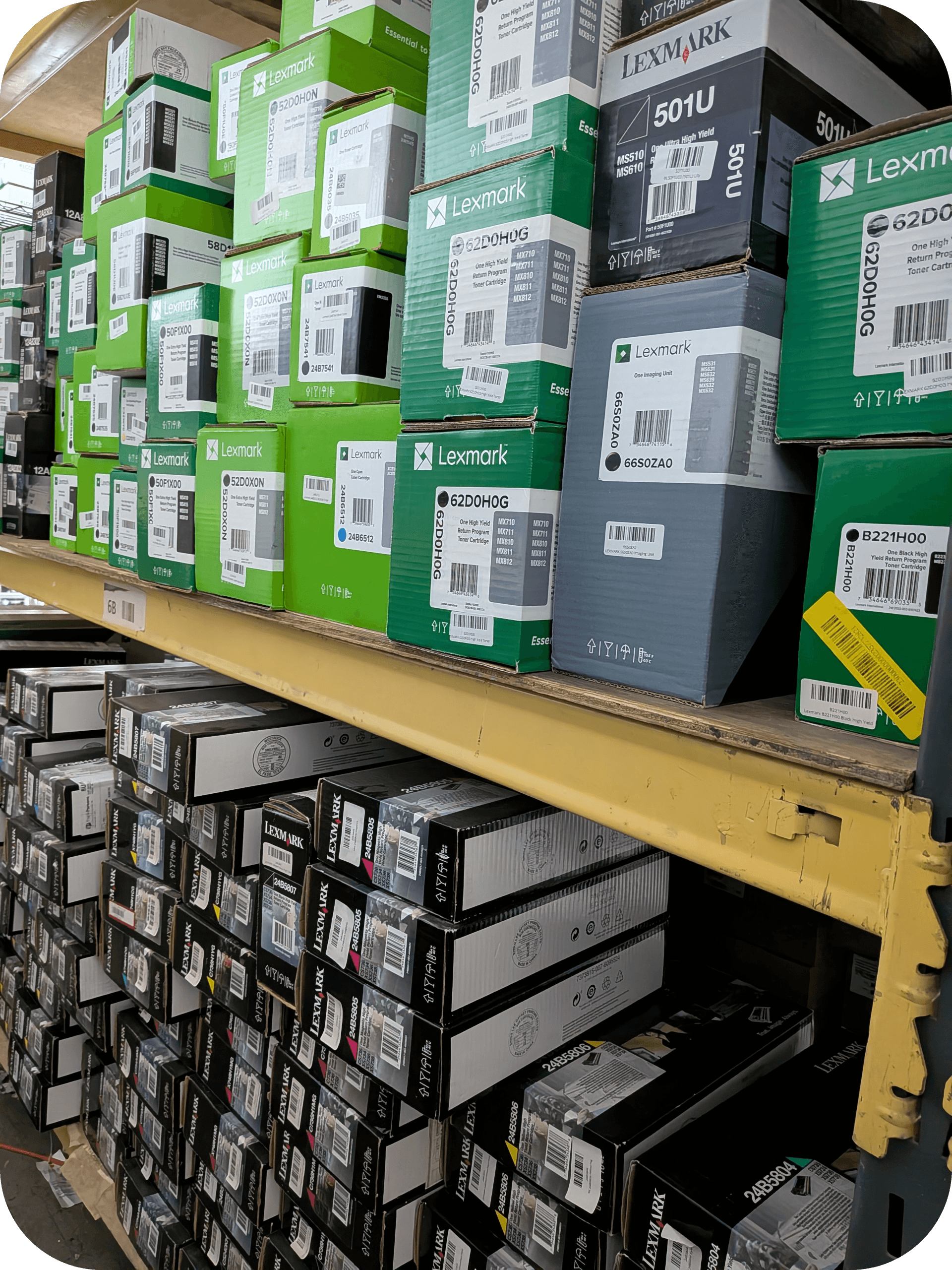
How to Fix a Dried Toner Cartridge and Improve Print Quality?
If you need to fix a dried toner cartridge, it’s important to know that toner itself doesn’t dry out like liquid ink. Instead, poor print quality is usually caused by compacted toner powder, improper storage, moisture, or worn cartridge components. Fortunately, many issues can be resolved without immediately replacing the cartridge.
Can a Toner Cartridge Actually Dry Out?
No. Toner is a dry powder, so it doesn’t dry out like ink, but it can become compacted or affected by moisture.
Unlike inkjet cartridges that contain liquid ink, laser printer toner cartridges are filled with a fine plastic-based powder. Because toner is already dry, it won’t evaporate over time. However, long-term storage, humidity, or lack of use can cause the toner powder to clump together, resulting in faded prints or uneven toner distribution.
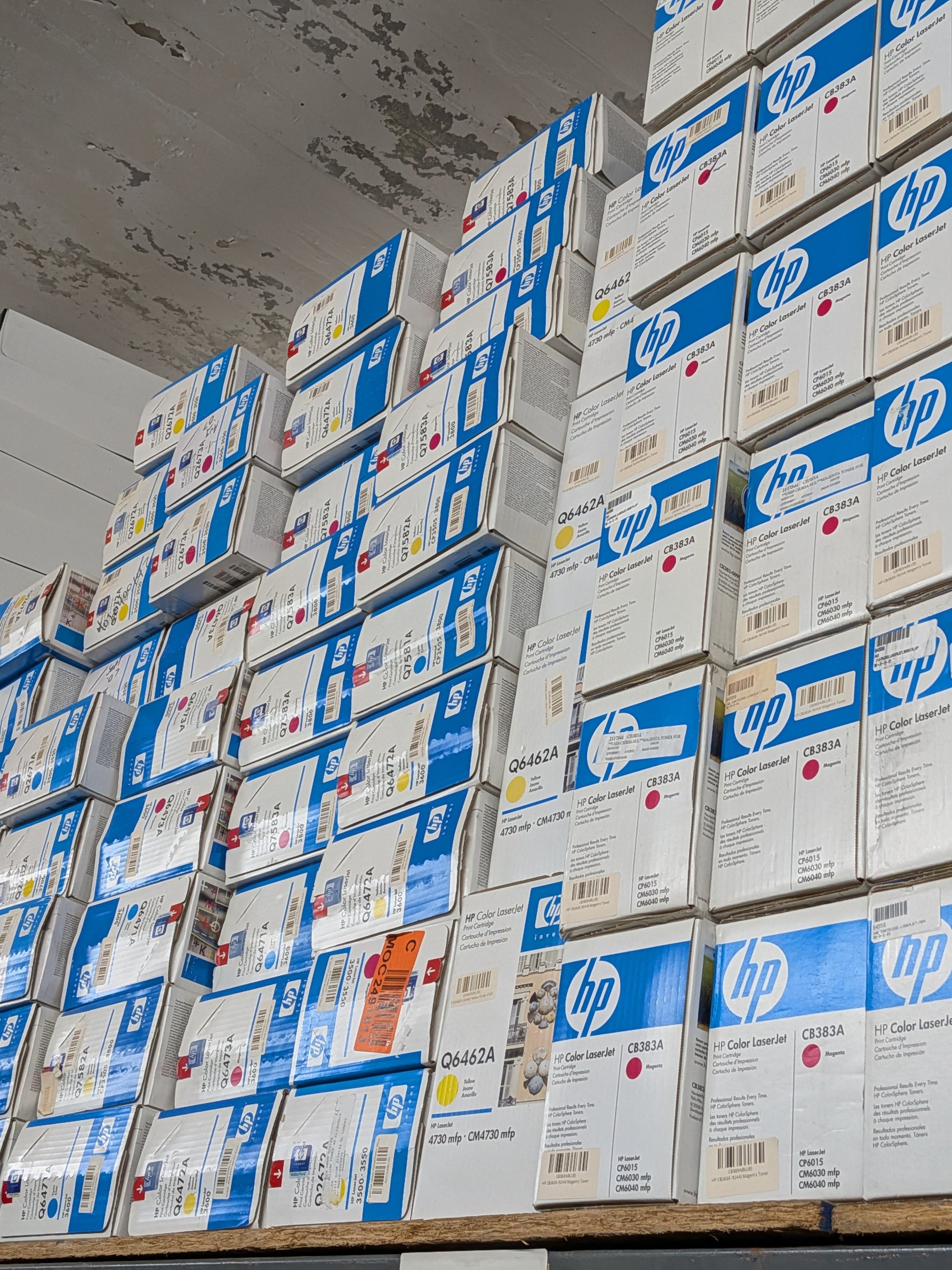
Definition:
A dried toner cartridge generally refers to a toner cartridge that produces poor print quality due to compacted toner, moisture exposure, or aging components, not because the toner itself has dried out.
Signs Your Toner Cartridge Needs Attention
Faded prints, streaks, and inconsistent coverage often indicate toner distribution problems.
Common symptoms include:
- Faded text
- Uneven black areas
- White streaks across pages
- Light printing
- Toner smudges
- Inconsistent print density
- “Low Toner” messages despite toner remaining
These issues often point to toner distribution problems rather than an empty cartridge.
How to Fix a Dried Toner Cartridge?
Gentle redistribution of the toner and basic printer maintenance often restore print quality.
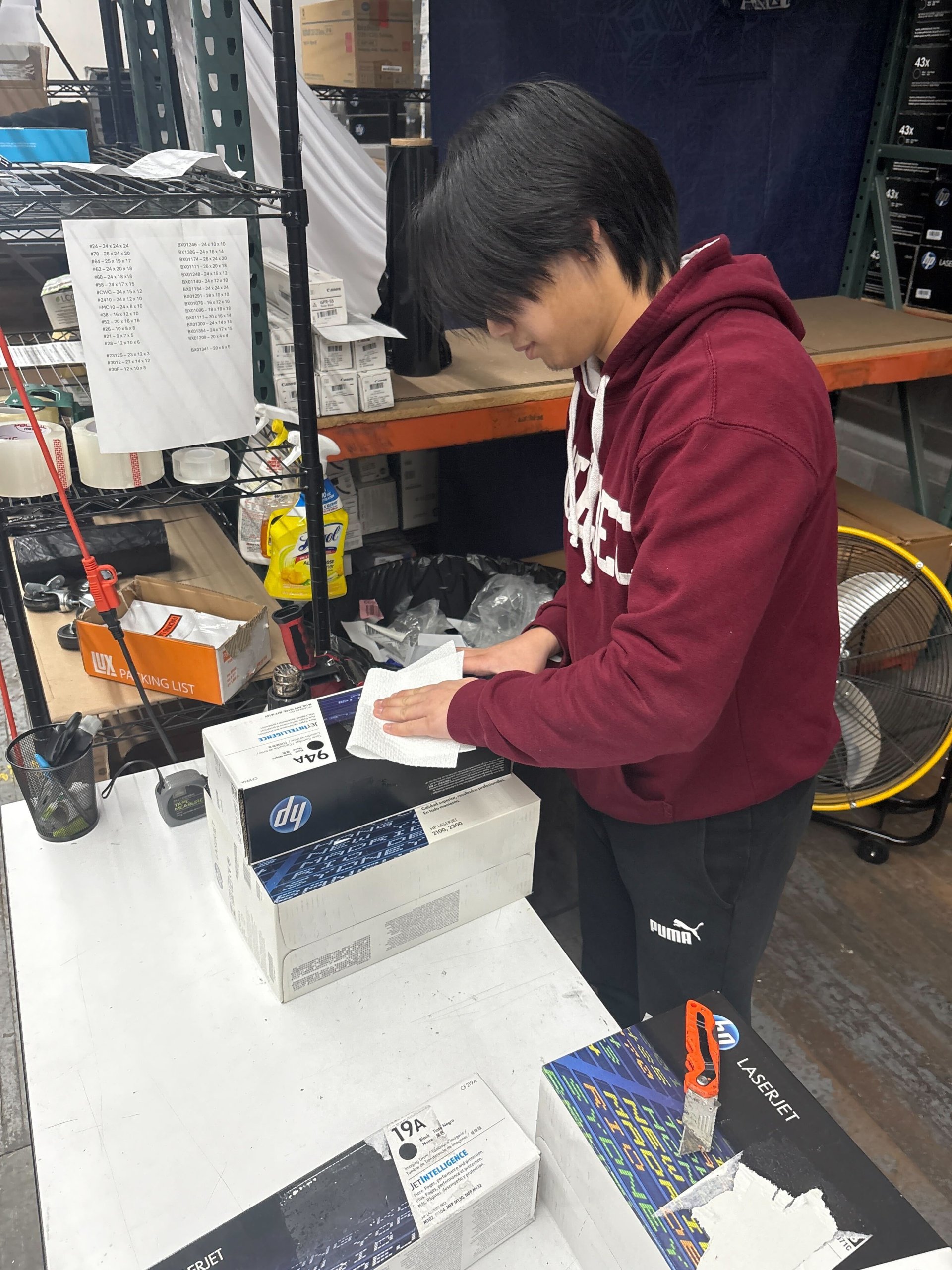
Gently Shake the Toner Cartridge
Redistributing toner powder is often the fastest solution.
Steps:
- Remove the toner cartridge.
- Hold it level.
- Gently rock it from side to side several times.
- Reinstall the cartridge.
- Print a test page.
Avoid shaking the cartridge aggressively, as excessive force may cause toner leakage.
Inspect for Moisture Damage
Moisture can cause toner powder to clump together.
Check for:
- Damp packaging
- Toner clumps
- Condensation
- Storage in humid environments
If moisture damage is severe, replacing the cartridge may be necessary.
Clean the Printer Interior
Excess toner buildup can affect print quality.
Using a lint-free cloth:
- Clean accessible toner residue.
- Avoid touching the imaging drum.
- Never use household vacuums unless designed for toner cleanup.
Follow your printer manufacturer’s cleaning recommendations.
Check the Imaging Drum
A worn imaging drum can mimic toner problems.
Inspect for:
- Scratches
- Toner buildup
- Damage
- Excessive wear
Many laser printers use separate imaging drums that require periodic replacement.
Print Several Test Pages
Regular printing helps redistribute toner evenly.
After reinstalling the cartridge:
- Print several text pages.
- Print a grayscale page.
- Compare print quality improvements.
Often, toner flow improves after several print jobs.
How to Improve Print Quality?
Good storage and regular printer maintenance help maintain sharp prints.
To improve print quality:
- Store toner in a cool, dry place.
- Keep cartridges sealed until use.
- Clean the printer regularly.
- Replace worn imaging drums.
- Use compatible OEM cartridges.
- Follow maintenance schedules.
These practices help maximize cartridge performance.
When Should You Replace the Toner Cartridge?
Replace the cartridge if troubleshooting no longer improves print quality.
Replacement may be necessary when:
- Toner is completely depleted.
- Cartridge housing is cracked.
- The imaging drum is damaged.
- Toner leaks occur.
- Print defects remain after maintenance.
Replacing worn components often restores print quality immediately.
Proper Toner Storage Tips
Correct storage prevents toner clumping and extends cartridge life.
Store toner:
- Flat, not upright
- In original packaging
- Away from direct sunlight
- In temperatures between 50°F–95°F (10°C–35°C), following manufacturer recommendations
- In low-humidity environments
Proper storage helps maintain consistent toner performance for years.
What Should You Do with Unused OEM Toner?
Unopened OEM toner cartridges may still have value if you no longer need them.
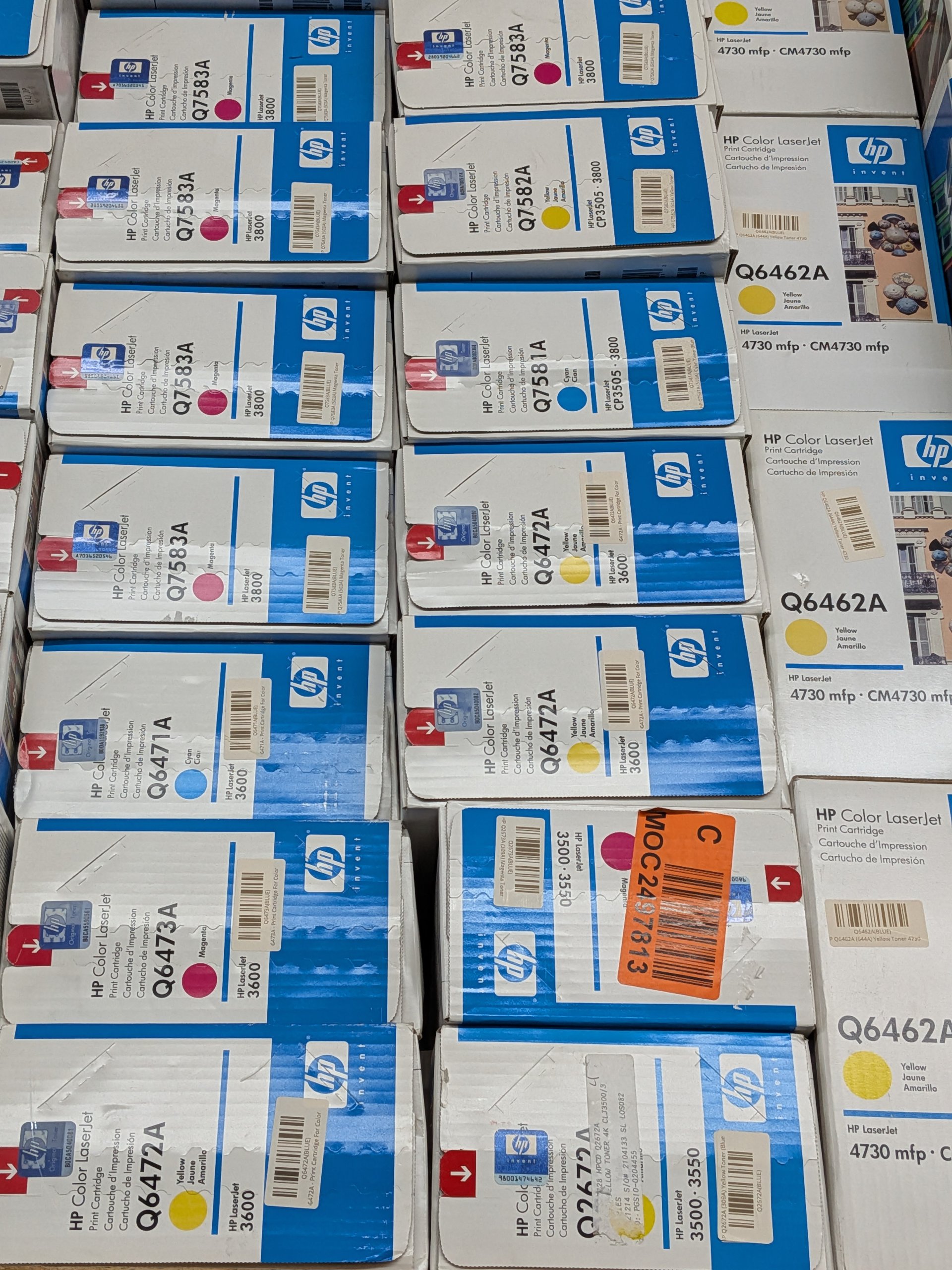
Businesses often replace printers before using all of their toner inventory. Instead of allowing unopened OEM toner to sit in storage, consider selling eligible cartridges through Toner Connect.
Benefits include:
- Recovering part of your original investment
- Reducing office waste
- Supporting sustainability initiatives
- Freeing valuable storage space
Helpful Statistics
Proper printer maintenance helps reduce waste and extend the lifespan of toner supplies.
Recent statistics include:
- According to the Global E-waste Monitor 2024, the world generated approximately 62 million metric tons of electronic waste in 2022, with only 22.3% formally recycled.
- The U.S. Environmental Protection Agency encourages reuse and responsible recycling to reduce landfill waste.
- Proper toner storage can help preserve unopened OEM cartridges for several years under recommended conditions.
Frequently Asked Questions
Here are answers to common questions about fixing a dried toner cartridge.
Can toner cartridges dry out?
No.
Toner is a dry powder and doesn’t dry out like ink. Print quality issues are usually caused by clumped toner, moisture, or worn cartridge components.
Does shaking a toner cartridge help?
Yes.
Gently rocking the cartridge can redistribute toner powder and temporarily improve print quality if toner has settled.
Can humidity damage toner?
Yes.
High humidity can cause toner powder to clump together, reducing print quality.
How long do toner cartridges last in storage?
Most unopened OEM toner cartridges remain usable for several years when stored properly in a cool, dry environment, although exact shelf life varies by manufacturer.
Conclusion
A “dried” toner cartridge is usually suffering from toner distribution or storage issues, not dried toner.
Before replacing your cartridge, try gently redistributing the toner, inspecting for moisture damage, cleaning the printer, and checking the imaging drum. These simple maintenance steps often restore print quality and extend the life of your toner cartridge. If you have unopened OEM toner that is no longer compatible with your printer, Toner Connect provides a convenient way to sell eligible cartridges and recover value.