
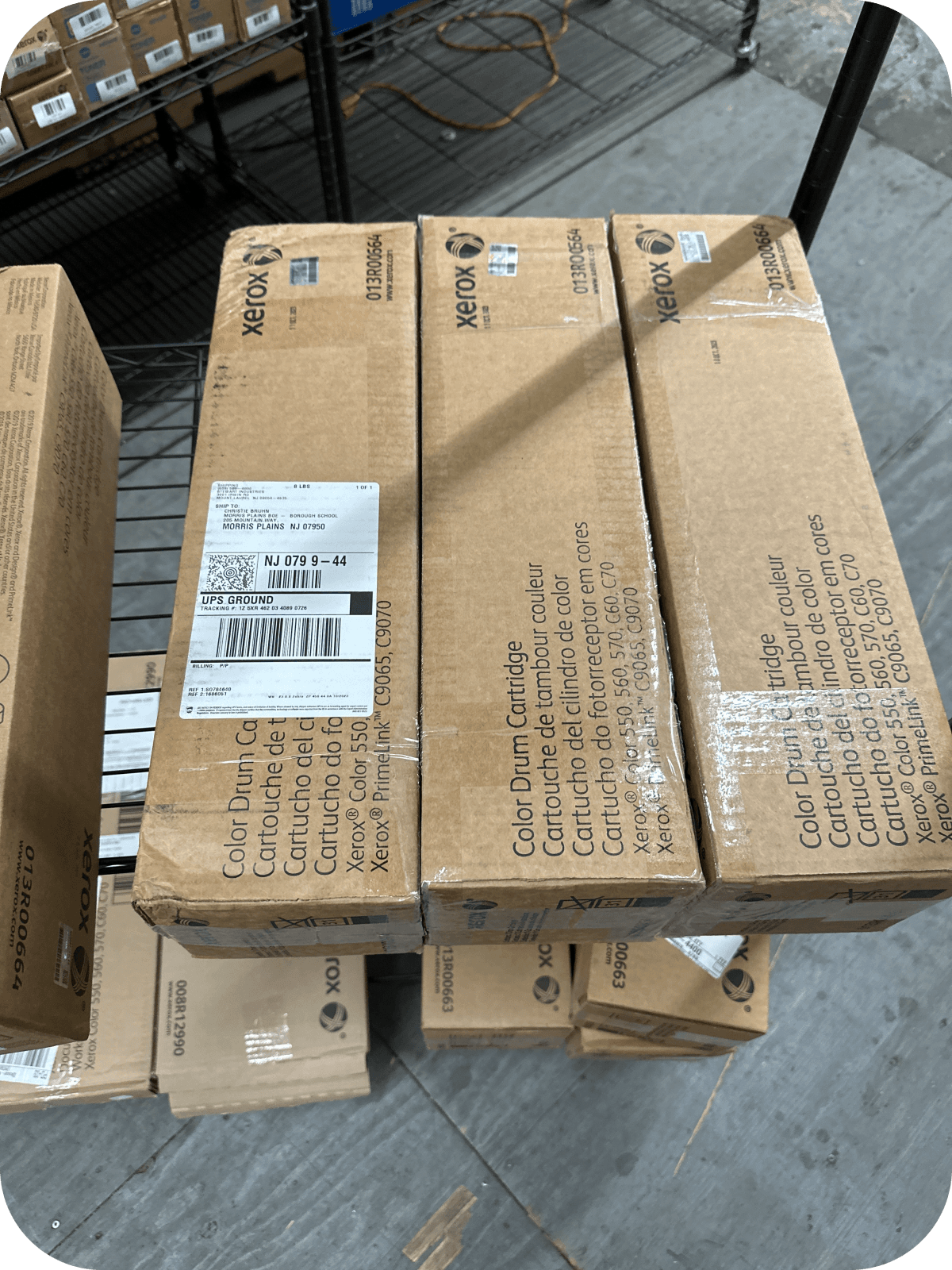
Printer Not Detecting Toner Cartridge? Don’t Replace It Yet!
If your printer is not detecting the toner cartridge, the cartridge may not be installed correctly, the protective seal may still be attached, or the printer may need a reset. Before buying a replacement, try a few simple troubleshooting steps that can often resolve the issue and restore normal printing.
Why Is My Printer Not Detecting the Toner Cartridge?
Incorrect installation, dirty contacts, or cartridge compatibility issues are the most common causes.
A printer that fails to recognize a toner cartridge doesn’t always mean the cartridge is defective. In many cases, the issue can be resolved without replacing the toner.
Common causes include:
- The cartridge isn’t fully seated.
- The protective seal hasn’t been removed.
- Dirty or damaged electrical contacts.
- An incompatible toner cartridge.
- Outdated printer firmware.
- A temporary printer error.
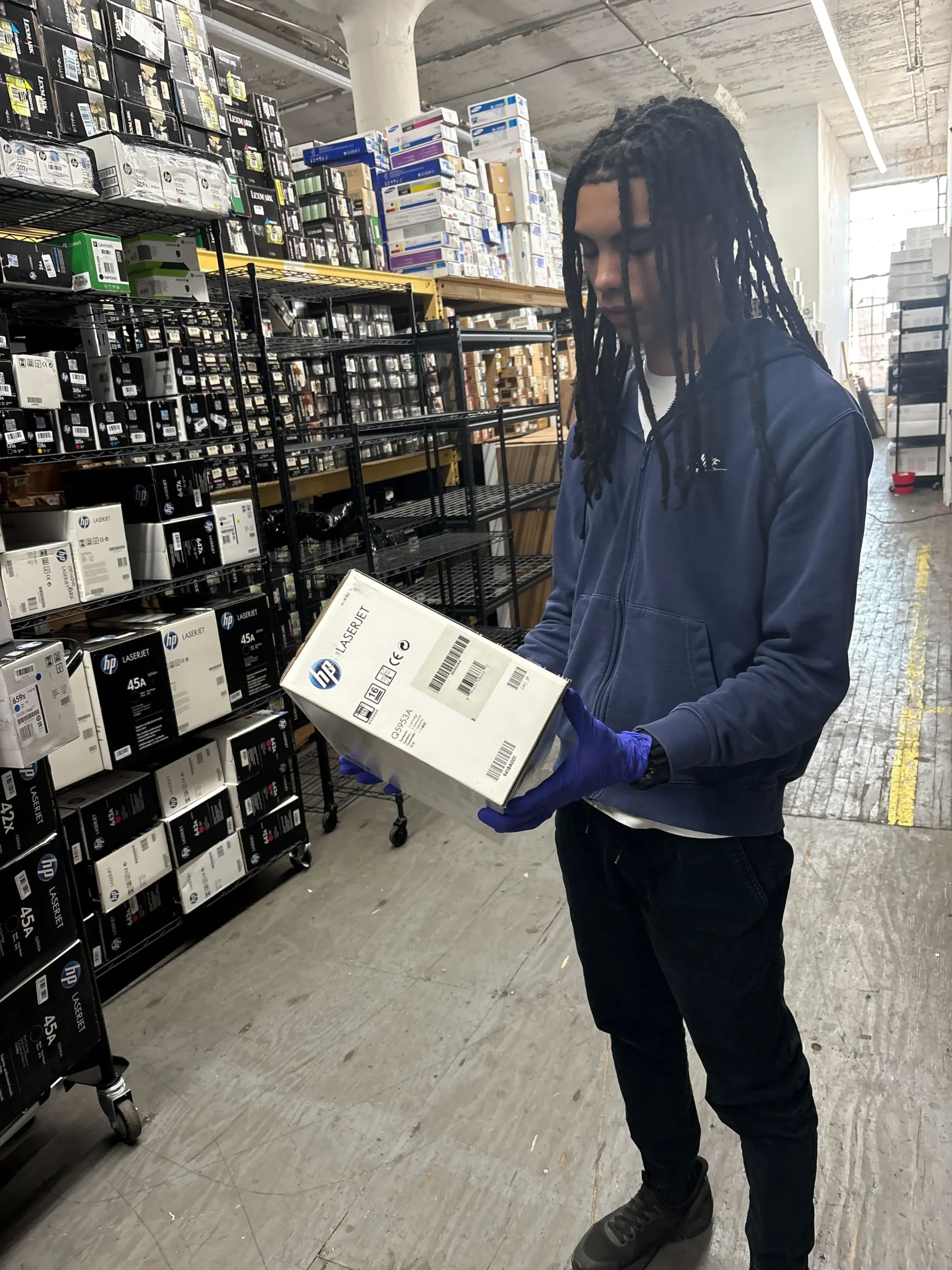
Definition:
A printer not detecting toner cartridge error occurs when the printer cannot recognize or communicate with the installed toner cartridge, preventing normal printing.
Signs Your Printer Isn’t Detecting the Toner Cartridge
Error messages and printing interruptions are the most common signs.
You may notice messages such as:
- “No Toner Detected”
- “Install Toner”
- “Replace Toner”
- “Cartridge Not Recognized”
- “Incompatible Toner Cartridge”
Other symptoms include:
- The printer refuses to print.
- The toner level displays as empty.
- The printer repeatedly asks you to reinstall the cartridge.
How to Fix a Printer Not Detecting Toner Cartridge?
Start with simple checks before assuming the cartridge is faulty.
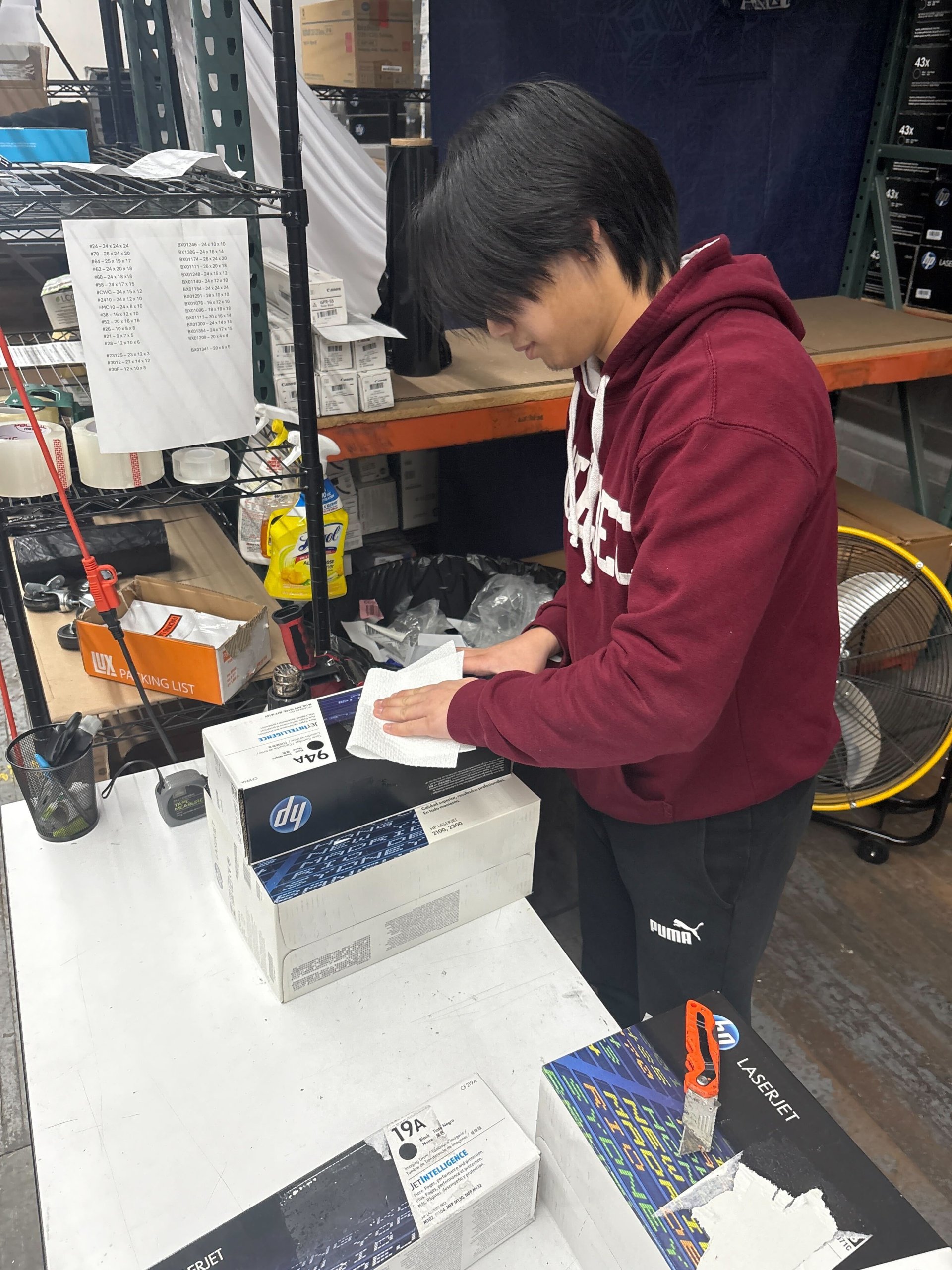
Remove and Reinstall the Cartridge
Make sure the cartridge clicks securely into place.
Steps:
- Turn off the printer.
- Remove the toner cartridge.
- Inspect it for damage.
- Reinstall it carefully.
- Turn the printer back on.
A loose cartridge is one of the most common causes of detection errors.
Remove the Protective Seal
A forgotten seal can prevent the printer from recognizing the cartridge.
Most new toner cartridges include:
- Protective tape
- Plastic covers
- Pull tabs
Ensure all packaging materials are removed before installation.
Clean the Cartridge Contacts
Dirty contacts can interrupt communication between the printer and the cartridge.
Use a clean, lint-free cloth to gently wipe the electrical contacts on both:
- The toner cartridge
- The printer
Avoid using water or harsh cleaning chemicals.
Restart the Printer
Restarting can clear temporary system errors.
Turn off the printer.
Unplug it for one minute.
Reconnect the power and restart the printer.
Many temporary recognition problems are resolved after a full restart.
Verify Cartridge Compatibility
Make sure the toner matches your exact printer model.
Check:
- Printer model number
- Cartridge model number
- Manufacturer compatibility list
Even cartridges from the same brand may not fit every printer.
Update Printer Firmware
Firmware updates can improve cartridge recognition.
Manufacturers occasionally release firmware updates that improve printer performance and compatibility.
Visit your printer manufacturer’s support page for instructions.
Can Compatible Toner Cause Detection Problems?
Some compatible cartridges may require additional troubleshooting.
While many compatible cartridges work well, detection problems can occur if:
- The cartridge chip is incompatible.
- Manufacturing quality varies.
- The printer firmware blocks certain third-party cartridges.
Purchasing cartridges from reputable suppliers helps reduce these risks.
When Should You Replace the Toner Cartridge?
Replace the cartridge only after basic troubleshooting has failed.
Replacement may be necessary if:
- The cartridge housing is damaged.
- The chip is defective.
- Toner leaks are present.
- The cartridge remains unrecognized after testing.
- Another compatible cartridge works correctly.
Avoid replacing toner until you’ve ruled out installation or printer issues.
How to Prevent Toner Detection Problems?
Proper installation and storage can help prevent future errors.
Best practices include:
- Buy cartridges designed for your printer model.
- Store toner in a cool, dry place.
- Keep cartridges sealed until use.
- Follow installation instructions carefully.
- Update printer firmware when recommended.
- Avoid touching electrical contacts.
Preventive maintenance reduces unnecessary downtime.
What Should You Do with Unused OEM Toner?
If you have unopened OEM toner that no longer fits your printer, you may be able to sell it.
Businesses frequently replace printers, leaving behind unopened OEM toner that is no longer compatible.
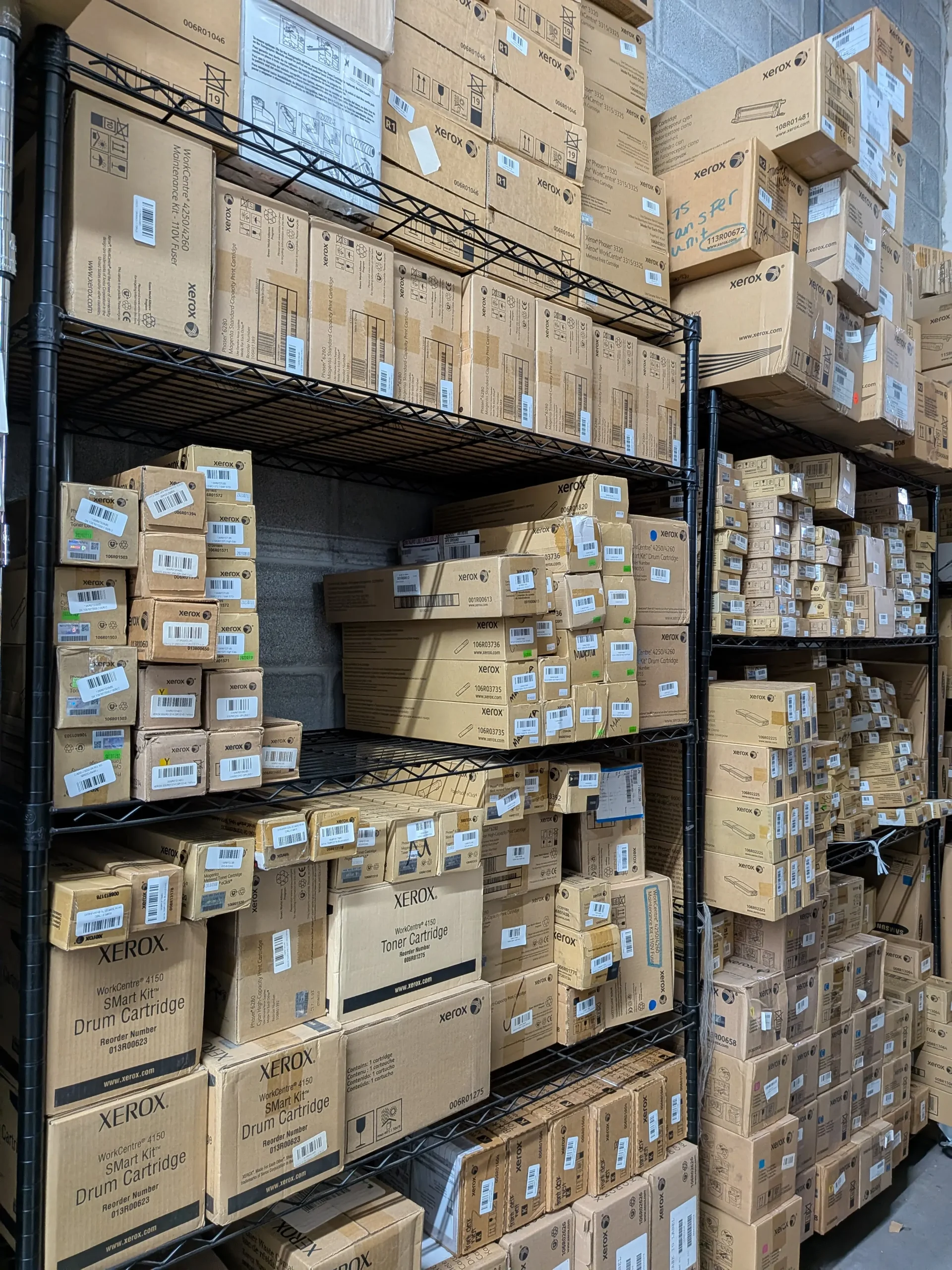
Instead of storing those cartridges indefinitely, consider selling eligible OEM toner through Toner Connect.
Benefits include:
- Recovering part of your investment
- Reducing office clutter
- Supporting sustainability
- Preventing unnecessary waste
Helpful Statistics
Printer maintenance and responsible toner management help reduce waste and operating costs.
Recent data includes:
- The world generated 62 million metric tons of electronic waste in 2022.
- Only 22.3% of global e-waste was formally recycled in 2022.
- Proper maintenance helps extend printer life and reduce unnecessary cartridge replacement.
Frequently Asked Questions
Here are answers to common questions about printer toner detection issues.
Why won’t my printer recognize a new toner cartridge?
The cartridge may not be installed correctly, the protective seal may still be attached, or the cartridge may not be compatible with your printer.
Can restarting the printer fix the problem?
Yes.
Restarting often clears temporary communication errors between the printer and cartridge.
Should I replace the toner immediately?
No.
Try reinstalling, cleaning the contacts, and checking compatibility before purchasing a replacement.
Can unopened OEM toner be sold?
Yes.
If you no longer need unopened OEM toner, companies like Toner Connect may purchase eligible cartridges.
Conclusion
A printer not detecting a toner cartridge doesn’t always mean you need a new one.
Most detection issues are caused by installation errors, dirty contacts, compatibility problems, or temporary printer glitches. By following the troubleshooting steps above, you can often restore normal printing without replacing the cartridge. And if you have unopened OEM toner that no longer fits your printer, Toner Connect offers a convenient way to recover value by purchasing eligible surplus toner.