
Do I Need to Replace the Drum Unit Too? Here’s How to Tell
If you’ve recently replaced your toner cartridge but your printer is still producing poor-quality prints, you may be asking an important question: Do I need to replace the drum unit too? It’s a common issue that many printer owners face, especially with laser printers that use separate toner cartridges and drum units.
While toner cartridges and drum units work together, they serve different functions and do not always wear out at the same time. Understanding the role of the drum unit and recognizing the signs of wear can help you avoid unnecessary replacements while maintaining high-quality printing.
This guide explains when you should replace the drum unit, how it differs from a toner cartridge, and how to identify common drum-related print issues.
What Is a Drum Unit?
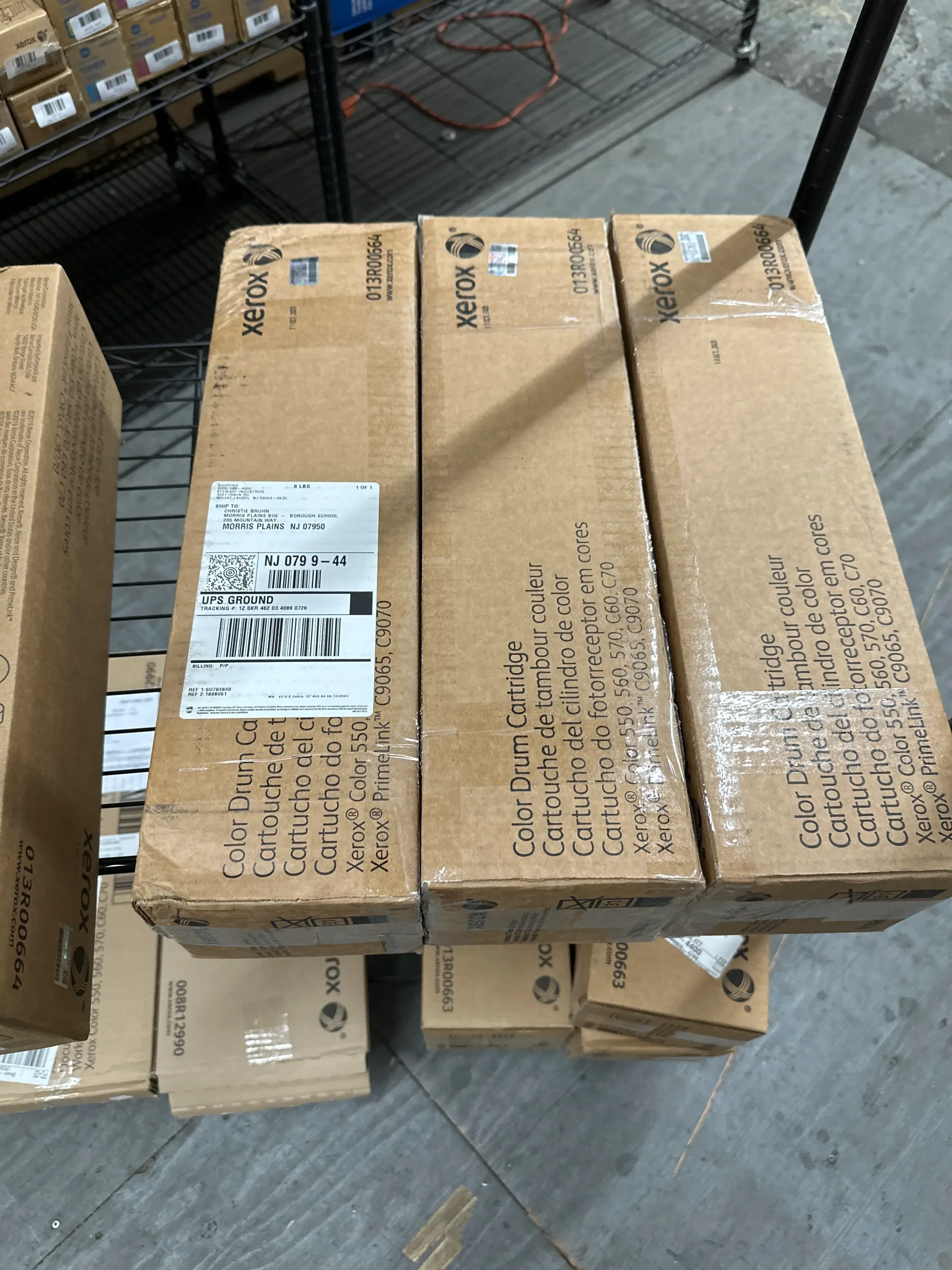
Many people confuse toner cartridges and drum units, but they are separate components in many laser printers.
The Toner Cartridge Holds Toner Powder
The toner cartridge stores the toner that is transferred to paper during printing.
The Drum Unit Transfers Toner to the Page
The drum unit is responsible for:
- Receiving an electrical charge
- Attracting toner particles
- Transferring toner onto paper
- Creating the printed image
Because of this, even a brand-new toner cartridge may not solve print quality issues if the drum unit is worn out.
Do Toner Cartridges and Drum Units Last the Same Amount of Time?
In most cases, no.
Toner Cartridges Usually Require More Frequent Replacement
Depending on usage, toner cartridges may last:
- A few thousand pages
- Several months in a typical office
Drum Units Often Last Longer
Many drum units are designed to last:
- Multiple toner cartridge cycles
- 10,000 to 50,000 pages depending on the model
As a result, you typically replace toner cartridges more often than drum units.
Signs You Need to Replace the Drum Unit
Several print quality issues may indicate that the drum unit is reaching the end of its lifespan.
Repeating Marks or Lines
If you notice:
- Repeating spots
- Vertical lines
- Consistent streaks
the drum unit may be damaged or worn.
Faded Print Quality
A worn drum can produce:
- Light text
- Uneven toner coverage
- Inconsistent image quality
Because of this, fading may not always be caused by low toner.
Black Spots and Smudges Can Signal Drum Problems
Certain print defects often point directly to the drum unit.
Watch for:
- Black dots
- Toner smears
- Ghost images
- Repeated patterns
Why This Happens?
Over time, the drum surface can:
- Become scratched
- Accumulate debris
- Lose its ability to transfer toner accurately
As a result, print quality begins to decline.
Your Printer May Display a Drum Warning
Many modern laser printers monitor drum usage.
Common Messages Include:
- Replace Drum
- Drum End Soon
- Drum Life Expired
- Drum Warning
Follow Manufacturer Recommendations
While some warnings allow additional usage, they should not be ignored indefinitely.
Because of this, printer alerts can provide a helpful indication of drum health.
How to Check Your Drum Unit?
If you suspect a drum issue, a visual inspection may help.
Carefully Remove the Drum Unit
Follow the printer manufacturer’s instructions.
Look for:
- Scratches
- Toner buildup
- Surface damage
- Visible wear
As a result, obvious defects often confirm that replacement is needed.
Businesses looking for reliable OEM toner and printing supplies can explore options from Toner Connect.
When Replacing Toner Doesn’t Fix the Problem?
Many users assume poor print quality automatically means the toner cartridge is empty.
Common Mistake
Replacing toner without checking the drum unit can lead to:
- Continued print defects
- Unnecessary cartridge purchases
- Frustration
Consider Both Components
If print problems continue after installing new toner, the drum unit becomes a likely suspect.
Because of this, troubleshooting should include both toner and drum inspection.
Can You Extend the Life of a Drum Unit?
Proper printer care may help maximize drum performance.
Best Practices Include:
- Using quality toner cartridges
- Keeping printers clean
- Avoiding excessive dust exposure
- Following maintenance schedules
Handle Drum Units Carefully
Avoid:
- Touching the drum surface
- Exposing the drum to bright light
- Dropping the unit
As a result, careful handling helps prevent premature wear.
Should You Replace the Drum Unit and Toner Together?
Not necessarily.
It Depends on Printer Design
Some printers use:
- Combined toner and drum assemblies
- Separate toner and drum components
Replace Only What’s Needed
If the toner is full but the drum is worn, replacing only the drum may be sufficient.
Because of this, understanding your printer model can save money.
What Happens If You Ignore a Worn Drum Unit?
Continuing to use a failing drum unit may result in:
Print Quality Issues
- Faded documents
- Smudges
- Streaks
- Missing sections
Reduced Productivity
Employees may spend time:
- Reprinting documents
- Troubleshooting issues
- Managing print failures
As a result, delaying drum replacement can affect business efficiency.
Knowing When to Replace the Drum Unit Saves Time and Money
Understanding the difference between toner cartridges and drum units can help prevent unnecessary expenses and printing frustrations. While toner cartridges are often replaced more frequently, drum units eventually wear out and can significantly affect print quality.
By recognizing warning signs such as streaks, fading, repeating marks, and printer alerts, you can determine when it’s time to replace the drum unit and restore optimal printer performance.
Conclusion
Replacing a toner cartridge doesn’t always solve printing problems. In many cases, the drum unit is responsible for faded prints, streaks, smudges, and recurring image defects. By learning how drum units work and recognizing the warning signs of wear, you can make informed maintenance decisions, improve print quality, and extend the life of your office printing equipment.