

If the coming winter makes you worried about your printers, especially your ink and toner cartridges, you are not alone. After all, your investment is at stake. Cold Weather Care for Your Ink and Toner Cartridges is essential during winter months, when freezing temperatures can damage printers, toner cartridges, and ink supplies if they are not properly protected.
Speaking of investment, what’s most likely to expose your printer to risk?
Would your printer spend the night in a freezing car? Would you leave a copier in an unheated trailer, cabin, or tent? Would your office heater be turned off over the weekend?
Are you considering buying a new printer from a store and worried it may have been exposed to cold weather? Is your printer exposed to the elements in any way?
If you answered yes to any of these questions, concern will naturally increase as temperatures drop, and it should.
Let’s protect your copier. Use the cartridge tips below to weather the storm.
Printer Maintenance in Winter | Cold Weather Care for Your Ink and Toner Cartridges
In this section, we’ll examine common cold-weather scenarios and share tips on how to handle them as part of proper Cold Weather Care for Your Ink and Toner Cartridges. Let’s assume you’ve just acquired a printer from a store that may have exposed it to low temperatures.
One of the most important tips is not to turn on the printer immediately after unwrapping it. Allow at least two hours before powering it on.
Condensation in your cartridge can cause your toner to clump. Clumped toners can damage your printer.
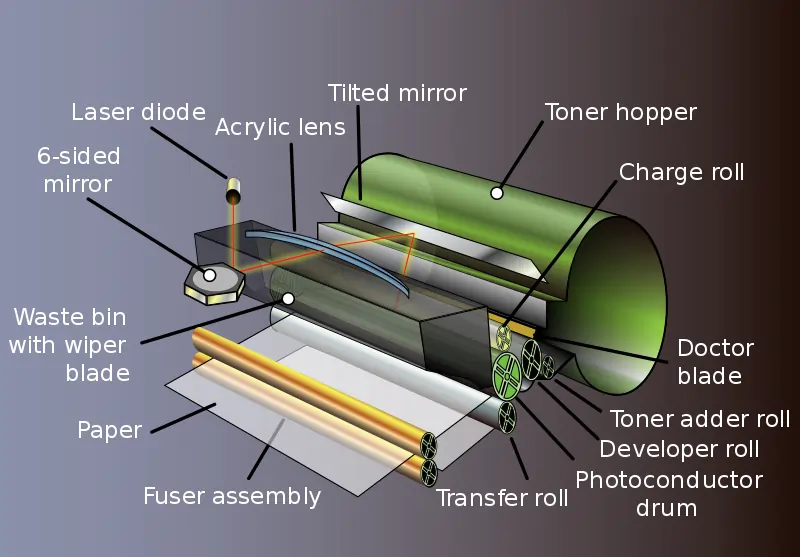
Image Credit: Wikimedia Commons
To prevent damage, give your new printer sometime before powering it on. The delay allows time for your printer to reach room temperature, and allow internal condensation to evaporate. Leaving your printer to rest for a while before turning it on saves you the risk of damaging sensitive printer parts.
Toner Cartridge Tips for Winter Storage and Cold Weather Care
Static build-up becomes a concern for toner cartridges during winter because it significantly affects print quality. Laser printers rely on static electricity to charge the drum and attract toner particles to the paper.
When excess static builds up, printing problems can occur. These include streaks, blotches, overly bold prints, faint output, or background haze.
Toner cartridges generally tolerate cold weather well, except for issues related to static and condensation. The following tips help ensure proper Cold Weather Care for Your Ink and Toner Cartridges.
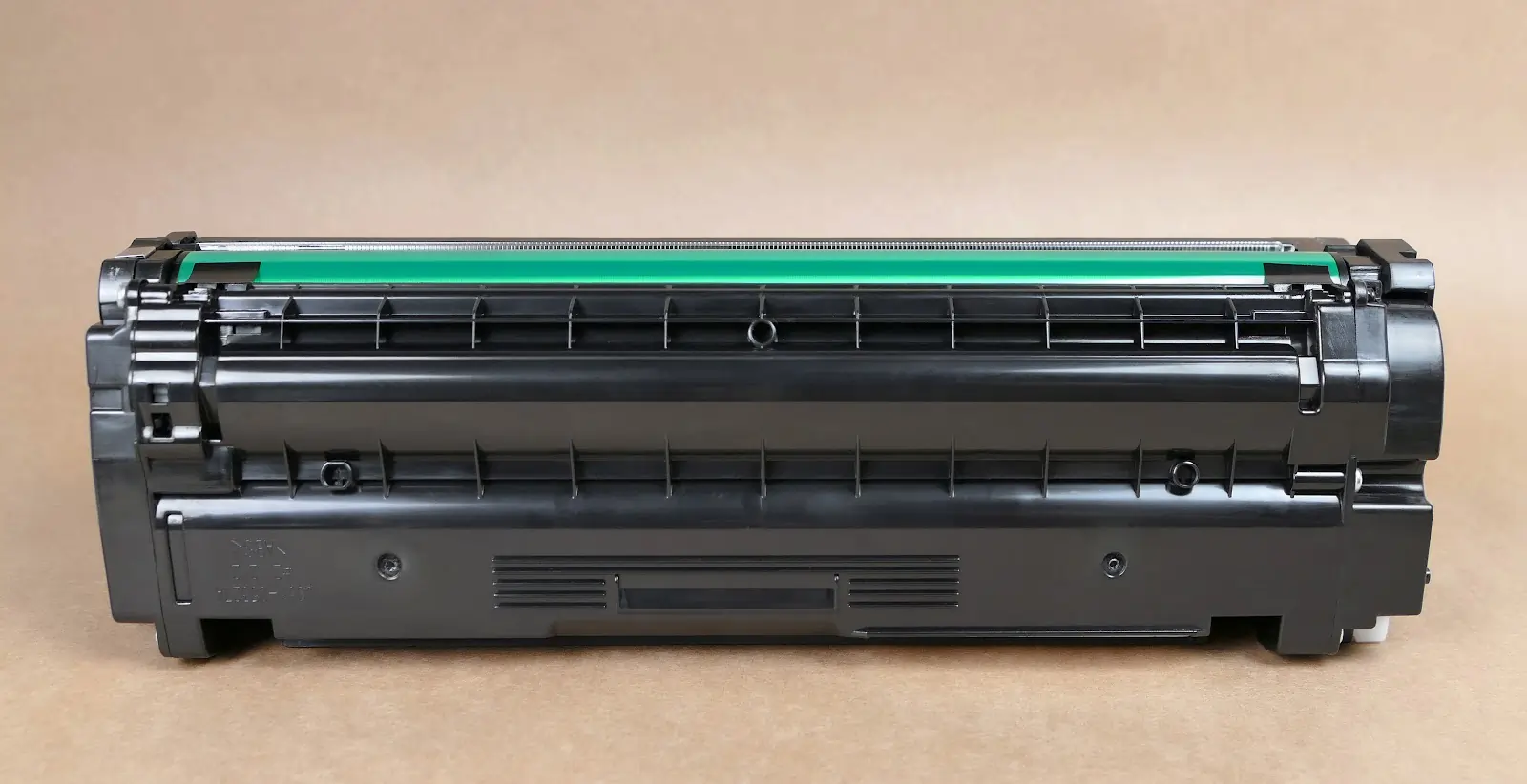
Image Credit: Wikimedia Commons
Static Build-Up and Cold Weather Care for Your Ink and Toner Cartridges
-
Stock up on Toners and other static-sensitive components: Toner, transfer rollers, high-voltage power supplies, and DC controllers are all sensitive to static discharge. During winter, static buildup can damage these components. Stocking up ahead of time supports long-term Cold Weather Care for Your Ink and Toner Cartridges.
-
Use anti-static wipes during maintenance: When performing maintenance, clean the interior and exterior panels with anti-static wipes. While these wipes won’t eliminate static entirely, they help reduce buildup during winter maintenance.
-
Use Energy Star® Laser Printers: Energy costs go up in winter, so you’re probably looking for ways to bring them down. Brother HL-2140 Personal Laser printer and HP Color LaserJet 4700dh are Energy Star® Laser Printers you may want to consider.
-
Turn off your laser printer when not in use: This is another energy saving tip.
-
Batch your printing: Toner printers require heat to operate and go through a warm-up cycle. During winter, this process uses more energy. Batch print jobs to take advantage of the printer’s warm state.
Ink Cartridge Tips: Cold Weather Care for Your Ink and Toner Cartridges
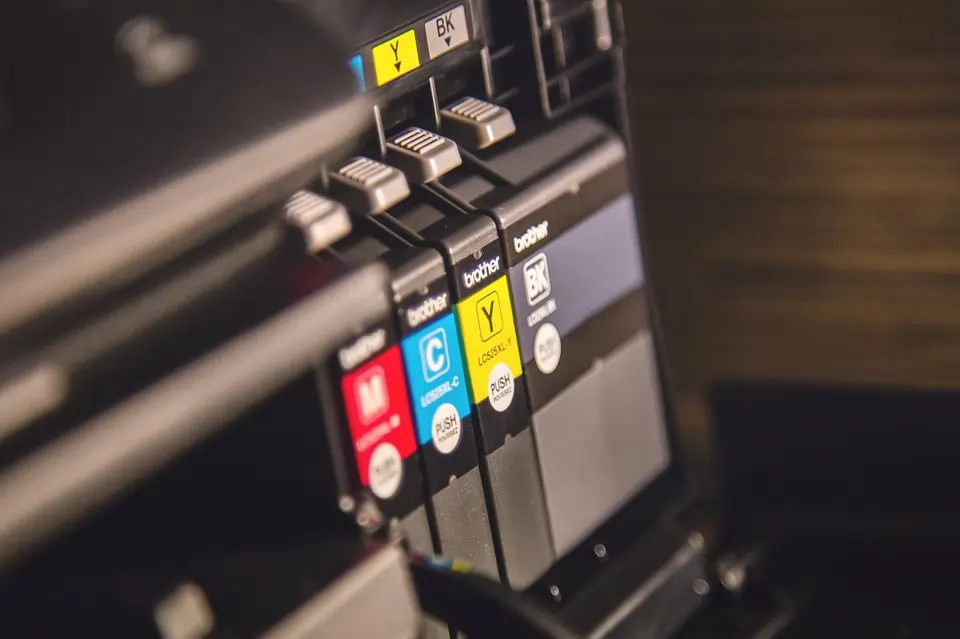
Image Credit: Pixabay
During cold or winter seasons your ink cartridge stands the risk of being severely hit by the bad weather. The ink cartridge’s composite material is responsible for its fragility:
-
An emulsified mix consisting of pigment,
-
A proprietary mix of some surfactants and glycerin acting as a liquid pigment carrier,
-
A humectant such as 2-propenol, and
-
Water serves as an aqueous carrier of the humectant.
Ink can freeze at temperatures around or below 0°C (32°F). When this happens, the ink’s color particles start to separate and settle. As the water inside the ink freezes, it expands, which can crack the plastic cartridge. Worst of all, once the cartridge thaws, the ink may no longer mix properly, making it unusable.
In short, don’t let your ink cartridge freeze!
If you plan to print regularly during the winter season, you should consider acquiring a thermal printer. Thermal printers don’t require toner, ribbons, or ink; they almost never need replacement of supplies and run on little maintenance.
However, thermal printers have limitations. They print only in black and white, may fade over time, are not suitable for high-contact use, and have limited applications.
If thermal or inkjet printers don’t meet your needs, toner cartridge printers remain a reliable option during winter.
Conclusion
If you exposed your printer ink to freezing or below freezing temperatures, then you want to let it thaw and then let the temperature reach, at least, 50 degrees Fahrenheit (.e. 10 degree Celsius) before printing. For your printer to work well, its belts and electrical components must be pliable.
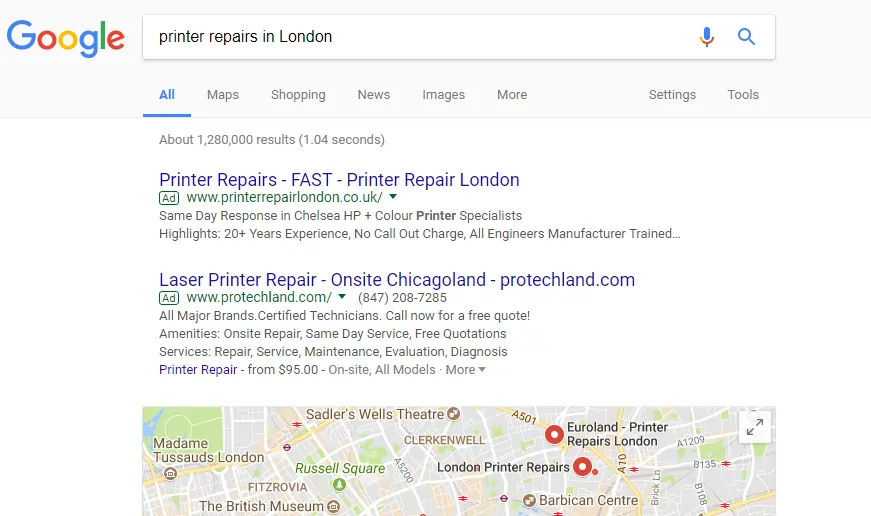
If you suspect that your printer is damaged, get a technician to help you examine it. If you don’t know any repairs shop near you, use Google to find them. To use Google enter “printer repairs in [YOUR CITY]” without the quotation marks (as seen in the image below), you should see one (or more) viable repairs place close to you.
Finally, if you’ve stocked up on new cartridges and wouldn’t be needing them anymore, We Toner Connect, buy unused new cartridges at the best rates.