
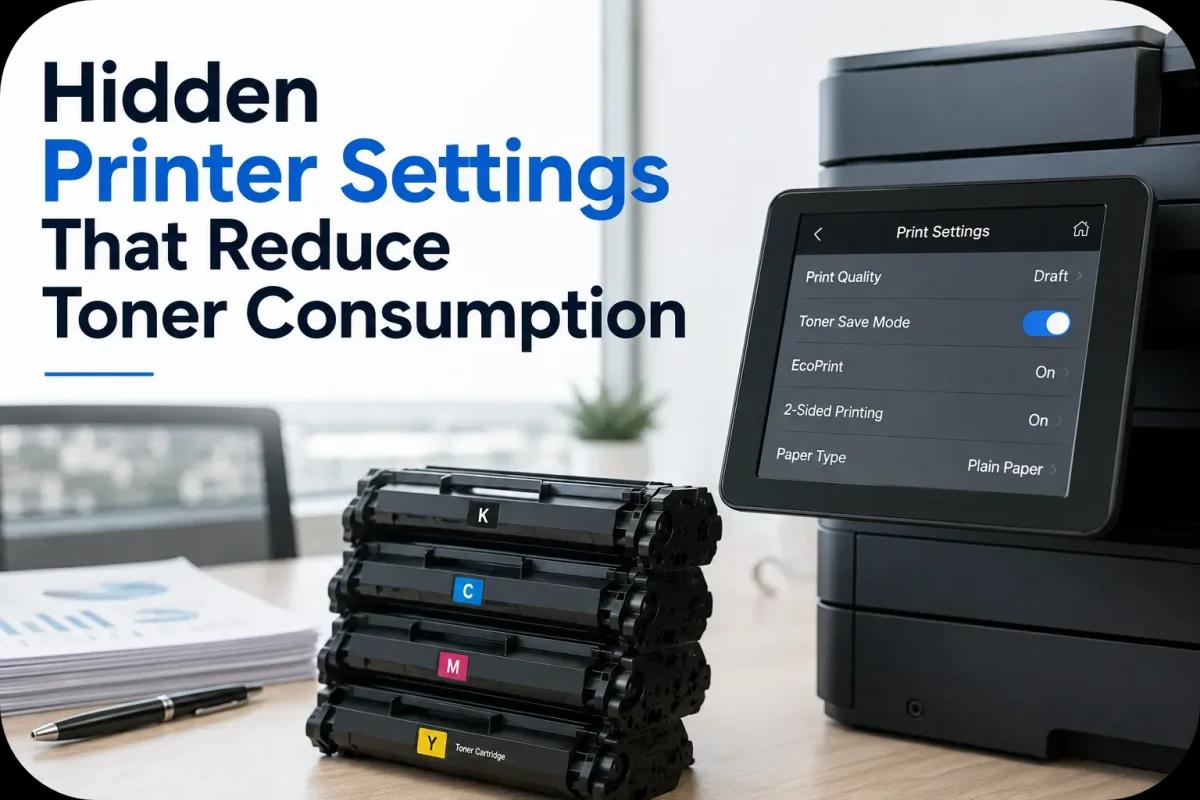
Hidden Printer Settings That Reduce Toner Consumption
Printing costs can quietly become a major expense for businesses, schools, and home offices. While many people focus on toner cartridge prices, few realize that modern printers already include built in settings specifically designed to reduce toner consumption and improve printing efficiency. These hidden printer features can help extend cartridge lifespan, lower office supply costs, and support more sustainable printing habits without dramatically sacrificing print quality.
Many laser printers now include advanced toner management controls that allow users to optimize toner usage based on document type, print quality needs, and office workflows. However, these settings are often buried deep inside printer menus or overlooked entirely by users.
This guide explores hidden printer settings that reduce toner consumption and help businesses print smarter while lowering operational costs.
Enable Toner Saving Mode
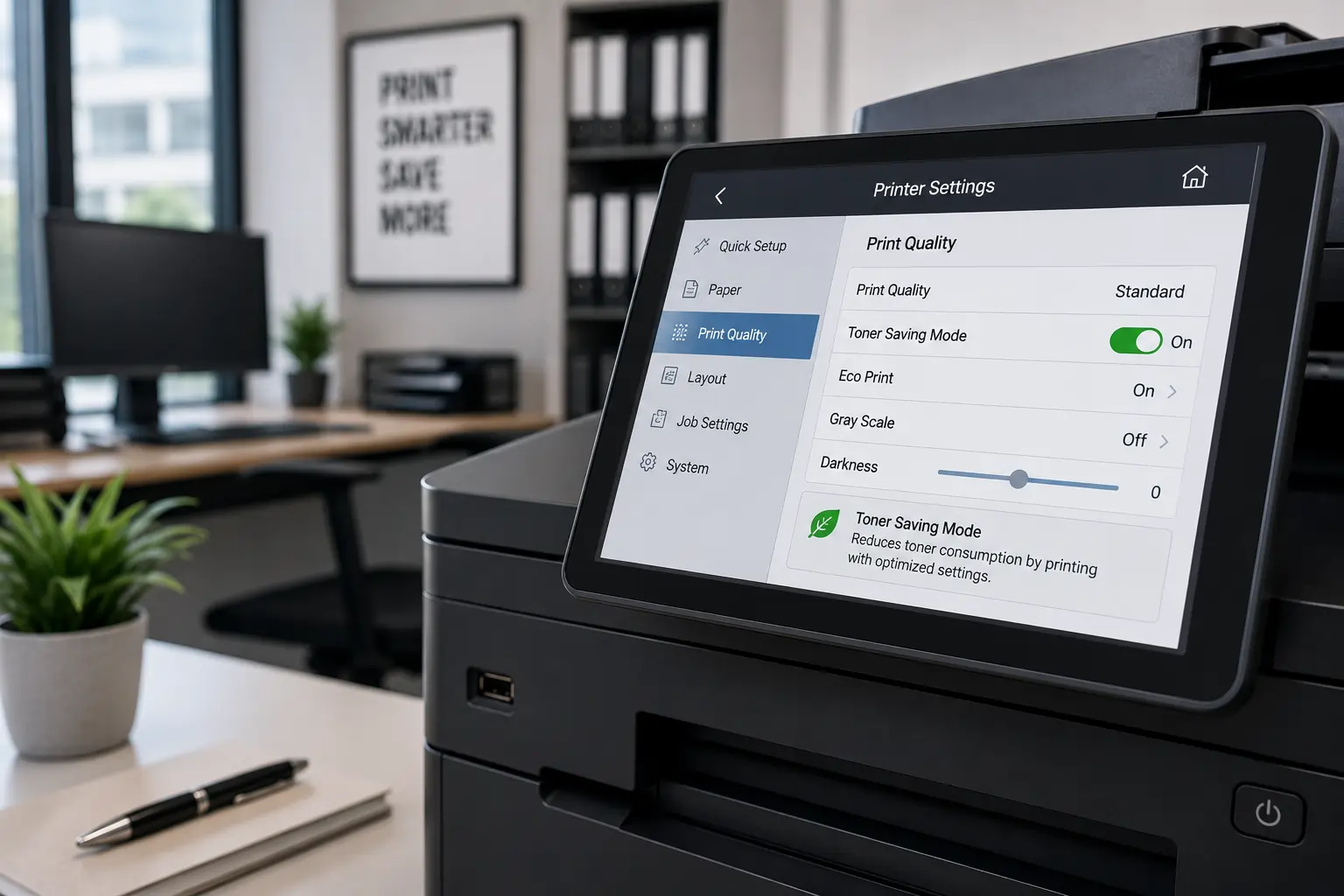
One of the easiest ways to reduce toner consumption is enabling toner saving mode.
Toner Saving Mode Uses Less Toner Per Page
This setting reduces:
- Toner density
- Excess toner coverage
- Heavy print saturation
Best for Internal Documents
Toner saving mode works well for:
- Drafts
- Internal reports
- Temporary documents
- Everyday office printing
Because of this, toner saving mode can significantly extend cartridge lifespan.
Lower Print Density Settings
Many printers allow users to adjust toner density manually.
High Density Printing Uses More Toner
Darker print settings often increase:
- Toner usage
- Print saturation
- Cartridge wear
Slight Density Reductions Can Save Toner
Reducing print density slightly may:
- Lower toner consumption
- Maintain readable text
- Improve cartridge efficiency
As a result, balanced print density settings help reduce printing costs.
Use Draft Print Quality for Everyday Printing
High resolution printing is not always necessary.
Draft Mode Reduces Toner Application
Draft settings help:
- Extend toner lifespan
- Print faster
- Lower cost per page
Ideal for Non Customer Facing Documents
Businesses often use draft mode for:
- Internal memos
- Notes
- Workflow documents
- Practice copies
Because of this, smarter print quality selection improves toner efficiency.
Enable Duplex Printing
Double sided printing reduces both paper and toner waste.
Duplex Printing Reduces Total Print Volume
Printing on both sides helps:
- Reduce unnecessary pages
- Lower toner usage overall
- Improve office efficiency
Digital Workflow Habits Also Matter
Businesses can combine duplex printing with:
- Digital document sharing
- Cloud collaboration
- Electronic approvals
As a result, offices reduce overall printing demands significantly.
Businesses looking for dependable toner cartridge solutions and efficient office printing support can explore products and services from Toner Connect.
Print in Grayscale When Color Is Not Needed
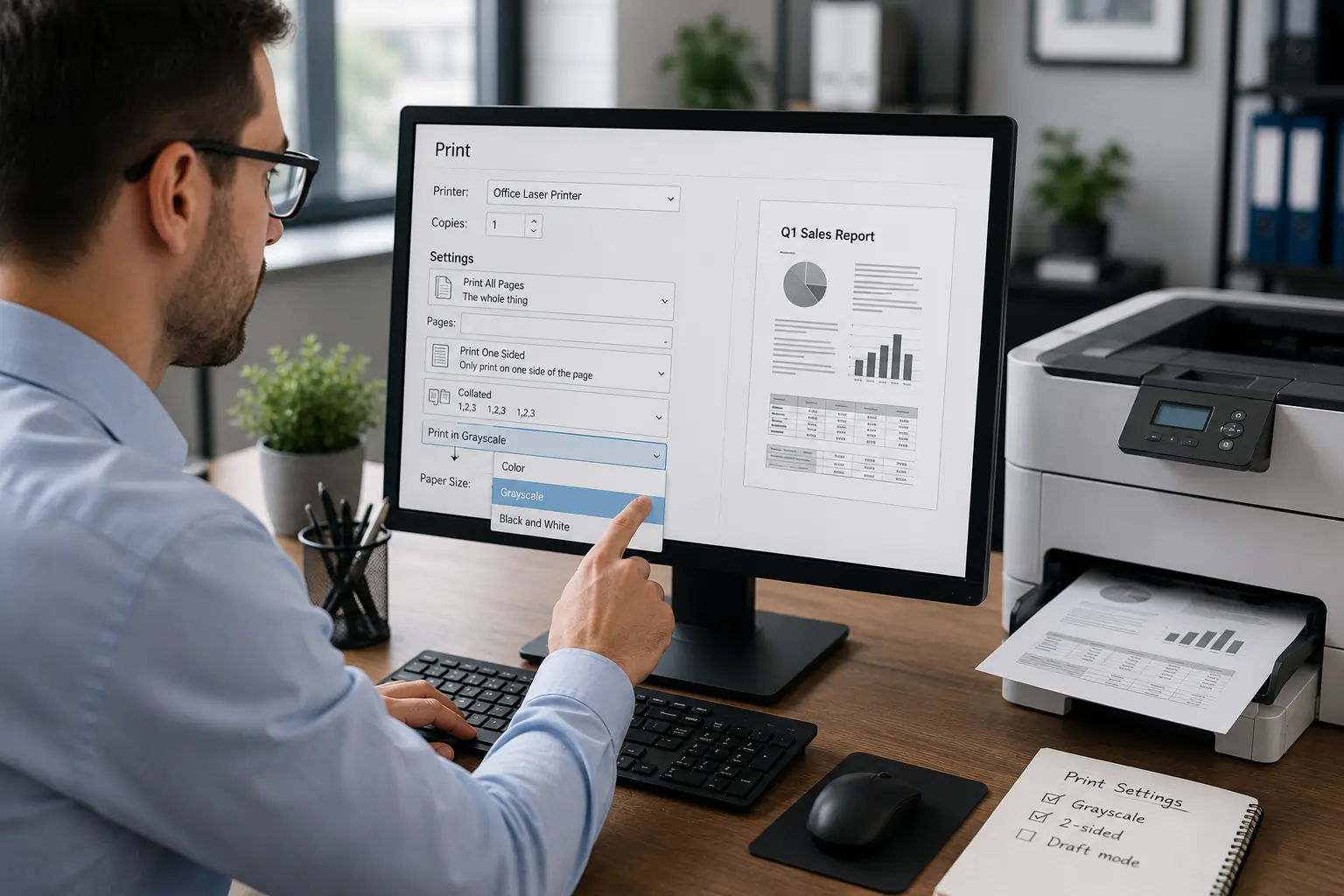
Color printing often consumes more toner than black and white printing.
Grayscale Printing Saves Color Toner
Businesses can reduce usage of:
- Cyan toner
- Magenta toner
- Yellow toner
Best for Internal Office Documents
Many documents do not require full color printing, including:
- Draft reports
- Internal spreadsheets
- Workflow documentation
Because of this, grayscale printing helps reduce supply costs.
Remove Unnecessary Graphics and Backgrounds
Heavy graphics consume significant toner.
Large Images Increase Toner Usage
Dark backgrounds and large graphics require:
- Higher toner coverage
- Increased print density
Simplified Document Design Saves Toner
Businesses can reduce toner use by:
- Removing unnecessary images
- Limiting dark backgrounds
- Using lighter formatting
As a result, cleaner document layouts improve toner efficiency.
Use Toner Efficient Fonts
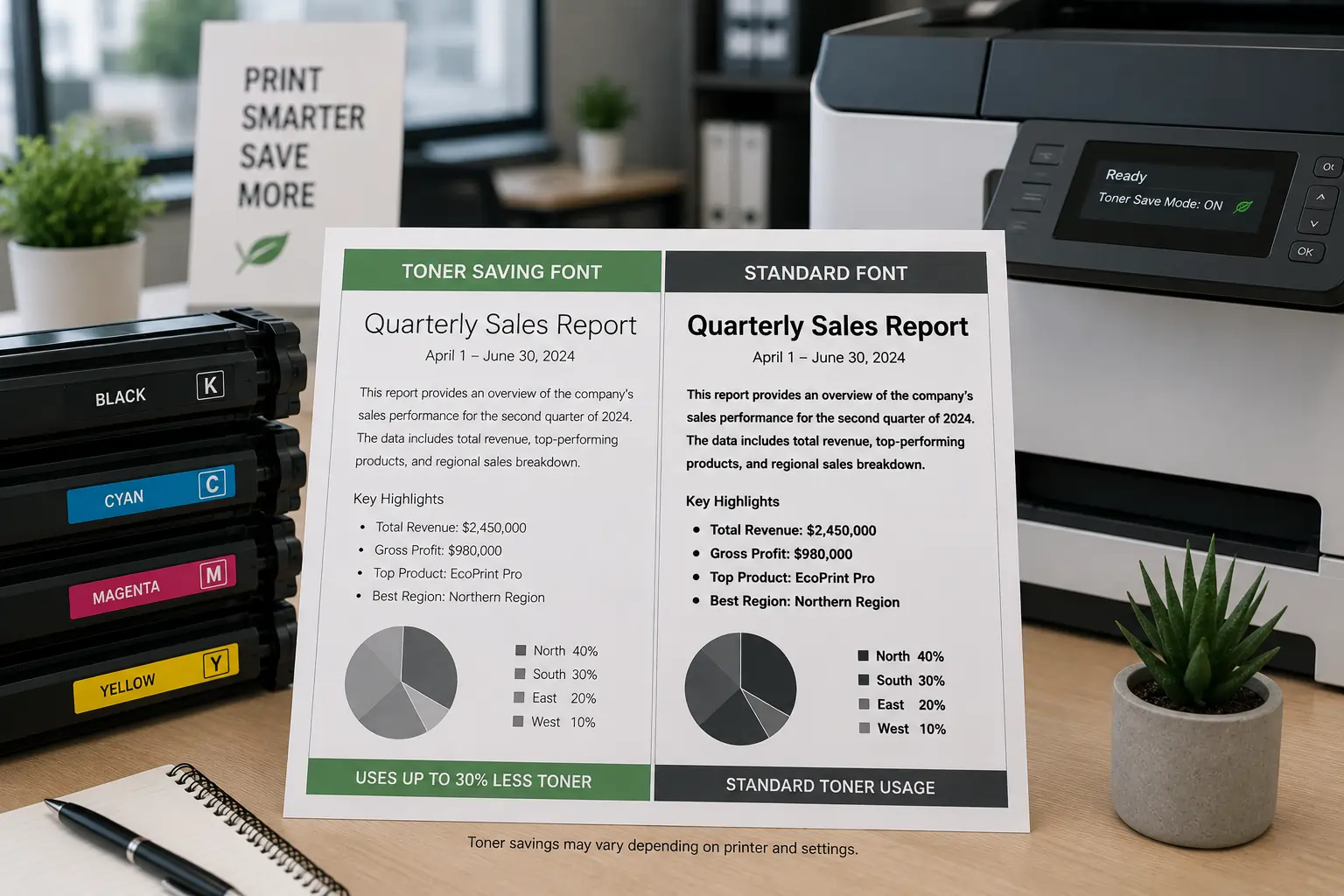
Font choice can influence toner consumption.
Some Fonts Use Less Toner
Efficient fonts include:
- Garamond
- Calibri
- Century Gothic
- Ecofont
Thin Fonts Reduce Toner Coverage
Lighter fonts require:
- Less toner per character
- Lower print density
Because of this, font selection contributes to long term toner savings.
Adjust Print Resolution Settings
Many printers default to very high print resolution settings.
High Resolution Uses More Toner
Detailed image rendering increases:
- Toner application
- Cartridge wear
- Printing costs
Moderate Resolution Is Often Enough
Standard office documents usually print well at:
- Moderate DPI settings
- Balanced print quality modes
As a result, businesses can reduce toner waste without noticeable quality loss.
Monitor Toner Usage Through Printer Software
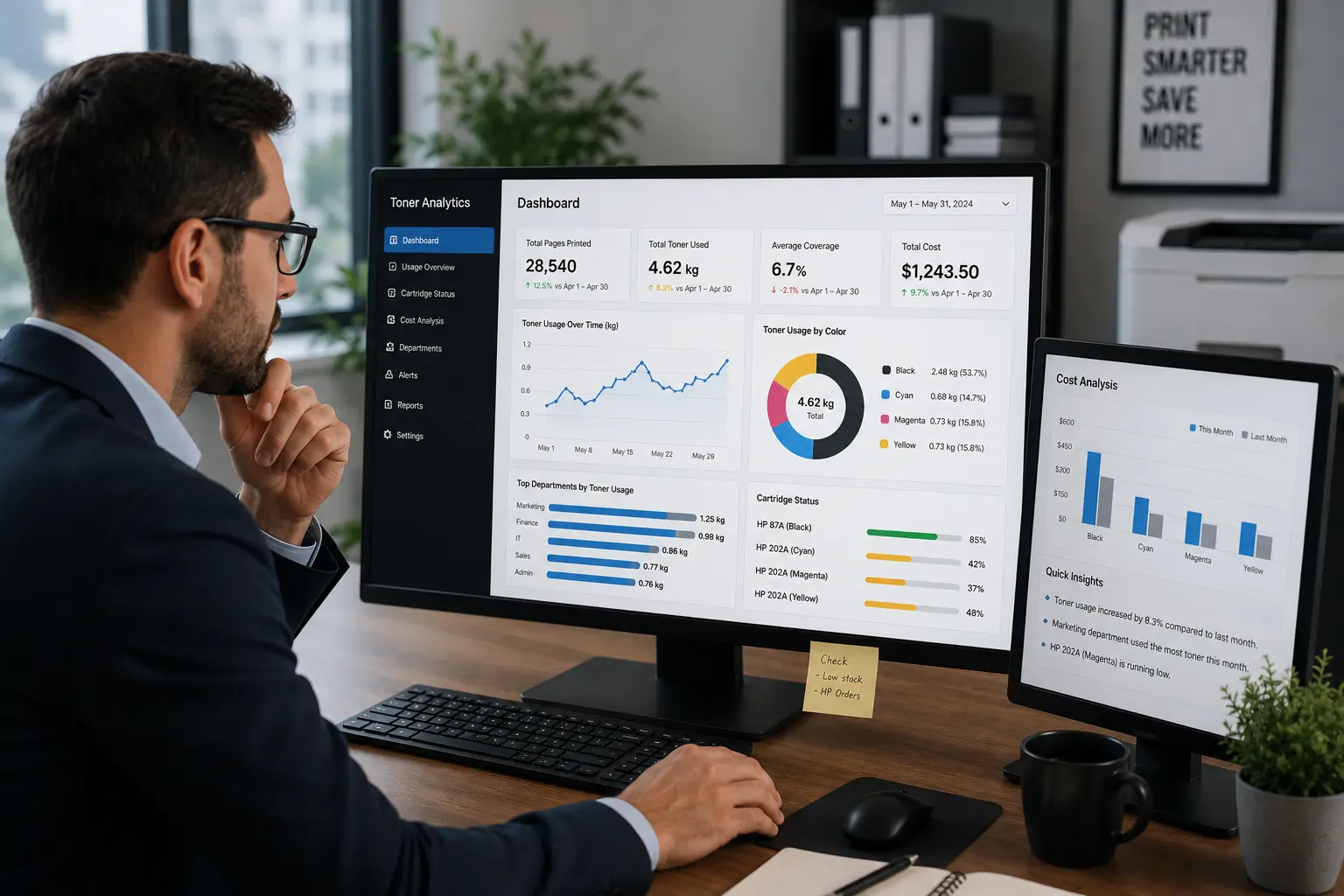
Modern printers often include print analytics tools.
Usage Reports Help Identify Waste
Businesses can monitor:
- Toner consumption
- Print volume
- Color printing frequency
- Department usage
Analytics Support Better Print Policies
Monitoring systems help offices:
- Reduce unnecessary printing
- Improve toner planning
- Lower operational costs
Because of this, print monitoring supports smarter office management.
Set User Printing Restrictions
Many office printers support user based print controls.
Restrict Excessive Color Printing
Businesses can:
- Limit high volume printing
- Control color access
- Set print quotas
Print Policies Reduce Waste
Print management systems help:
- Encourage responsible printing
- Reduce toner overuse
- Improve accountability
As a result, controlled printing environments reduce supply expenses.
Keep Printers Maintained for Better Toner Efficiency
Poor printer maintenance may increase toner waste.
Dirty Components Affect Toner Transfer
Dust and toner buildup may cause:
- Smudges
- Streaks
- Reprints
- Uneven printing
Routine Cleaning Improves Performance
Maintaining:
- Rollers
- Cartridge compartments
- Paper paths
helps improve toner efficiency and print quality.
Because of this, preventative maintenance supports long term savings.
Use High Quality Toner Cartridges
Printer settings work best with reliable toner supplies.
Cheap Toner May Reduce Efficiency
Low quality cartridges may cause:
- Uneven toner flow
- Excess toner usage
- Lower page yield
Better Cartridges Improve Optimization
Reliable toner typically provides:
- More stable performance
- Better print consistency
- Cleaner toner distribution
As a result, cartridge quality directly affects toner saving efforts.
Modern Printers Include Smarter Toner Optimization Technology
Today’s laser printers increasingly feature:
- Smart toner monitoring
- Automated print optimization
- Toner saving algorithms
- Usage analytics
These technologies help businesses improve print efficiency while reducing operational costs and environmental waste.
According to HP and Canon printing resources, proper printer settings and smarter print management can significantly reduce toner consumption while maintaining professional print quality.
Conclusion
Reducing toner consumption does not always require expensive upgrades or major operational changes. Many modern printers already include hidden settings that help businesses lower toner usage while maintaining professional print quality. By enabling toner saving modes, optimizing print settings, using efficient fonts, and improving printing habits, businesses and home offices can reduce printing costs, extend toner cartridge lifespan, and support more sustainable office printing practices.