

What To Do When Your Toner Suddenly Runs Out?
Few office problems are as frustrating as sending an important document to print only to discover that your toner cartridge has suddenly run out. Whether you’re printing invoices, contracts, reports, or customer documents, an unexpected toner shortage can disrupt workflows, delay projects, and create unnecessary stress.
While toner cartridges typically provide warnings before they become empty, some situations can cause toner levels to drop faster than expected. Knowing what to do when your toner suddenly runs out can help minimize downtime and keep your business operating smoothly.
This guide explains the steps you should take when your toner suddenly runs out and how to prevent similar problems in the future.
Confirm That the Toner Is Actually Empty
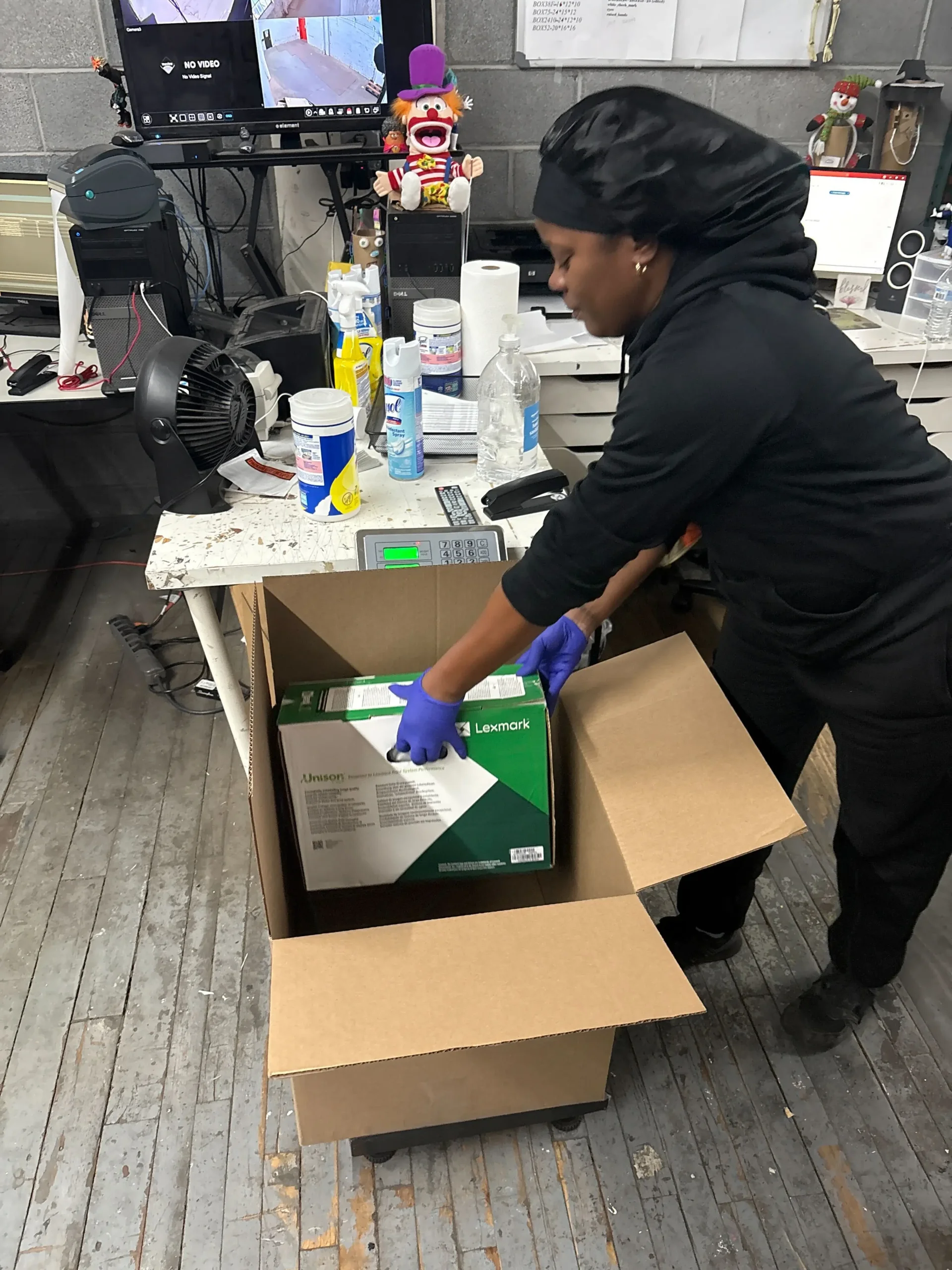
Before replacing the cartridge, verify that toner depletion is truly the issue.
Check for Common Warning Signs
Indicators may include:
- Low toner alerts
- Faded printing
- Blank pages
- Uneven print quality
- Printer error messages
Review Printer Status Information
Most modern printers provide:
- Toner level indicators
- Cartridge status reports
- Maintenance alerts
As a result, checking printer diagnostics can help identify the problem quickly.
Remove and Inspect the Toner Cartridge
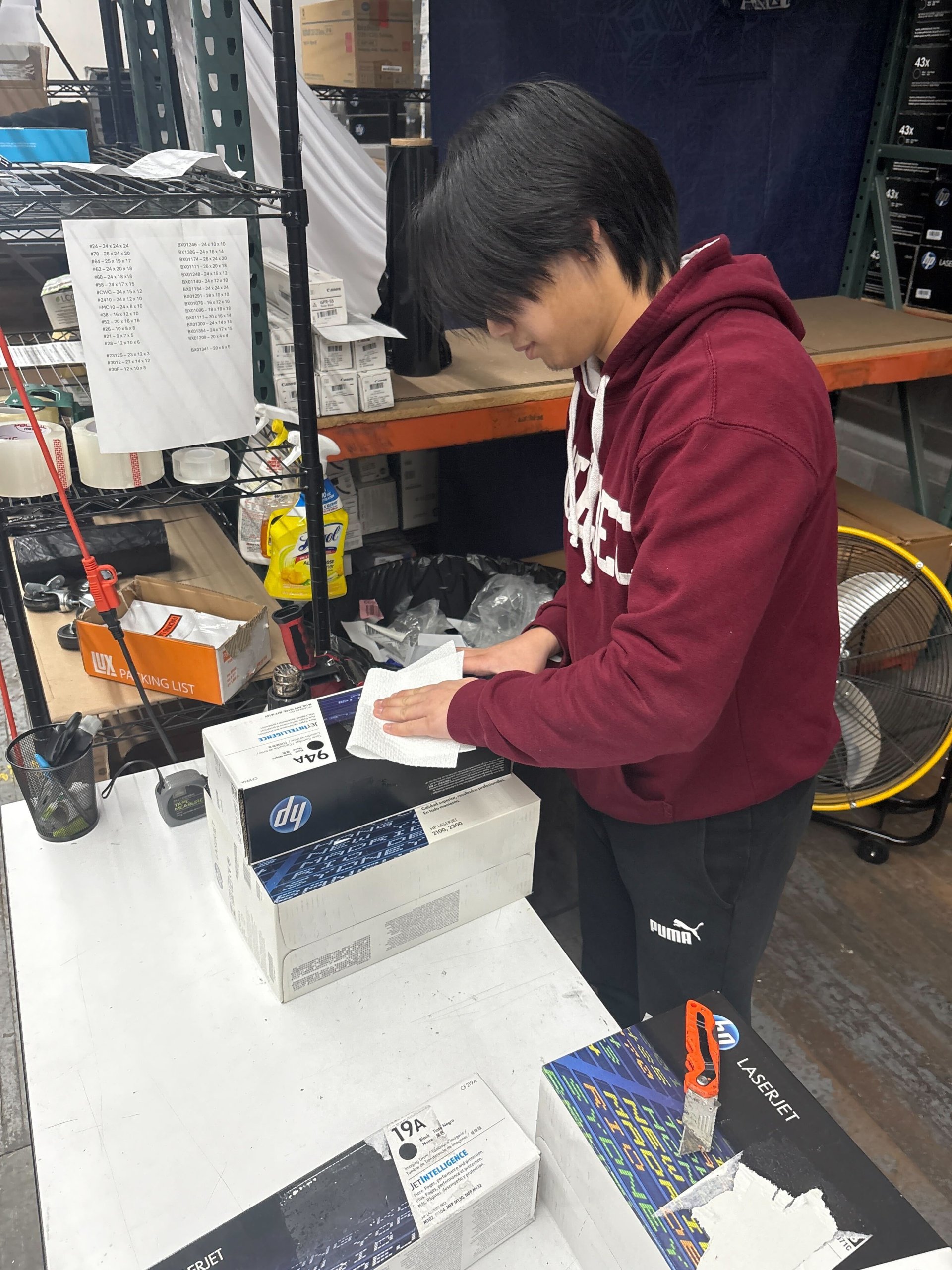
Sometimes a cartridge may still contain usable toner.
Carefully Remove the Cartridge
Follow your printer manufacturer’s instructions when removing the toner cartridge.
Look for Potential Issues
Inspect for:
- Damaged packaging
- Toner leaks
- Improper installation
- Cartridge recognition problems
Because of this, a quick inspection may reveal an issue unrelated to toner depletion.
Gently Redistribute Remaining Toner
In some cases, a cartridge may contain enough toner for a limited number of additional prints.
Carefully Rock the Cartridge
Gently moving the cartridge from side to side may help redistribute remaining toner.
Avoid Shaking Aggressively
Excessive shaking may:
- Cause toner leaks
- Damage internal components
- Create a mess
As a result, gentle handling is recommended.
Replace the Toner Cartridge
If the cartridge is empty, replacement is usually the fastest solution.
Install a Compatible Cartridge
Make sure the replacement cartridge:
- Matches the printer model
- Is installed correctly
- Meets manufacturer specifications
Follow Printer Instructions
Proper installation helps:
- Prevent recognition errors
- Improve print quality
- Reduce troubleshooting time
Because of this, careful installation is important.
Businesses looking for reliable OEM toner supplies can explore products from Toner Connect.
Use Emergency Printing Strategies
If a replacement cartridge is not immediately available, temporary solutions may help.
Print Only Essential Documents
Prioritize:
- Contracts
- Customer paperwork
- Time-sensitive reports
Reduce Toner Usage
Consider:
- Draft mode
- Toner saver mode
- Grayscale printing
As a result, you may be able to extend the remaining toner temporarily.
Check Your Toner Inventory
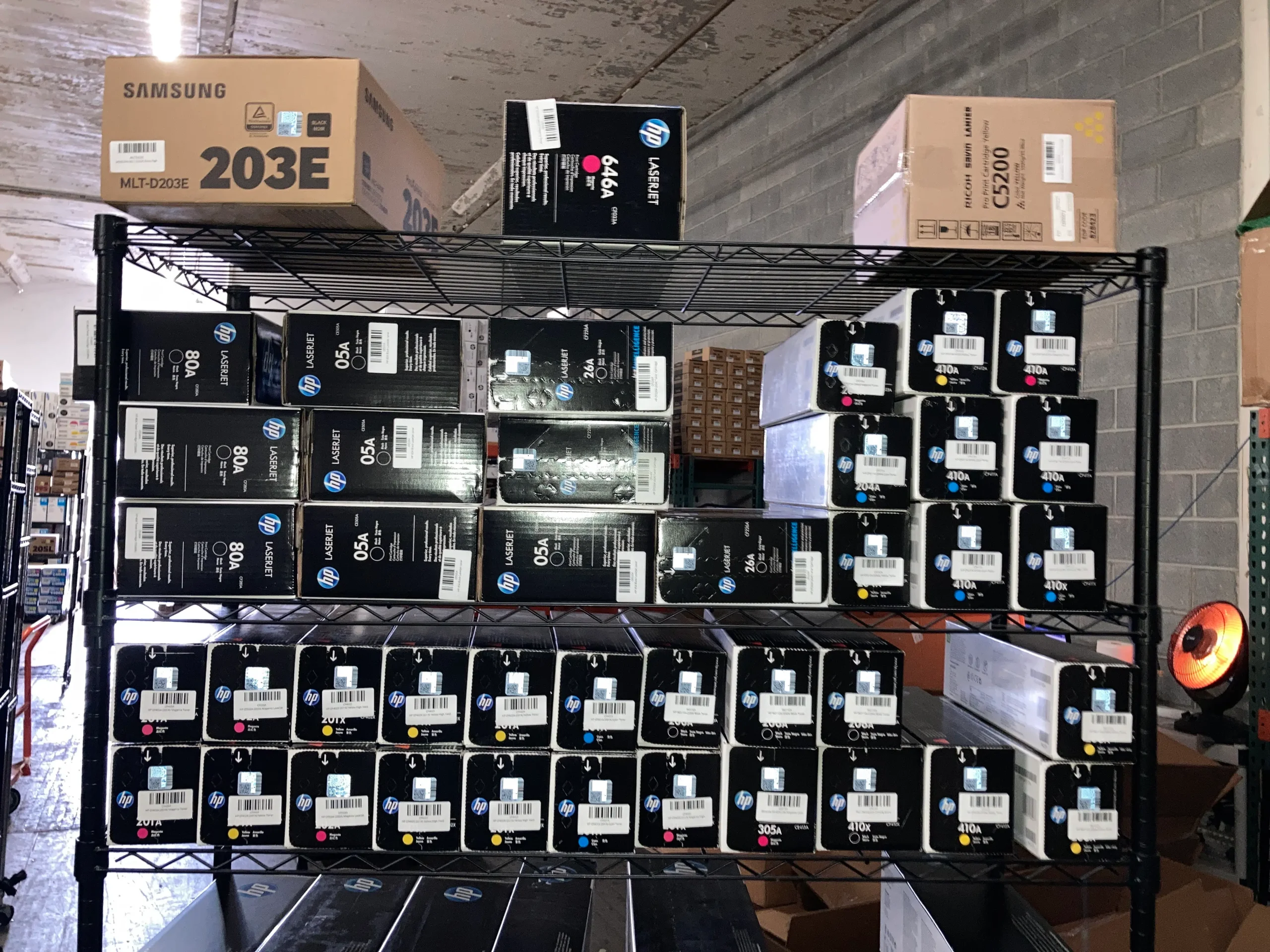
Unexpected shortages often reveal inventory management issues.
Review Available Supplies
Determine whether:
- Spare cartridges are available
- Inventory records are accurate
- Additional orders are needed
Organize Backup Inventory
Businesses should maintain:
- Emergency toner stock
- Clearly labeled supplies
- Inventory tracking systems
Because of this, future disruptions can often be avoided.
Why Toner Sometimes Runs Out Faster Than Expected?
Several factors can increase toner consumption.
Heavy Print Coverage
Documents with:
- Large graphics
- Photos
- Dark backgrounds
typically use more toner.
High Print Volumes
Frequent printing naturally shortens cartridge lifespan.
As a result, actual page yields may differ from manufacturer estimates.
Monitor Toner Levels Regularly
Proactive monitoring helps prevent surprises.
Most Printers Offer Toner Tracking
Features may include:
- Toner level indicators
- Usage reports
- Automated alerts
Set Inventory Review Schedules
Regular monitoring helps:
- Prevent shortages
- Improve purchasing decisions
- Maintain workflow continuity
Because of this, toner management becomes more predictable.
Keep Backup Toner Available
One of the easiest ways to avoid downtime is maintaining spare inventory.
Backup Cartridges Provide Peace of Mind
They help businesses:
- Avoid emergency purchases
- Reduce printer downtime
- Maintain productivity
Store Toner Properly
Keep backup cartridges:
- In original packaging
- Away from heat
- In dry environments
As a result, replacement toner remains ready when needed.
Consider High-Yield Toner Cartridges
Businesses with significant print volumes may benefit from high-yield cartridges.
High-Yield Toner Offers:
- More printed pages
- Lower cost per page
- Fewer replacements
Improved Efficiency
Using larger-capacity cartridges can help:
- Reduce interruptions
- Simplify inventory management
- Support business productivity
Because of this, high-yield toner is popular among busy offices.
What to Do With Old or Unused Toner?
Printer upgrades often leave businesses with toner that no longer fits their equipment.
Don’t Let Toner Sit Unused
Surplus toner may:
- Occupy storage space
- Lose value over time
Explore Toner Buyback Options
Many unopened OEM cartridges may qualify for:
- Buyback programs
- Resale opportunities
- Inventory recovery services
As a result, unused toner may still provide value.
Prevent Future Toner Emergencies
A toner shortage does not have to become a recurring problem.
Best Practices Include:
- Monitoring toner levels
- Keeping spare cartridges
- Reviewing inventory regularly
- Using efficient printer settings
Preparation Improves Productivity
Businesses that plan ahead often experience:
- Fewer interruptions
- Lower printing costs
- Better workflow consistency
Because of this, proactive toner management pays off in the long run.
Stay Prepared When Toner Suddenly Runs Out
When toner suddenly runs out, quick action can help minimize disruptions and keep your business moving. By confirming the issue, installing a replacement cartridge, managing inventory proactively, and maintaining backup supplies, organizations can reduce downtime and improve overall printing efficiency.
A little preparation today can help prevent major printing headaches tomorrow.
Conclusion
When toner suddenly runs out, it can interrupt important tasks and slow down business operations. Fortunately, by understanding how to troubleshoot the issue, maintaining spare inventory, and monitoring toner levels regularly, businesses can reduce downtime and keep printing systems running efficiently. Smart toner management not only prevents emergencies but also helps improve productivity and reduce long-term printing costs.