
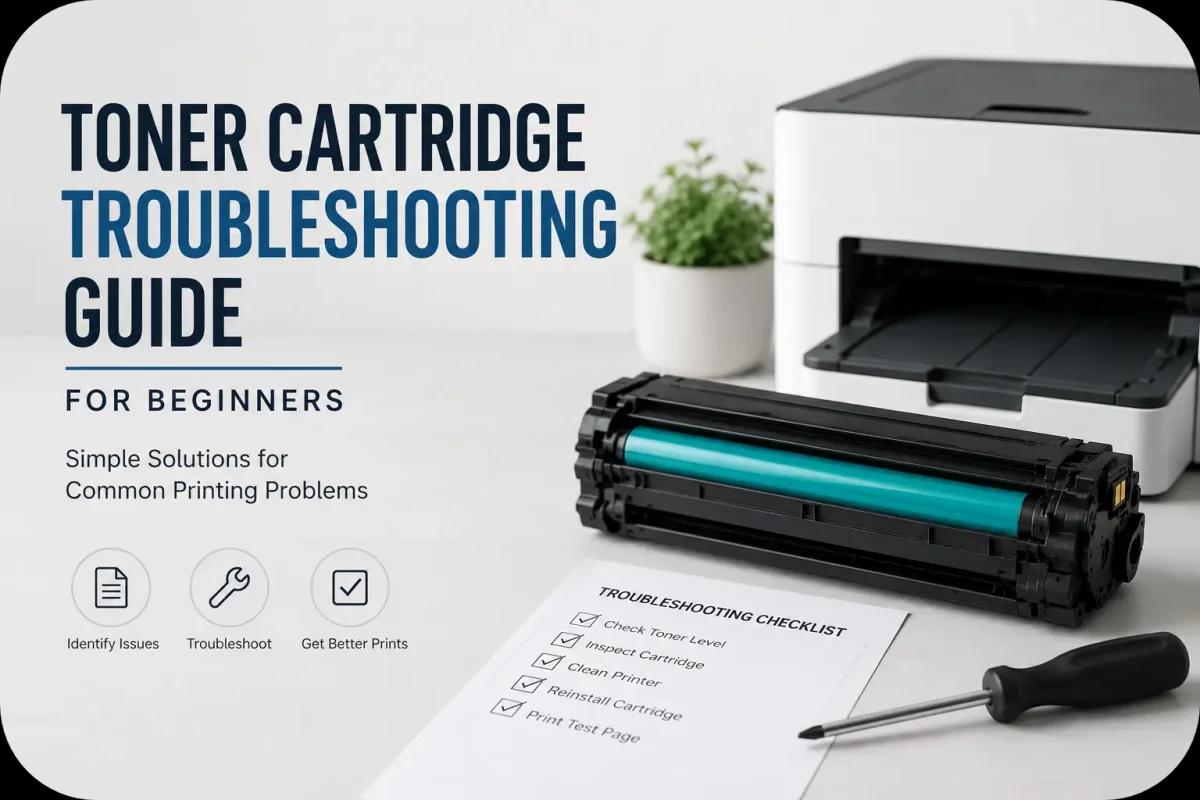
Toner Cartridge Troubleshooting Guide for Beginners
Toner cartridge problems can feel frustrating, especially for beginners who are unfamiliar with laser printers. From faded prints and streaks to printer error messages and toner leaks, even small cartridge issues can affect print quality and printer performance.
Fortunately, many common toner cartridge problems are easy to identify and fix without professional repair. By understanding basic troubleshooting steps, beginners can improve print quality, reduce printer downtime, and avoid unnecessary cartridge replacements.
This beginner friendly toner cartridge troubleshooting guide explains the most common toner cartridge issues, what causes them, and how to solve them safely and effectively.
Why Toner Cartridge Problems Happen?
Laser printers rely on several moving components working together during printing. When one part of the toner cartridge system experiences a problem, print quality may decline.
Common causes of toner cartridge issues include:
- Incorrect cartridge installation
- Dirty printer components
- Low quality toner cartridges
- Worn cartridge parts
- Toner buildup inside the printer
- Heat or humidity exposure
- Incorrect printer settings
Because of this, regular maintenance and proper cartridge handling are important for reliable printing.
Common Toner Cartridge Problems Beginners Face
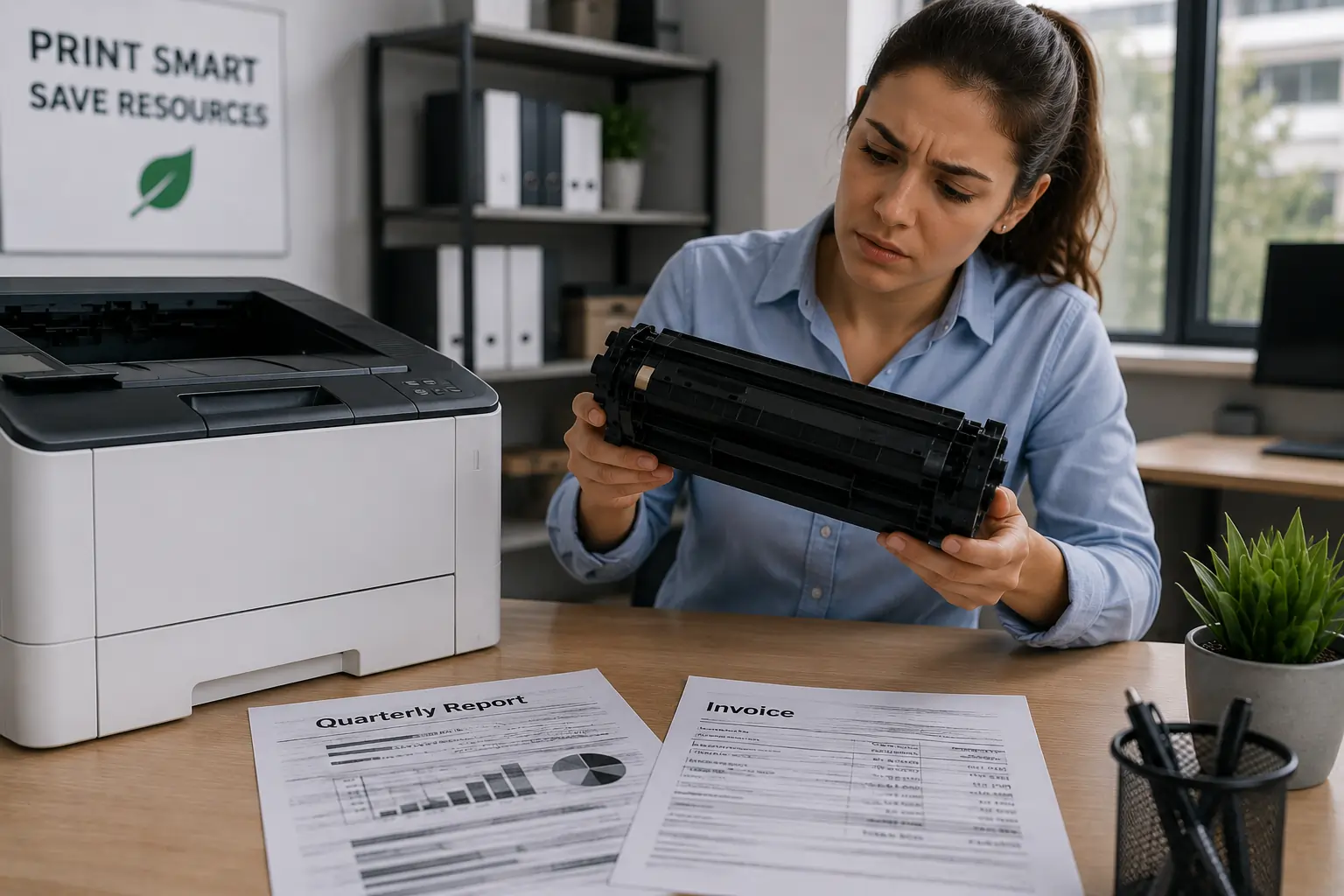
Several toner cartridge problems appear frequently in both home and office printers.
Faded Prints
Faded text or images often happen when:
- Toner levels are low
- Toner distribution is uneven
- Printer density settings are incorrect
In some cases, gently shaking the toner cartridge can temporarily redistribute toner evenly.
Streaks or Lines on Pages
Black streaks or repeated marks may indicate:
- A damaged drum unit
- Dirty rollers
- Toner buildup inside the printer
Therefore, inspecting and cleaning the printer carefully may help improve print quality.
Toner Smudging
If toner rubs off the page after printing, the issue may involve:
- A worn fuser unit
- Incorrect paper type
- High humidity conditions
Printer Not Recognizing the Cartridge
Modern printers often use toner cartridge chips for communication. If the printer cannot detect the cartridge, possible causes include:
- Improper installation
- Dirty chip contacts
- Incompatible cartridges
- Firmware compatibility issues
Toner Leaks
Loose toner powder inside the printer may result from:
- Cracked cartridge housing
- Damaged seals
- Rough handling
- Poor quality cartridges
As a result, toner leaks can damage print quality and create messy cleanup problems.
Beginner Steps for Troubleshooting Toner Cartridge Problems
Many toner cartridge issues can be solved with simple troubleshooting steps.
Step 1: Turn Off the Printer
Before inspecting the cartridge, turn off the printer and unplug it if necessary. This helps protect both the user and the printer components.
Step 2: Remove the Toner Cartridge Carefully
Open the printer slowly and remove the cartridge gently. Avoid touching sensitive parts such as the drum surface.
Step 3: Inspect the Cartridge
Look for:
- Cracks or damage
- Toner buildup
- Loose toner powder
- Dirty chip contacts
In addition, check whether the cartridge matches the correct printer model.
Step 4: Clean the Printer Interior
Use a dry lint free cloth or toner safe vacuum to remove loose toner and dust carefully.
However, avoid using water directly on toner powder because moisture can spread toner further.
Step 5: Reinstall the Cartridge Properly
After inspection and cleaning, reinstall the cartridge securely into the printer.
Then restart the printer and print a test page.
How to Prevent Toner Cartridge Problems?
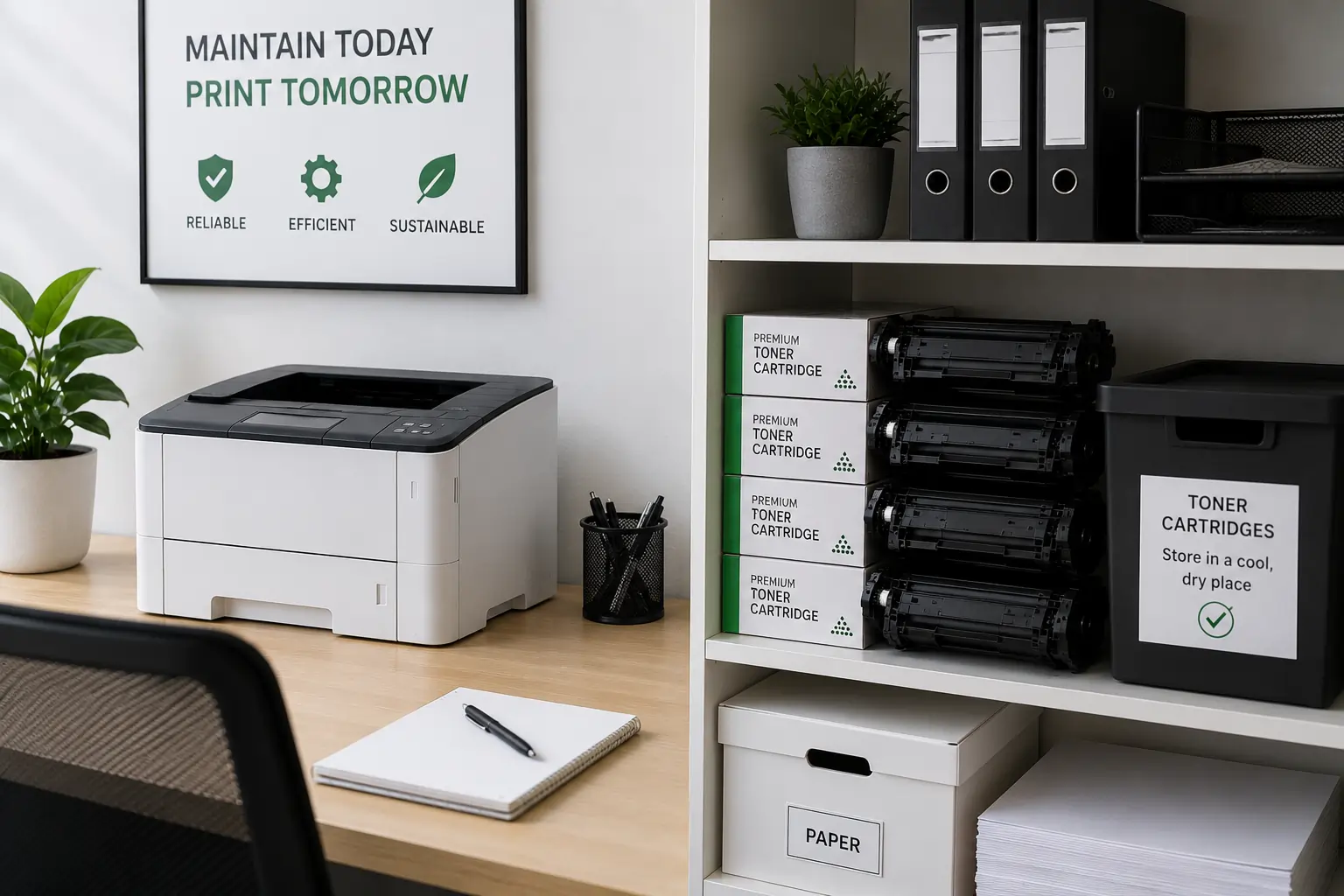
Prevention is often easier than troubleshooting major printer issues later.
Store Toner Cartridges Properly
Keep cartridges:
- Away from heat
- Away from humidity
- In original packaging
- In clean storage areas
Use Compatible Paper
Laser printers perform best with paper designed specifically for laser printing.
Clean the Printer Regularly
Regular cleaning helps prevent toner buildup and print defects.
Buy Quality Toner Cartridges
Reliable toner cartridges often provide:
- Better print quality
- Fewer leaks
- Better compatibility
- Longer lifespan
Businesses and home users looking for dependable toner supplies can explore compatible toner cartridge options from Toner Connect.
Common Beginner Mistakes to Avoid
Beginners sometimes make simple mistakes that worsen toner cartridge problems.
Touching the Drum Surface
The drum is highly sensitive and can become damaged easily.
Shaking Cartridges Too Aggressively
Although gentle shaking may help redistribute toner, excessive shaking can damage internal components.
Using the Wrong Cartridge
Always verify cartridge compatibility before installation.
Ignoring Printer Error Messages
Printer warnings often help identify cartridge issues early.
Therefore, users should not ignore recurring error notifications.
OEM vs Compatible Toner Cartridges
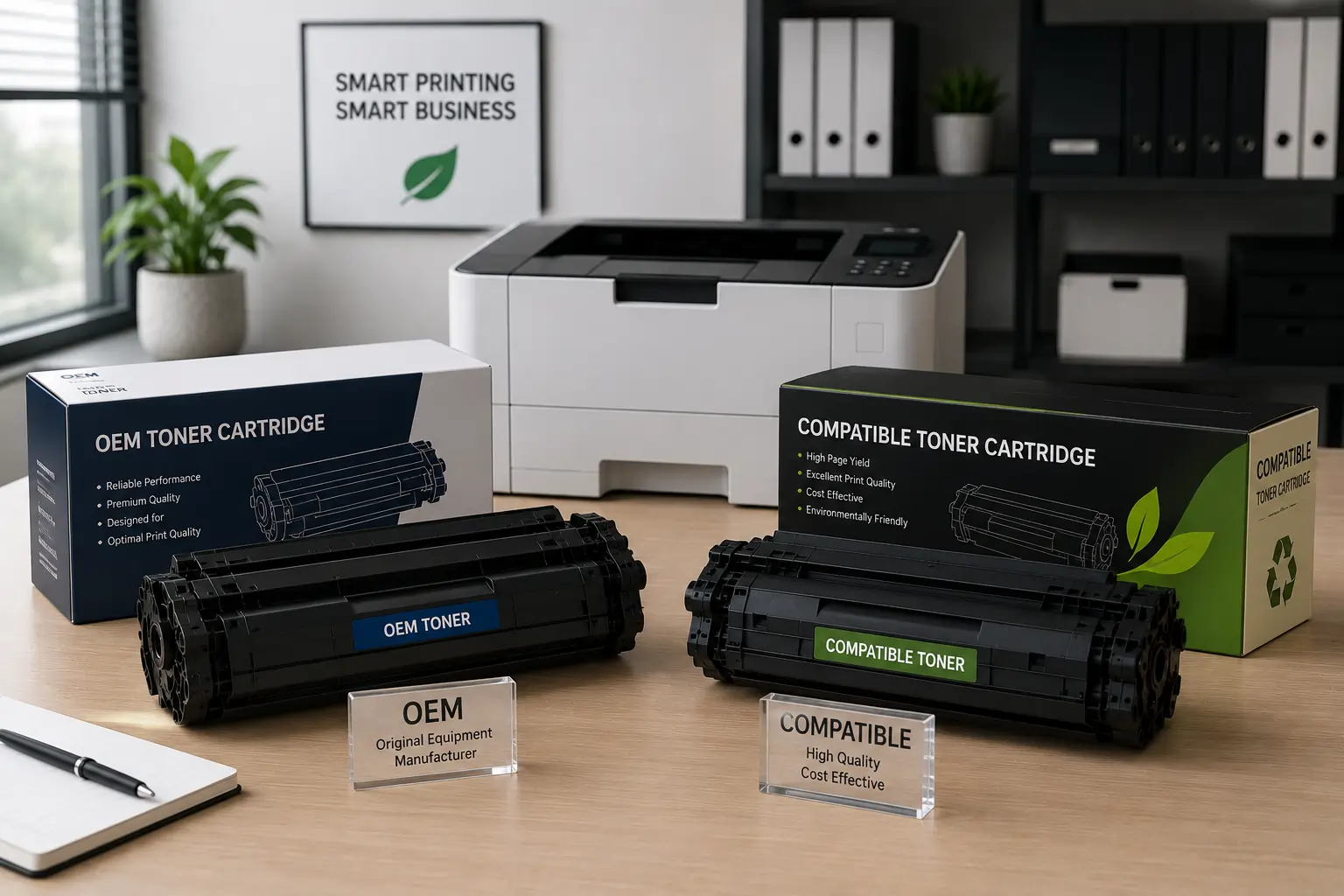
Beginners often wonder whether OEM or compatible cartridges are better.
OEM Cartridges
OEM cartridges come directly from the printer manufacturer.
Advantages include:
- Guaranteed compatibility
- Reliable performance
- Manufacturer support
Compatible Cartridges
Third party compatible cartridges are designed to work with specific printer models.
Advantages include:
- Lower printing costs
- Wide availability
- Competitive print quality
However, buyers should choose trusted suppliers to avoid low quality or counterfeit cartridges.
When to Replace the Toner Cartridge?
Sometimes troubleshooting cannot fully fix cartridge problems.
You may need a replacement cartridge if:
- Print defects continue
- Toner leaks persist
- Cartridge housing is cracked
- Drum damage appears visible
- Cartridge chips stop communicating properly
Replacing a worn cartridge often restores print quality quickly.
Modern Printers Make Troubleshooting Easier
Modern laser printers now include smart troubleshooting features such as:
- Toner level monitoring
- Error code detection
- Cartridge compatibility checks
- Maintenance alerts
Because of these improvements, beginners can often identify printing problems faster than before.
According to HP and Brother printer support resources, proper maintenance and quality toner cartridges remain essential for reliable printer performance.
Conclusion
Toner cartridge problems can seem complicated at first, but many issues are easy to troubleshoot with the right approach. By understanding common printing problems, inspecting cartridges carefully, and following proper maintenance practices, beginners can improve print quality and extend printer lifespan. In addition, using reliable toner cartridges and maintaining clean printer conditions can help prevent many common toner related problems before they start.