
Toner Cartridge Streaking Issues: Causes, Fixes, and Prevention Tips
Toner cartridge streaking is one of the most common print quality problems in laser printers. Streaks on printed pages can make documents look messy, unprofessional, and difficult to read. Whether the streaks appear as black lines, faded bands, or repeated marks, they usually indicate an issue somewhere within the toner cartridge or printer system.
Fortunately, many toner cartridge streaking problems are preventable and easy to troubleshoot. By understanding the common causes, applying the right fixes, and following proper maintenance practices, users can restore clean and consistent printing performance.
For both home users and office environments, preventing toner streaking helps improve print quality, reduce maintenance costs, and extend printer lifespan.
What Causes Toner Cartridge Streaking?
Several printer and cartridge related issues can cause streaking during printing.
Damaged Drum Unit
The drum unit transfers toner onto the paper. If the drum becomes scratched, dirty, or worn out, it may create repeated streaks or marks across pages.
Dirty Rollers
Printer rollers help move paper smoothly through the printer. However, dust and toner buildup on rollers can affect toner transfer and create streaking patterns.
Low or Uneven Toner Levels
When toner levels become too low, toner may distribute unevenly inside the cartridge. As a result, prints may appear faded or streaked.
Toner Buildup Inside the Printer
Loose toner particles inside the printer can interfere with the printing process and leave marks on printed pages.
Worn Wiper Blade
The wiper blade cleans extra toner from the drum after each print cycle. If the blade wears out, excess toner may remain on the drum and create streaks.
Poor Quality or Counterfeit Cartridges
Low quality toner cartridges may contain inconsistent toner formulas or weak internal components that contribute to print defects.
Common Types of Toner Cartridge Streaking
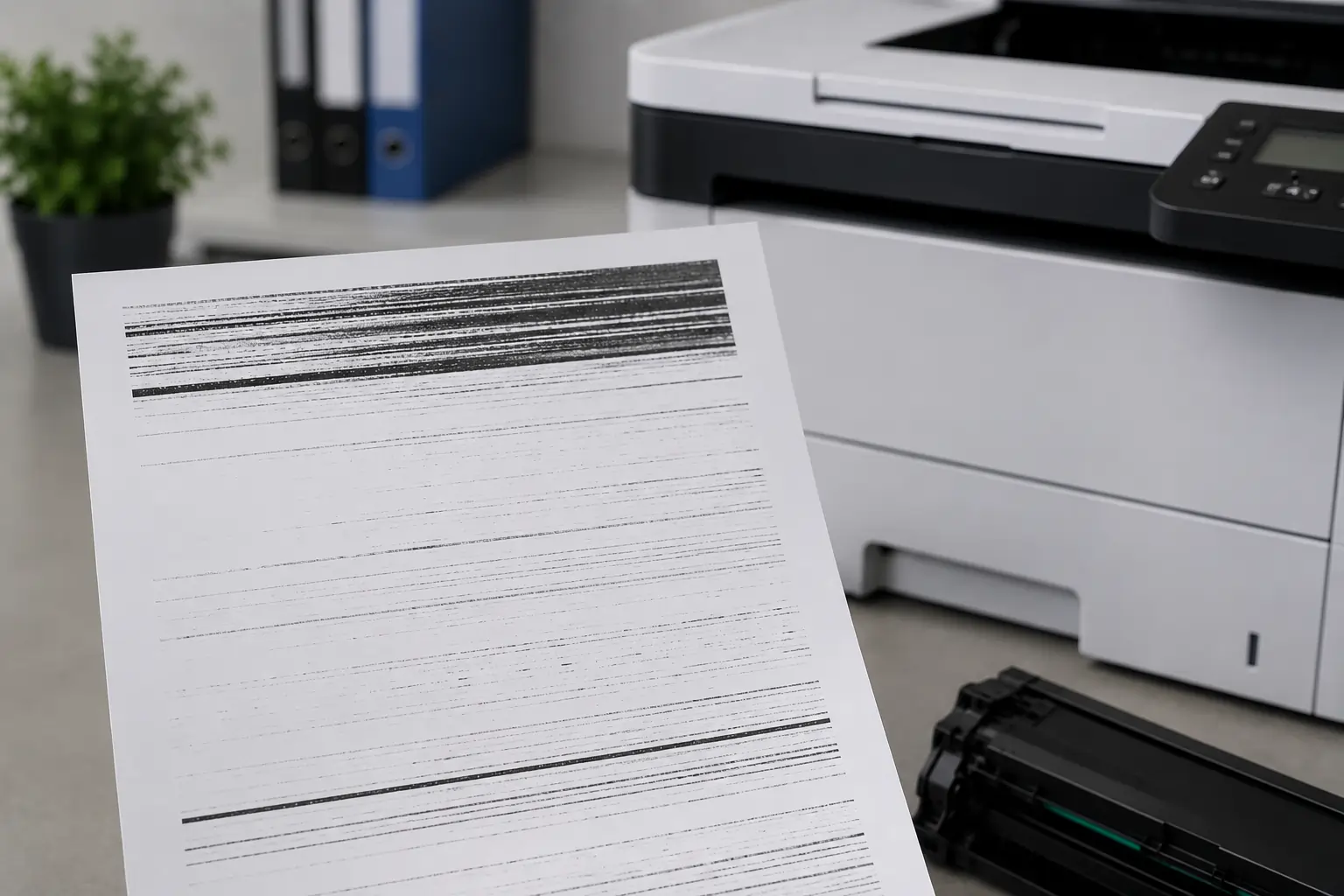
Different streaking patterns often point to different causes.
Vertical Black Lines
Vertical streaks usually indicate:
- Drum damage
- Dirty rollers
- Excess toner buildup
Faded Horizontal Bands
Horizontal fading often results from:
- Low toner levels
- Uneven toner distribution
- Cartridge wear
Repeated Marks
Repeated spots or patterns may appear when:
- The drum surface becomes damaged
- Internal printer rollers become dirty
Smudged Streaks
Smearing or blurry streaks may indicate:
- Toner not bonding properly
- Fuser problems
- Humidity exposure
Therefore, identifying the streak pattern can help narrow down the source of the issue.
How to Fix Toner Cartridge Streaking Problems?
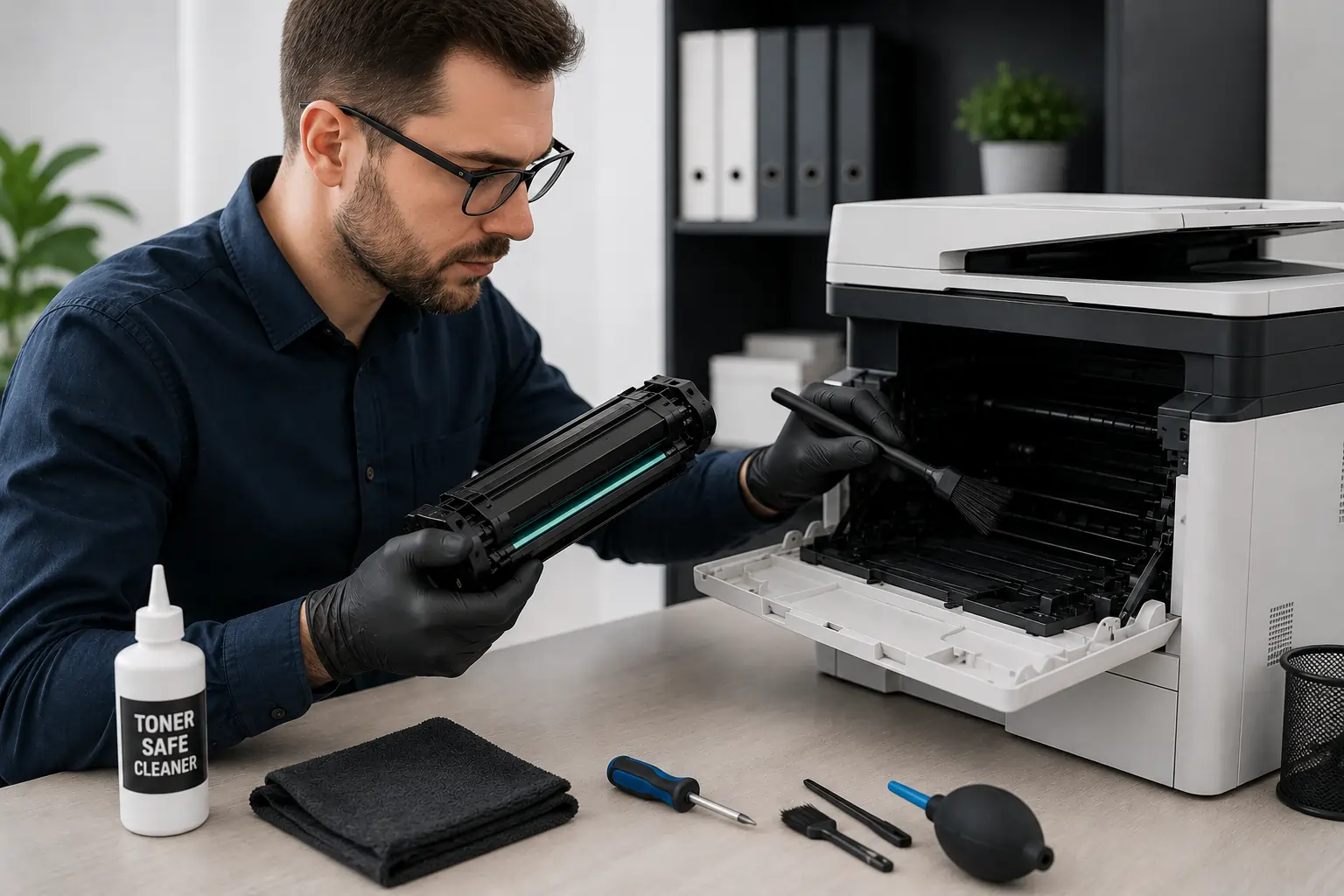
Many streaking issues can be solved with simple troubleshooting steps.
Remove and Inspect the Toner Cartridge
Carefully remove the toner cartridge and inspect it for:
- Cracks
- Toner leaks
- Drum scratches
- Excess toner buildup
If visible damage appears, replacing the cartridge may be necessary.
Gently Shake the Cartridge
If toner levels are low, gently shaking the cartridge side to side may redistribute toner temporarily.
However, avoid excessive shaking because it may damage internal components.
Clean the Printer Interior
Loose toner and dust inside the printer may contribute to streaking.
Use:
- A dry lint free cloth
- Toner safe vacuum equipment
- Manufacturer approved cleaning tools
Check the Drum Unit
If the drum shows scratches or repeated marks, replacing the drum unit may improve print quality immediately.
Replace Worn Components
Old rollers, wiper blades, or fuser units may also cause streaking and should be replaced if necessary.
Preventing Toner Cartridge Streaking

Preventive maintenance is one of the best ways to reduce streaking problems.
Use High Quality Toner Cartridges
Reliable toner cartridges help maintain:
- Consistent toner flow
- Better print quality
- Cleaner toner transfer
Businesses and home users can explore toner cartridge options from Toner Connect for dependable printing supplies.
Store Cartridges Properly
Store toner cartridges:
- Away from heat
- Away from humidity
- In original packaging
- In cool and dry environments
Clean the Printer Regularly
Routine cleaning helps reduce dust and toner buildup that may affect print quality.
Use Correct Paper Types
Laser printers perform best with paper designed specifically for laser printing.
Replace Cartridges Before Severe Wear
Using heavily worn cartridges may increase the risk of streaking and internal printer contamination.
How Environmental Conditions Affect Streaking?
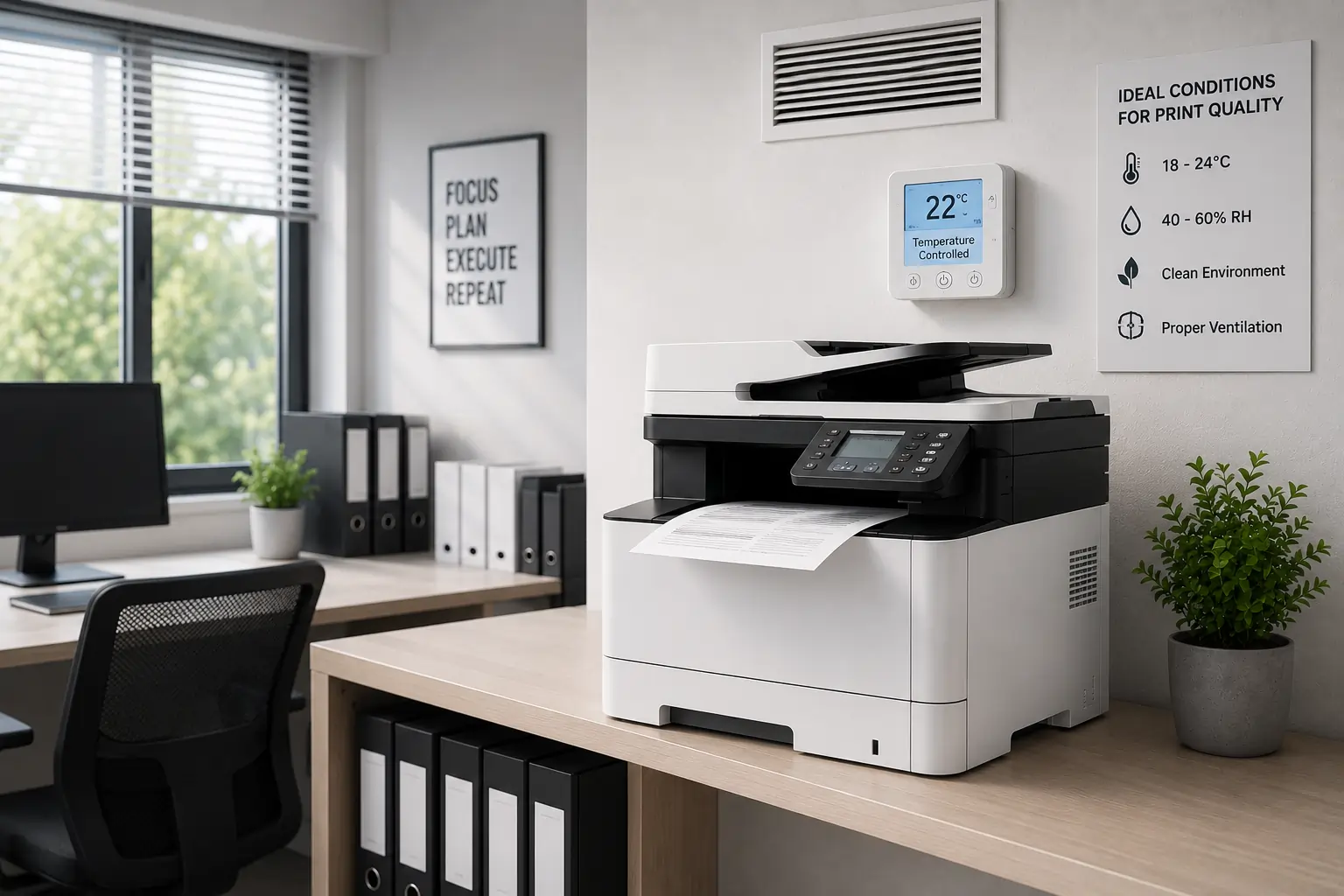
Environmental conditions can influence toner performance significantly.
High Humidity
Humidity may affect toner adhesion and paper quality, increasing the risk of smudging and streaking.
Heat Exposure
Excessive heat can affect toner consistency and cartridge seals.
Poor Ventilation
Limited airflow around printers may increase internal temperatures during large print jobs.
Because of this, maintaining stable room conditions supports better print reliability.
Beginner Mistakes That Cause Toner Cartridge Streaking
Some common user mistakes can increase streaking problems.
Touching the Drum Surface
Fingerprints and scratches on the drum may create print defects.
Ignoring Printer Maintenance
Without regular cleaning, toner buildup gradually affects print quality.
Using Incompatible Cartridges
Incorrect cartridges may not distribute toner properly.
Delaying Cartridge Replacement
Old cartridges may continue producing streaks even after troubleshooting.
Therefore, replacing worn cartridges promptly helps maintain cleaner printing.
OEM vs Compatible Toner Cartridges
Both OEM and compatible cartridges can provide good print quality when sourced from reliable suppliers.
OEM Cartridges
Advantages include:
- Guaranteed compatibility
- Consistent toner quality
- Manufacturer support
Compatible Cartridges
Advantages include:
- Lower cost
- Wide availability
- Competitive performance
However, low quality counterfeit cartridges are more likely to create streaking problems.
Modern Printers Help Reduce Streaking Problems
Modern laser printers now include advanced print management technologies such as:
- Toner level monitoring
- Print quality diagnostics
- Automatic calibration
- Maintenance alerts
As a result, users can often identify streaking problems earlier before major print quality issues develop.
According to HP and Brother printer support resources, regular maintenance and quality toner cartridges remain essential for preventing streaking problems.
Conclusion
Toner cartridge streaking can affect print quality, business productivity, and overall printer performance. Fortunately, many streaking problems are preventable through proper cartridge handling, routine printer maintenance, and the use of reliable toner cartridges. By identifying the causes early and following the right troubleshooting steps, users can maintain cleaner, sharper, and more professional printing results.