
When to replace your printer? Your printer is one of the most efficient assistants in your office. It prints, scans, copies, and if it’s really fancy, even faxes. When it’s working properly, it quietly supports your workflow without complaint.
But when problems start piling up, paper jams, slow print speeds, and frequent service calls, you may be wondering if it’s time to replace your printer. You likely paid a good amount for it years ago, so replacing it feels like a big decision. Still, holding onto an outdated printer can cost far more than upgrading.
You’re in luck. We’ve got the goods on what to look for and how to get the best bang for your buck
Let’s break down the warning signs and help you decide when to replace your printer, and how to do it the smart way.
Let’s dive in.
Why Knowing When to Replace Your Printer Matters?
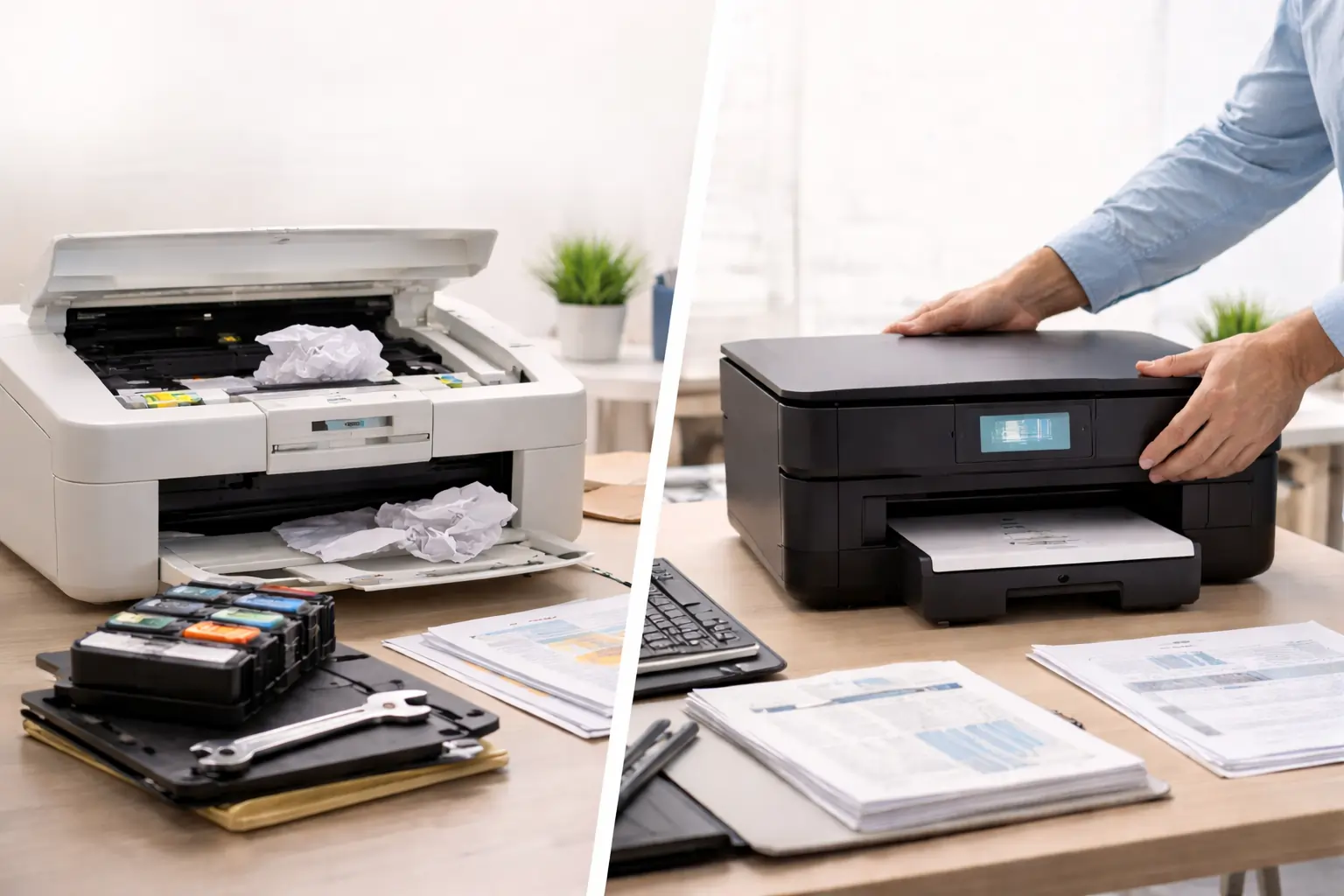
Once upon a time, you got crisp and clear pages. If you’re noticing things like uneven distribution of ink, your printer is trying to tell you something. Because the mechanical part of your printer is shutting down, the delivery of exact ink to paper is interrupted.
Ignoring printer problems doesn’t make them go away. In fact, aging printers often drain productivity, waste supplies, and increase maintenance costs over time. Knowing when to replace your printer can save you money, time, and frustration.
If your printer is showing any of the issues below, it may be more cost-effective to replace your printer instead of continuing to repair it.
Replace Your Printer If Printing Speed Is Slowing You Down
Older printers tend to slow down over time. Jobs that once took minutes may now take twice as long, disrupting productivity and frustrating employees. In busy offices, these delays add up quickly.
If slow print speeds are hurting your workflow, it’s a clear sign you should replace your printer. Modern printers are built to handle higher volumes efficiently and consistently.
Replace Your Printer If Supply Costs Keep Increasing
If your ink or toner budget keeps growing, your printer may be the real problem. Newer printers are designed to be more efficient, while older models rely on low-capacity cartridges that need constant replacement.
When supply costs rise month after month, it’s time to replace your printer. Older printers often rely on inefficient cartridges that drive up costs, especially when toner doesn’t last as long as expected.
Replace Your Printer Instead of Paying for Constant Repairs
Occasional maintenance is normal, but frequent service calls are not. If you’re repairing your printer every few months, those costs can quickly exceed the price of a replacement.
A simple rule of thumb: if repairs cost more than half the price of a new printer, it’s time to replace your printer. New models also come with warranties, offering predictable costs and peace of mind.
When searching for toner, keep in mind there are some things to look out for. Which toner is right for your printer?
You can choose between OEM cartridges that are produced by the toner manufacturer, compatible toner or remanufactured toner cartridges.
Inkjet or Laser?
The more common choices for home and small office use are inkjet printers. They are more affordable, suitable for low volume printing and becoming more efficient than they have been in the past.
Laser printers are normally the number one choice for best printers that save money. A little pricier than the inkjet printers, they use toner instead of ink and they’re suitable for large volumes of printing, usually done in an office.
Replace Your Printer If It Can’t Support Modern Workflows
Today’s offices rely on wireless printing, mobile access, and cloud connectivity. If your printer doesn’t support Wi-Fi, mobile printing, or multiple devices, it’s probably holding you back.
Limited paper handling is another issue. If your printer struggles with envelopes, labels, or larger trays, replacing it can immediately improve efficiency. These limitations are strong reasons to replace your printer.
PictBridge + Memory Card slots
If you will be using the printer for photos, consider one with built-in memory slots for easy use. You can just pop your card out of your camera and into your printer for easy printing. All without transferring them to a computer first.
PictBridge is also a great feature that allows users to connect their enabled camera to the printer via a USB cable.
Paper Handling
Every standard printer can handle a stack of 8.5×11 paper. But what about envelopes, index cards, glossary stock, how should your printer be adaptable to your printing needs.
Take a look at the stacking tray. Smaller trays tend to need more refills while larger ones can be filled as little as once or twice a month.
Speed and Resolution
Don’t get confused by printer jargon. PPM is page per minute, CPM are copies per minute and IPM refers to images per minute.
The higher the number of pages should reflect the speed of the printer.
Dpi refers to dots per inch and is how the resolution of your printer is measured. The average is 300 although photo quality images start at 1200dpi. Talk to your printer supplier to find out what might be he best fit for you.
Final Thoughts: Replace Your Printer Before It Costs You More
Holding onto an outdated printer often costs more than upgrading. Poor performance, rising supply costs, and constant repairs are clear signs it’s time to replace your printer.
By recognizing the warning signs early and choosing the right replacement, you can improve productivity and reduce long-term expenses. After all, everyone deserves a printer that works as hard as they do.