
You might think printer ink is just… well, ink. But what’s inside that little cartridge is a surprisingly complex formula, and using the right one is the secret to getting perfect prints every time.
The two big players you'll run into are dye-based and pigment-based inks. Getting a handle on these is the first step, and it can save you from a lot of printing headaches down the road.
Understanding the World of Printer Ink
So, what's the real difference? It all comes down to how the color is delivered to the paper.
Think of dye-based ink like sugar dissolved in water. The colorant is fully dissolved, creating a smooth liquid that soaks deep into the paper's fibers. This absorption is what gives you those incredibly vibrant, brilliant colors that make photos pop. A practical example would be printing a glossy photo of a sunset; dye-based ink would capture the rich, blended colors beautifully.
Pigment-based ink, on the other hand, is more like mixing sand into water. The color comes from tiny, solid particles that are suspended in a liquid carrier. Instead of soaking in, these particles sit right on top of the paper's surface. This is why pigment ink produces such razor-sharp text and is so much better at resisting smudging from water or highlighter pens. A perfect practical example is printing a business contract where the text needs to be crisp and water-resistant.
This visual really brings the concept to life, showing how one soaks in while the other sits on top.
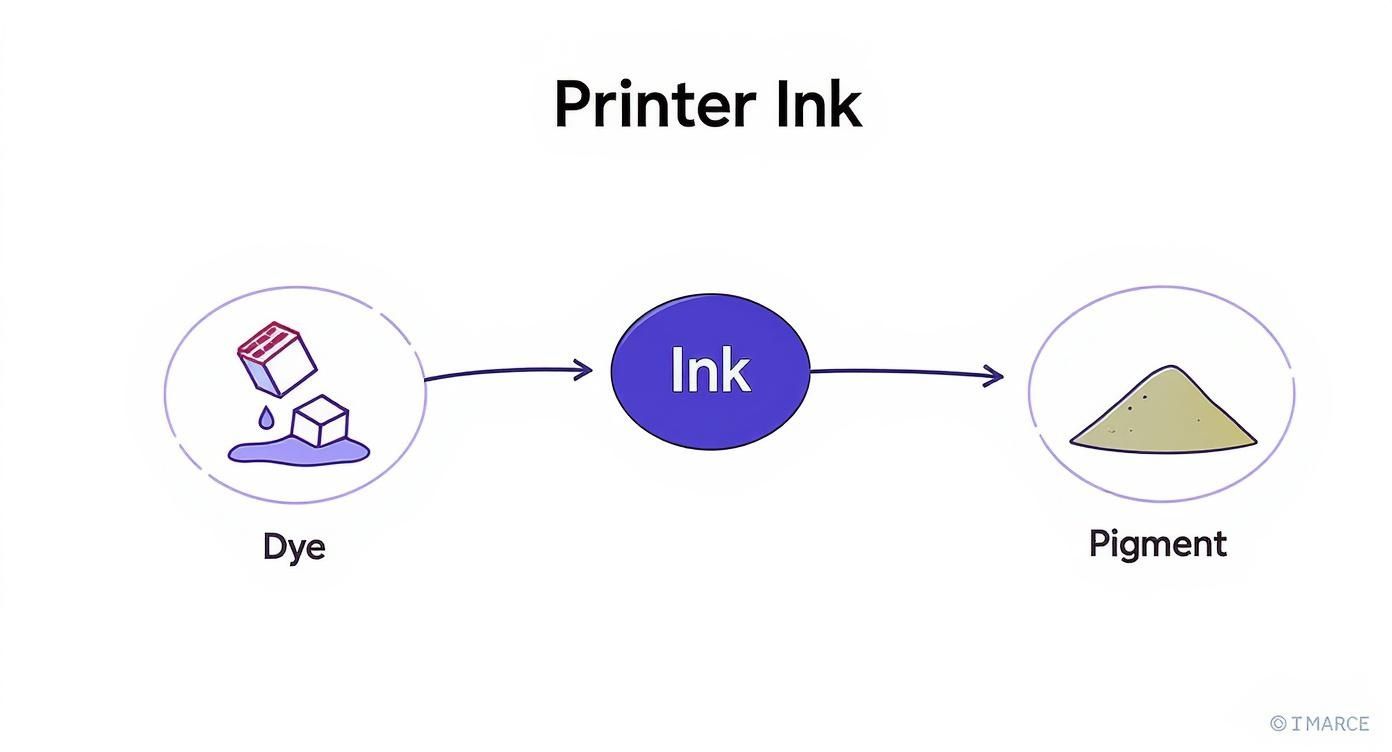
As you can see, that core difference—dissolving versus suspending—is what makes dye ink the go-to for glossy photos and pigment ink the champion for professional, long-lasting documents.
Quick Comparison of Common Printer Ink Types
To make things even clearer, here’s a quick rundown of the most common printer ink types you’ll encounter. This table breaks down what they’re made of and what they do best, helping you pinpoint exactly what you might be working with.
| Ink Type | Composition | Best For | Key Feature |
|---|---|---|---|
| Dye-Based | Colorants dissolved in a liquid | Photo printing, vibrant graphics | Brilliant, rich colors that soak into the paper |
| Pigment-Based | Solid particles suspended in a liquid | Text documents, archival prints | Sharp lines, water and fade resistant |
| Sublimation | Solid dye that turns to gas with heat | Fabric (T-shirts), coated mugs | Becomes part of the material, no surface feel |
| Solvent/Eco-Solvent | Pigment suspended in a solvent carrier | Outdoor banners, vehicle wraps | Extremely durable, weather-proof |
| UV-Curable | Liquid that hardens under UV light | Printing on glass, metal, plastic | Cures instantly, adheres to non-porous surfaces |
Ultimately, each ink is a specialized tool. Knowing which one you need for the job is half the battle.
Beyond the Basics: A Look at Specialized Inks
While dye and pigment inks handle most everyday printing, the commercial and creative worlds rely on some fascinating, high-tech formulas. These advanced printer ink types are what make it possible to print on everything from coffee mugs to massive billboards.
Here are a few of the big ones:
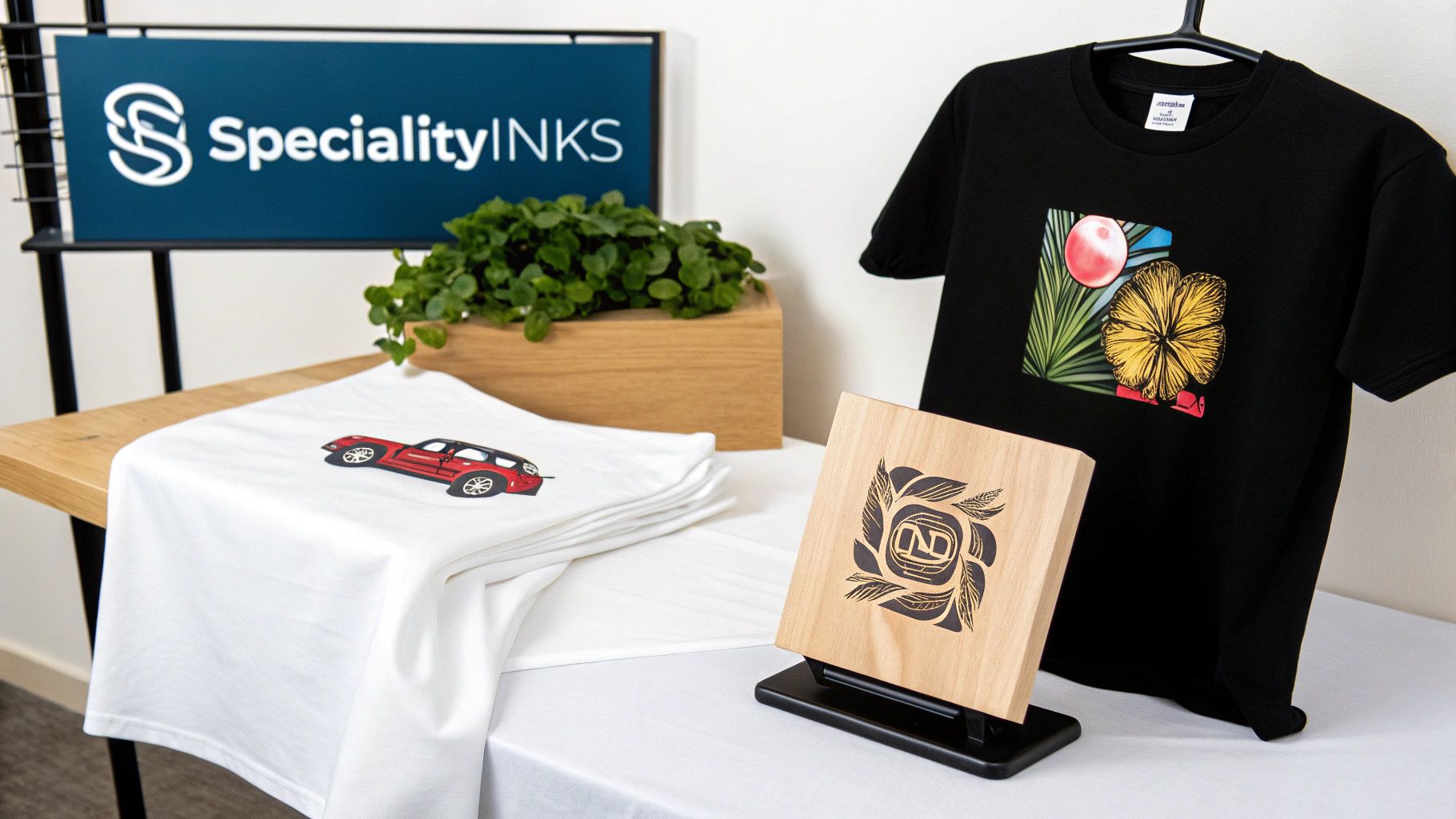
- Sublimation Ink: This is the magic behind custom T-shirts and personalized mugs. When heated, the ink transforms from a solid into a gas that permanently infuses into the fabric or special coating. It’s not just on the surface—it’s in the surface.
- Solvent & Eco-Solvent Ink: Ever wonder how vehicle wraps and giant banners hold up to the weather? This is the stuff. It's incredibly durable and built to withstand rain, sun, and scratches for years.
- UV-Curable Ink: Imagine an ink that dries the instant it's hit with a special light. That’s UV ink. It’s cured by ultraviolet light, allowing it to stick perfectly to tricky, non-porous materials like plastic, metal, and glass. For example, it’s used to print custom designs directly onto phone cases.
The world of printing technology is always moving forward. If you want to dive deeper into these topics, you can find a lot more insights over on the Toner Connect blog. Picking the right ink really can take your project from just "done" to truly exceptional.
Dye vs. Pigment Ink: Your Everyday Choice
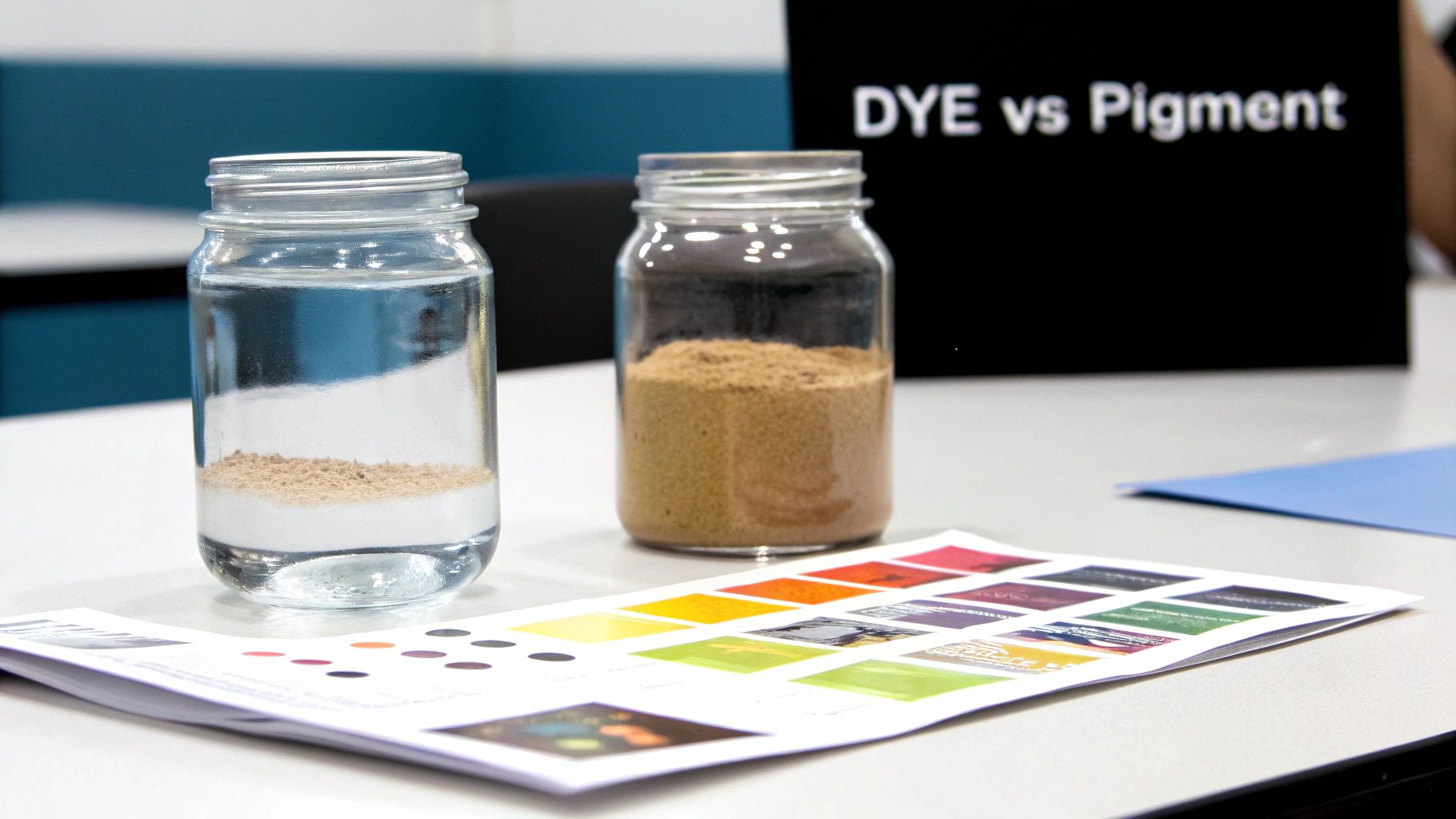
When it comes to everyday printing, the conversation almost always boils down to two main players: dye and pigment inks. They might look the same sitting in a cartridge, but the way they're made leads to vastly different results on the page. Getting a handle on this core distinction is really the secret to getting the perfect print, whether you're printing a school report or a frame-worthy photograph.
Think of dye-based ink as the artist of the pair. Its colorants are completely dissolved into a liquid, almost like sugar in water. This allows the ink to soak deep into the paper's fibers, creating stunningly vibrant, saturated colors that pop right off the page, especially on glossy photo paper.
On the other hand, pigment-based ink is the reliable workhorse. It's made of microscopic solid color particles that are suspended, not dissolved, in a liquid. Instead of soaking in, these tiny particles sit right on top of the paper's surface and lock on, creating sharp, durable lines and text.
When to Choose Dye-Based Ink
Imagine printing photos from your last vacation. You want those brilliant blue skies and rich, true-to-life skin tones. This is exactly where dye-based ink shines. Because it absorbs into specially coated photo paper, it produces a smooth, seamless finish with an incredible color range.
But there's a trade-off. Dye inks are water-soluble, which means a single drop of water can make them bleed and smudge. They're also more prone to fading over time, particularly when exposed to sunlight. A photo printed with dye ink and left on a sunny windowsill could show noticeable fading in as little as a few months.
Use dye-based ink for:
- Glossy Photographs: Its knack for producing vivid colors is perfect for high-quality family pictures and creative projects. For example, printing 4×6 photos for an album.
- Colorful School Projects: When you need a presentation with charts and images to really stand out, dye ink delivers that pop of color. For instance, creating a colorful book report cover.
- General Home Printing: For everyday documents that don't need to last for decades, dye ink is an excellent, cost-effective option. An example is printing a recipe from a website.
When Pigment-Based Ink Is the Right Call
Now, picture yourself printing a business contract or a critical invoice. You need the text to be razor-sharp, easy to read, and able to withstand a highlighter or a stray coffee spill. This is pigment ink's home turf.
Since the pigment particles rest on the paper's surface, they create incredibly precise text and lines. This formula also makes them highly water-resistant and archival. In fact, prints made with quality pigment inks can last for over 100 years without major fading, making them the gold standard for professional photographers, artists, and anyone creating documents that need to last.
The biggest advantage of pigment ink is its stability. The solid particles are far more resistant to environmental threats like light, humidity, and airborne gases, ensuring your important documents and cherished prints truly stand the test of time.
Use pigment-based ink for:
- Archival Documents: Essential for contracts, legal paperwork, and historical records that must stay legible for generations. For instance, printing a will or a property deed.
- Business Reports: The sharp text and resistance to highlighter bleed make it ideal for any professional setting. For example, printing a financial report for a board meeting.
- Professional Photography Portfolios: When prints are meant for sale or gallery display, the longevity and color fidelity of pigment ink are non-negotiable. An example would be creating fine art prints for an exhibition.
Making the Right Choice for Your Needs
So, which one is better? It all comes down to the job at hand. Many modern inkjet printers have gotten smart about this and use a hybrid system to give you the best of both worlds. It’s common to see a printer use a pigment-based black ink for crisp text right alongside dye-based color cartridges for vibrant photos. A practical example is the Canon PIXMA series, which often includes a larger black pigment ink tank for documents and smaller dye-based color tanks for photos.
Ultimately, let the final product guide your decision. For brilliant color that captures a moment, dye is your best friend. For sharp, durable text that needs to last a lifetime, pigment is the clear winner. This fundamental choice between different printer ink types is what empowers you to get the exact result you need, every single time. To see how dye-based technologies are used in commercial settings, you can explore specialized machines like the Epson SureColor F9570H Production Edition 64 Inch Dye Sublimation Printer.
2. Exploring Specialty Inks for Creative Projects
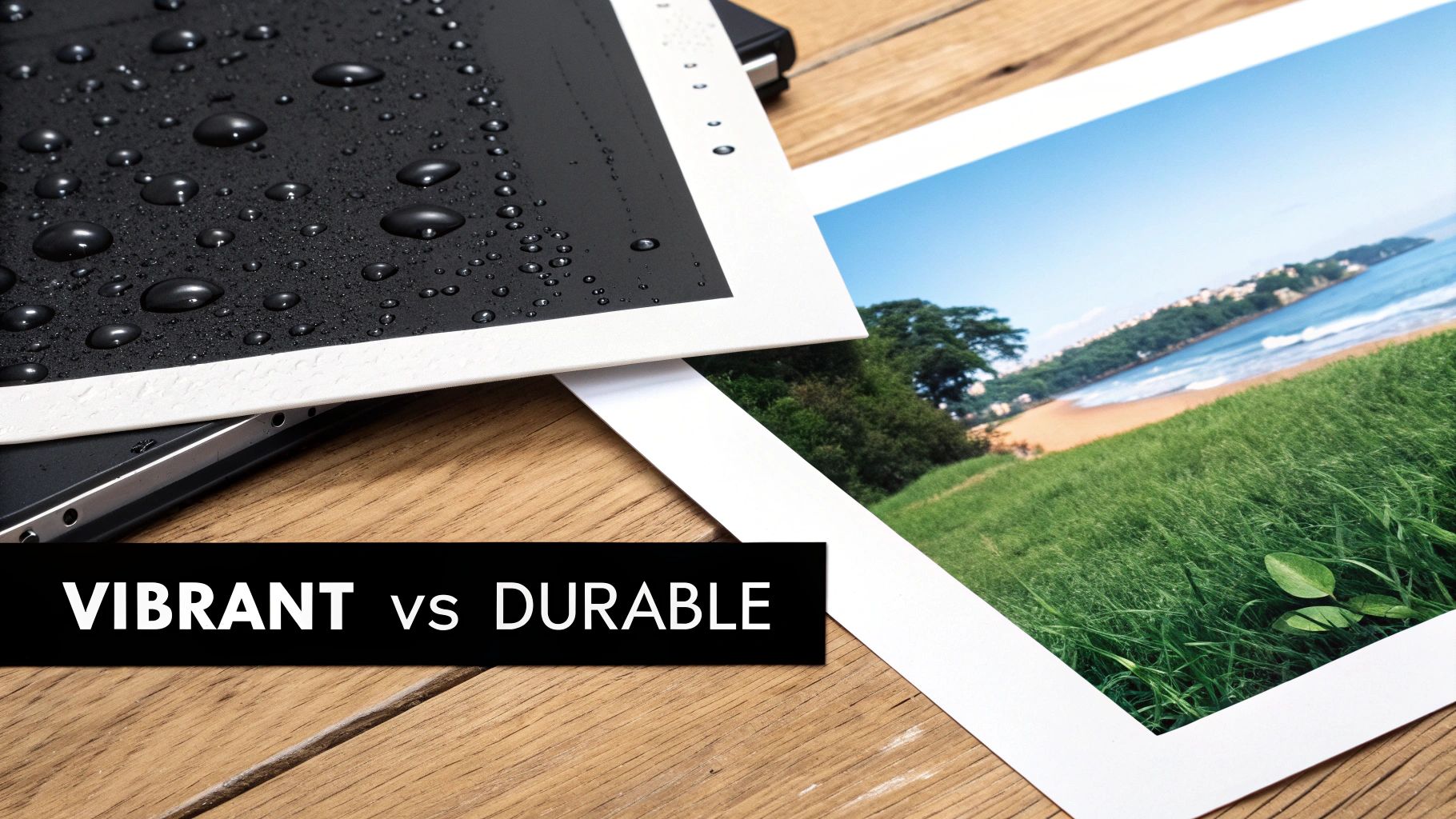
While dye and pigment inks handle most of our daily printing jobs, they have their limits. When you need to print on a t-shirt, a metal sign, or a coffee mug, you've stepped into the world of specialty inks. These advanced formulas are engineered to bond with unique materials, creating vibrant and durable results that standard inks just can't match.
These aren't just colored liquids; they're complex chemical systems built for specific jobs, from textiles to industrial packaging. In fact, the packaging sector alone is responsible for nearly 48% of all printing ink consumption, which shows you just how vital these specialized inks are in the commercial world. The industry's growth is really being pushed by these formulations that let us print on almost anything.
Sublimation Ink: The Magic of Gas-Phase Printing
Ever wondered how those custom mugs or polyester shirts get their vibrant, seamless designs that never seem to peel or crack? The secret is sublimation ink. It works through a fascinating chemical process that creates a permanent bond with certain materials.
Here’s a simple way to think about it: instead of drying on top of the surface like pigment ink, sublimation ink transforms. When you apply heat, the solid dye particles in the ink skip the liquid phase entirely and turn directly into a gas. This gas then seeps into the surface of polyester or specially coated items. As it cools, it solidifies and becomes a permanent part of the material. The design isn't just sitting on the fabric—it is the fabric.
The real beauty of sublimation is that the final print has zero texture or "hand feel." Because the ink infuses right into the fibers, the surface stays perfectly smooth. The image is also incredibly resistant to fading and washing, which is why it's so popular for apparel and personalized gifts.
If you're diving into this area, it's worth understanding sublimation printing and its unique inks in more detail.
Practical Examples of Sublimation Ink:
- Custom Apparel: Think all-over-print t-shirts, leggings, and sportswear. The ink bonds flawlessly with the synthetic polyester fibers.
- Promotional Products: Perfect for creating personalized coffee mugs, mousepads, phone cases, and keychains that have a polymer coating.
- Photo Gifts: Used for printing high-resolution photos onto metal plates or ceramic tiles, creating vivid keepsakes that last.
Solvent and Latex Inks: The Powerhouses of Outdoor Durability
When a print has to survive rain, sun, and wind, standard inks just don't cut it. This is where solvent and latex inks come in. These are the workhorses behind the massive banners, vehicle wraps, and billboards you see every single day.
Solvent inks use a volatile solvent to carry the color pigment. This solvent actually etches into the surface of materials like vinyl, allowing the pigment to dig in and form an incredibly strong bond. The result is a print that’s highly resistant to water, scratches, and UV fading for years. A more modern version, eco-solvent inks, uses less aggressive chemicals, making them safer for indoor use while still offering fantastic durability.
Latex inks, on the other hand, are water-based and contain tiny latex polymer particles. When printed, the printer uses heat to evaporate the water and activate the polymers, which then wrap around the pigment and fuse it to the printing surface. This creates a flexible yet tough layer that’s perfect for things like vehicle wraps that need to stretch around curves without cracking.
Where You'll Find These Inks:
- Outdoor Banners: That "Grand Opening" sign hanging outside a new shop is almost certainly printed with solvent or latex ink.
- Vehicle Wraps: The colorful, moving ads you see on city buses and company cars rely on these durable, flexible inks to look good on the go.
- Large-Scale Signage: From massive billboards to trade show displays, these inks deliver the longevity needed for high-impact graphics.
UV-Curable Ink: The Instant-Dry Solution for Any Surface
Imagine an ink that dries the instant it's printed, letting you print directly onto glass, wood, metal, or plastic. That's the magic of UV-curable ink. This ink doesn't dry through evaporation. Instead, it "cures"—or hardens—almost instantly when blasted with a strong ultraviolet (UV) light that’s built right into the printer.
This instant-curing process is what makes it so incredibly versatile. Since the ink hardens on the surface before it has a chance to soak in or spread, it can stick perfectly to non-porous materials. It also creates a slightly raised, textured finish, which can give the final product a really premium feel.
Creative Uses for UV-Curable Ink:
- Custom Phone Cases: Printing intricate designs directly onto plastic or silicone.
- Branded Wood or Glassware: Adding logos and graphics to wooden signs, coasters, or glass bottles.
- Industrial Applications: Printing labels, dials, and instructions directly onto metal or plastic parts.
How to Choose the Right Ink Cartridge
Knowing the different printer ink types is a great start, but the real test comes when you're standing in front of a wall of ink cartridges, trying to figure out which one is right. The endless options and confusing model numbers can make anyone’s head spin.
Let's cut through the noise and make this simple. I'll walk you through a few straightforward steps to make sure you grab the right ink, every single time.
First things first: you need your printer's model number. It's usually printed right on the front or top of the machine—something like "HP OfficeJet Pro 9015" or "Canon PIXMA TR8620." Think of this number as your golden ticket; it unlocks everything you need to know.
With that number in hand, you can find the exact cartridge you need. The easiest way? Just pop open the printer and look at the ones already in there. The cartridge number, like "HP 962" or "Epson 220," is almost always printed right on the label.
OEM vs Compatible vs Remanufactured Cartridges
Once you start shopping, you’ll quickly notice there are three different flavors of cartridges. Each has its own trade-offs when it comes to price, performance, and peace of mind. Getting a handle on these differences is the key to making a smart buy.
- OEM (Original Equipment Manufacturer): These are the brand-name cartridges made by the same company that made your printer (HP, Canon, Epson, etc.). They're built for your specific machine, so you get top-notch quality and reliability. The downside? They come with a premium price tag.
- Compatible (Third-Party): These are brand-new cartridges produced by a different company. They’re designed to function just like the originals but at a much friendlier price point. While the quality of compatibles has gotten way better over the years, there's still a small risk of a compatibility hiccup.
- Remanufactured: These are used OEM cartridges that have been professionally cleaned, refilled with fresh ink, and tested for quality. They’re a great eco-friendly and budget-conscious choice, though performance can sometimes be hit-or-miss depending on who did the remanufacturing.
The market for these products is massive. The ink cartridge printer market was valued at around USD 21.8 billion in 2025 and is expected to hit USD 39.0 billion by 2035. This isn't just about printing documents; it's about a growing demand for cost-effective printing solutions, which is pushing manufacturers to innovate with better ink and more sustainable cartridge designs. You can dig into detailed market trends for ink cartridge printers from Future Market Insights.
A Practical Comparison for Your Next Purchase
So, which one should you choose? It really boils down to what you’re printing. If you’re a photographer who needs flawless color accuracy, your needs are very different from someone just printing out internal reports where "good enough" is perfectly fine.
To help you decide, here’s a quick-glance table breaking down the key differences between OEM, compatible, and remanufactured cartridges.
OEM vs Compatible vs Remanufactured Cartridges
| Cartridge Type | Pros | Cons | Best For |
|---|---|---|---|
| OEM | Highest print quality and reliability; guaranteed compatibility. | Most expensive option; higher cost per page. | Professional photographers printing gallery photos; graphic designers needing precise color matching. |
| Compatible | Significant cost savings; widely available. | Potential for inconsistent quality; risk of being blocked by printer firmware updates. | Students printing essays; offices printing internal memos and reports where budget is a primary concern. |
| Remanufactured | Eco-friendly option; lower cost than OEM. | Print quality and ink levels can be inconsistent; higher chance of defects. | Home users printing coupons or directions; environmentally conscious users for general-purpose document printing. |
Ultimately, the best choice is the one that aligns with both your printing needs and your budget.
Avoiding Common Purchasing Mistakes
Here’s a common frustration: you buy a third-party cartridge that works great, but then a firmware update from the printer manufacturer suddenly blocks it. Companies often frame these updates as security enhancements, but they also conveniently push you toward buying their more expensive OEM inks.
Pro Tip: If you rely on compatible or remanufactured cartridges, think about disabling automatic firmware updates on your printer. This one small step can save you the headache of your affordable ink suddenly being rejected.
Finally, always, always double-check the cartridge number before you hit "buy." It's so easy to accidentally grab a "photo black" when you needed a regular "black," or to mix up the standard and high-yield (XL) versions. My go-to trick? Just snap a quick photo of the old cartridge with your phone. It's a simple move that can save you a frustrating return trip.
How to Maximize Ink Lifespan and Go Green
https://www.youtube.com/embed/bFQQ4HOJrh8
Just like the milk in your fridge, printer ink has a shelf life. That expiration date you see on the box isn't a marketing gimmick—it’s a genuine warning. Once that date passes, the ink’s chemical cocktail starts to break down, which can lead to streaky prints, weird color shifts, and my personal nightmare: clogged printheads.
So, what’s happening inside that little plastic case? The sophisticated liquids that make up different printer ink types are surprisingly delicate. When exposed to air, the liquid components start evaporating, leaving behind a thicker, sludgy ink that’s just begging to clog things up.
On top of that, wild temperature swings can mess with the chemical stabilizers, and direct sunlight will literally break down the colorants. Suddenly, your vibrant reds look more like a faded pink. The good news is, proper storage is your best defense against all of this.
Smart Storage for Longer-Lasting Ink
Getting more life out of your ink cartridges is much easier than it sounds. Whether the cartridge is brand new in its box or already sitting in your printer, a few simple habits can make a world of difference.
For those unopened cartridges, the name of the game is preserving that factory seal for as long as possible.
- Keep Them Sealed: Resist the urge to open the vacuum-sealed wrapper until the moment you're ready to pop it into the printer. This is its best protection against air and humidity.
- Store in a Cool, Dark Place: Think of a desk drawer or a supply closet—those are perfect. Definitely avoid spots with extreme temperatures, like a sun-baked windowsill or a freezing garage. For example, don't leave spare cartridges in your car on a hot day.
- Position Them Correctly: Always store ink cartridges standing upright. If you lay them on their side, the ink can pool unevenly and cause problems down the road.
For cartridges that are already installed, the strategy is a bit different. The single most important thing you can do is use the printer regularly. Just printing a quick test page once a week is enough to keep the ink flowing smoothly and prevent those tiny printhead nozzles from drying out.
An Eco-Friendly Approach to Ink Cartridge Disposal
Being smart about ink goes beyond just storage. The global printing inks market is a behemoth, expected to hit nearly USD 31.58 billion by 2032, largely thanks to big strides in digital printing and a push for greener formulas. As the market expands, so does our responsibility to handle used cartridges properly. You can get a deeper dive into these industry trends from Persistence Market Research.
An empty ink cartridge isn't trash. Most are made from tough, industrial-grade plastic that can take centuries to break down in a landfill. The great news is, they're also highly recyclable.
Thankfully, most major retailers and manufacturers have made recycling incredibly simple and, in most cases, completely free.
Easy Recycling Options:
- Retail Drop-Off Bins: You've probably seen them. Stores like Staples and Office Depot usually have collection bins right near the entrance.
- Manufacturer Mail-In Programs: Brands like HP and Canon often give you postage-paid mailers to send your empties back to them directly.
- Local Recycling Centers: It's always worth checking with your local waste management facility. Many now accept ink cartridges as part of their e-waste programs.
By taking a few extra moments to store your ink correctly and recycle the empties, you’re not just saving money—you’re doing your part for a more sustainable printing ecosystem. And if you happen to have a stockpile of new, genuine cartridges you won't use, don't let them expire! You can submit your list of unused toners for a quote and get cash for them instead.
Your Printer Ink Questions, Answered
Even after getting a handle on the different printer ink types, there are always a few practical questions that pop up. This is where the rubber meets the road, so let's tackle the common queries we hear all the time to help you manage your printer and your budget a little better.
Think of this as the final piece of the puzzle. These quick answers should clear up any lingering doubts and give you the confidence to handle your printer like a pro.
Can I Mix Different Ink Types In My Printer?
I get this question a lot, and the answer is a hard no. You should never, ever mix different types of ink—like dye-based and pigment-based—in the same printer unless that specific model was built to handle it.
It's a bit like putting diesel into a car that runs on regular gasoline. They're both fuel, sure, but their chemical makeup is completely different, and the result is a trashed engine. The same principle applies here; dye and pigment inks have totally unique formulas that do not play well together.
When you mix them, a chemical reaction can create a thick, gummy sludge. This gunk will clog the tiny, delicate nozzles in your printhead, causing a catastrophic failure. The repair bill for that kind of damage is almost always more than the printer is even worth. For a deeper dive into common printer headaches, you can check out our detailed printer and toner FAQ page.
Why Is Printer Ink So Expensive?
Ah, the age-old question that drives every printer owner crazy. The sticker shock isn't just for the colored liquid in that little plastic box; it's a reflection of the staggering amount of money and engineering that goes into the technology.
Printer companies pour billions into research and development. They have to engineer printheads with microscopic nozzles—many of them smaller than a human hair—that can fire thousands of perfectly aimed droplets every single second. The ink itself is a complex chemical cocktail designed to dry on contact, resist fading for years, and work in perfect harmony with that very specific piece of hardware.
A huge chunk of the cost is really covering the innovation that makes modern printing possible. You aren't just buying ink; you're paying for years of research that lets you create vibrant, long-lasting, and incredibly sharp prints from a machine sitting on your desk.
This is all part of the classic "razor and blades" business model. The printer itself is sold at a low price (the razor), but the profit is made on the ongoing sales of the ink cartridges (the blades) that you have to keep buying. For example, a printer might cost $80, but a full set of replacement XL cartridges could cost $100.
How Can I Make My Ink Cartridges Last Longer?
While you can't change the price of a cartridge, you can definitely change your habits to squeeze every last drop out of the one you have. Making your ink last longer is probably the single best way to cut down your printing costs.
You don't need to be a tech wizard, either. A few simple tweaks to how you print can make a world of difference.
Here are a few practical tips to help you maximize your ink:
- Use Draft Mode: For notes, drafts, or anything where perfect quality isn't essential, switch your printer to "Draft" or "Economy" mode. A great practical example is printing out a long university study guide for your own use. It uses way less ink and prints a lot faster, too.
- Pick Ink-Efficient Fonts: Believe it or not, your font choice matters. Fonts with thinner lines, like Century Gothic or Times New Roman, use less ink than chunky, bold fonts like Arial Black.
- Print in Grayscale: If color isn't necessary, always choose the "Grayscale" or "Black and White" setting. This is perfect for printing online receipts, articles, or text-heavy documents. This tells the printer to only use the black cartridge, saving your pricey color inks for when you really need them.
- Run a Nozzle Check First: If your prints look streaky, run a nozzle check from your printer's software before jumping to a head cleaning. Head-cleaning cycles use a ton of ink, so you should only do them as a last resort.
- Don't Panic at the Low-Ink Warning: Most printers cry wolf. That "low ink" warning often pops up when there's still plenty of life left in the cartridge. You can usually get dozens more pages printed before the quality starts to dip.
By making these small adjustments, you can stretch your ink budget and cut down on waste, making every single cartridge work harder for you.
Do you have a surplus of new, unused OEM ink or toner cartridges taking up space? At Toner Connect LLC, we turn those extra supplies into cash. We offer competitive prices, free shipping, and fast, reliable payment, providing a simple way to recover value from your excess inventory. Get a free quote today!