
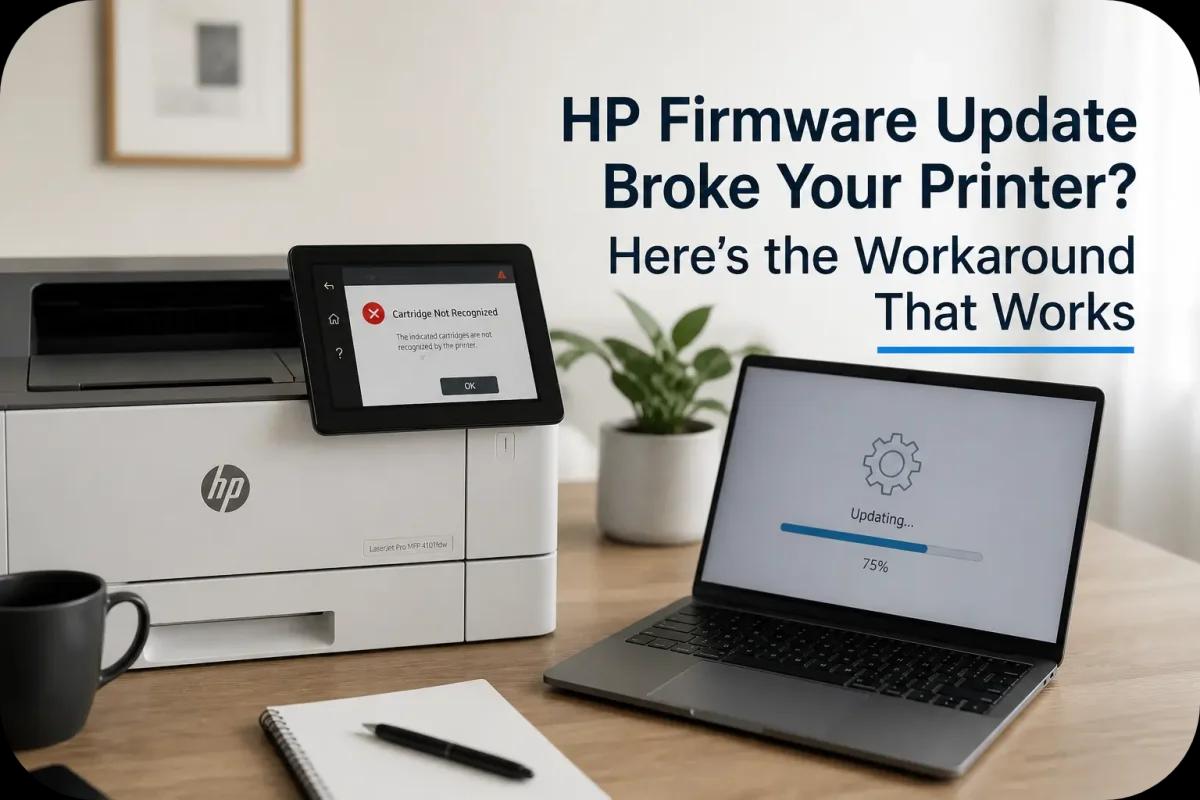
HP Firmware Update Broke Your Printer? Here’s the Workaround That Works
Nothing is more frustrating than a printer that suddenly stops working, especially when it was running perfectly just moments ago. If your HP printer started showing cartridge errors right after a firmware update, you’re definitely not alone.
This issue has become increasingly common, leaving many users confused and stuck. The good news? There’s a practical workaround, and you don’t need to overspend on expensive cartridges to fix it.
Why HP Firmware Updates Can Break Your Printer?
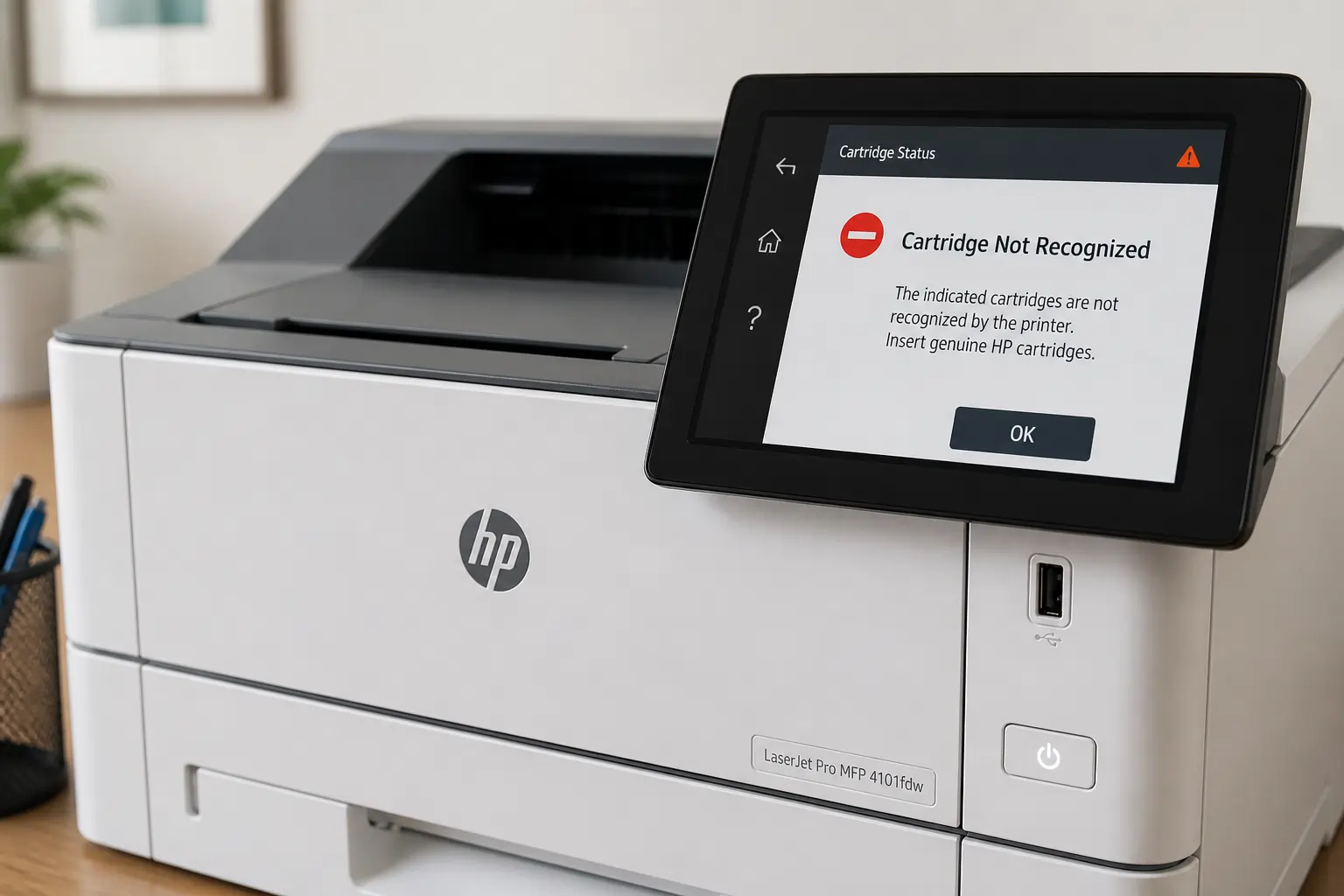
HP firmware updates are meant to improve performance and security. But sometimes, they introduce restrictions that affect cartridge compatibility.
The Role of Dynamic Security
HP’s dynamic security feature is designed to verify whether your toner cartridge is “authorized.”
Here’s what happens:
- Your printer checks the cartridge chip
- If it doesn’t meet HP’s criteria, it gets blocked
- You’ll see errors like:
- “Cartridge not recognized”
- “Supply problem”
- “Non-HP chip detected”
This often happens right after an update, turning a working printer into a frustrating paperweight.
Watch: HP Firmware Locking You Out? Do This Instead
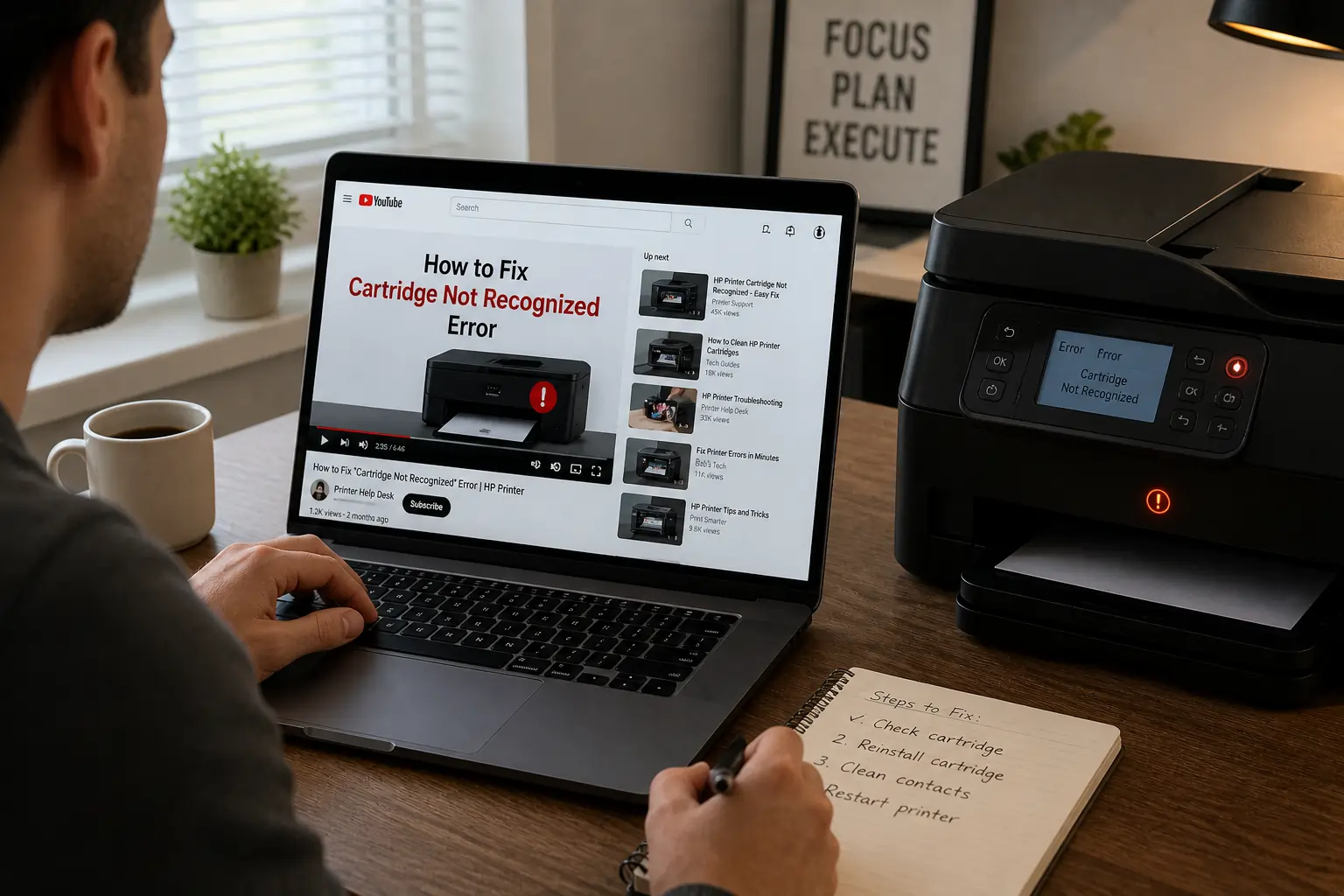
If you prefer a quick visual walkthrough, this video explains exactly what’s happening and what steps you can take:
This guide walks you through simple actions you can take immediately, especially helpful if you’re dealing with cartridge errors right now.
If you want to dive deeper, you can also watch it directly here.
The Real Cost of Firmware Restrictions
Beyond the inconvenience, there’s a bigger issue: cost.
Why This Impacts Your Wallet?
When your printer rejects compatible cartridges:
- You’re pushed toward expensive OEM options
- Printing costs increase significantly over time
- Businesses and heavy users feel it the most
This is where smarter alternatives start to matter.
The Workaround That Actually Works
Let’s get into the practical fixes that can help you regain control of your printer.
1. Disable Automatic Firmware Updates
If your printer is still functioning:
- Turn off auto-updates in settings
- Only update firmware when absolutely necessary
This prevents future compatibility issues with your toner cartridges.
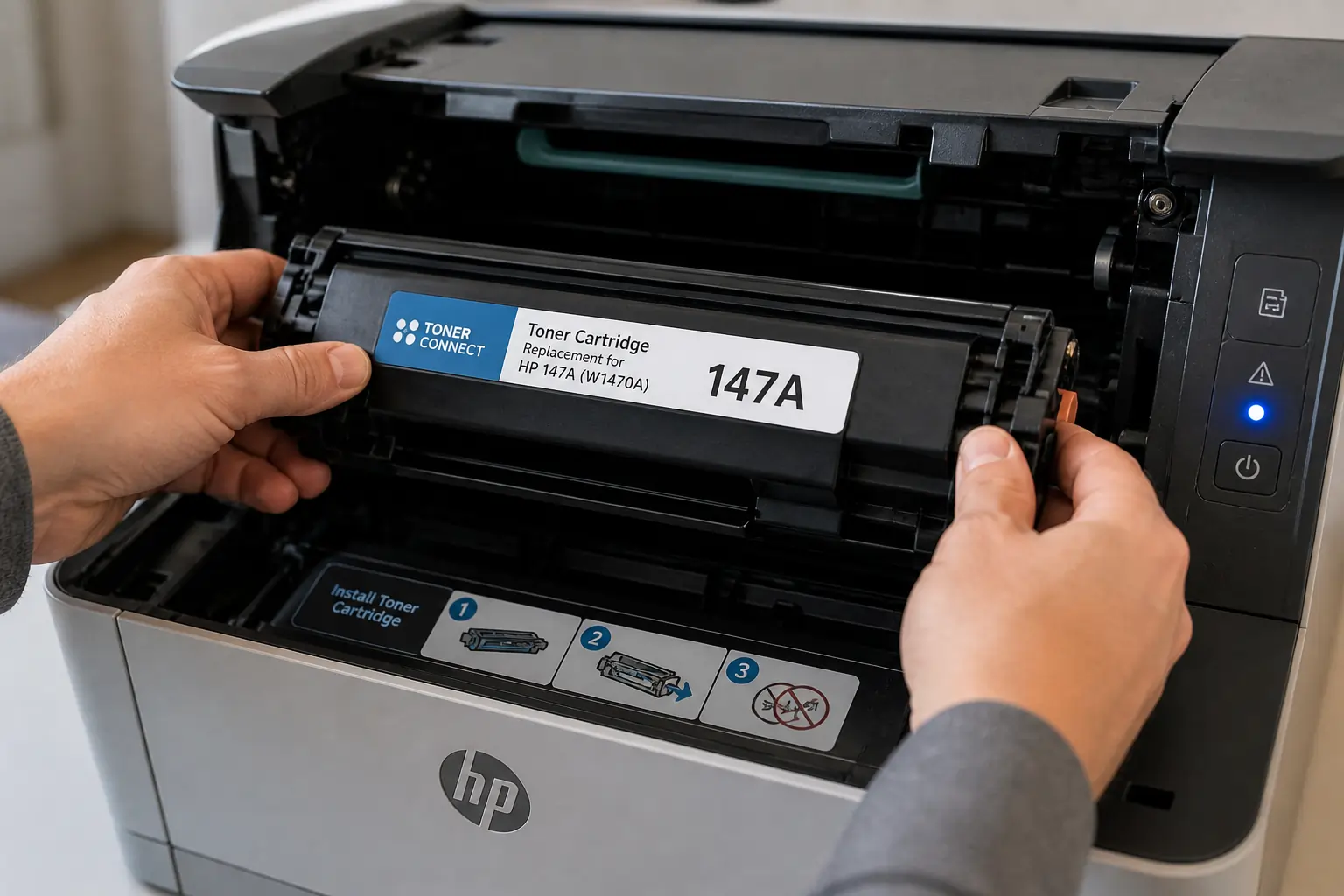
2. Use Firmware-Compatible Toner Cartridges
Not all compatible cartridges are created equal. Some are specifically designed to work with newer HP firmware.
Instead of guessing, many users rely on trusted sources like TonerConnect for:
- Updated chip technology
- Reliable compatibility
- Affordable alternatives to OEM cartridges
This helps you avoid getting locked out again.
3. Consider Firmware Rollback
Advanced users may attempt to:
- Downgrade to an earlier firmware version
- Restore compatibility with older cartridges
Just note:
- This isn’t always supported
- It may require technical steps
For most users, switching to compatible cartridges is the simpler solution.
Why Toner Cartridges Play a Key Role?
When firmware issues arise, your toner cartridge becomes the center of the problem, and the solution.
OEM vs Compatible Cartridges
OEM Cartridges:
- Expensive
- Guaranteed compatibility
- Limited flexibility
Compatible Toner Cartridges:
- More affordable
- Widely available
- Can work perfectly with the right supplier
The key is choosing cartridges that are built to handle firmware changes.
A Smarter Alternative: TonerConnect
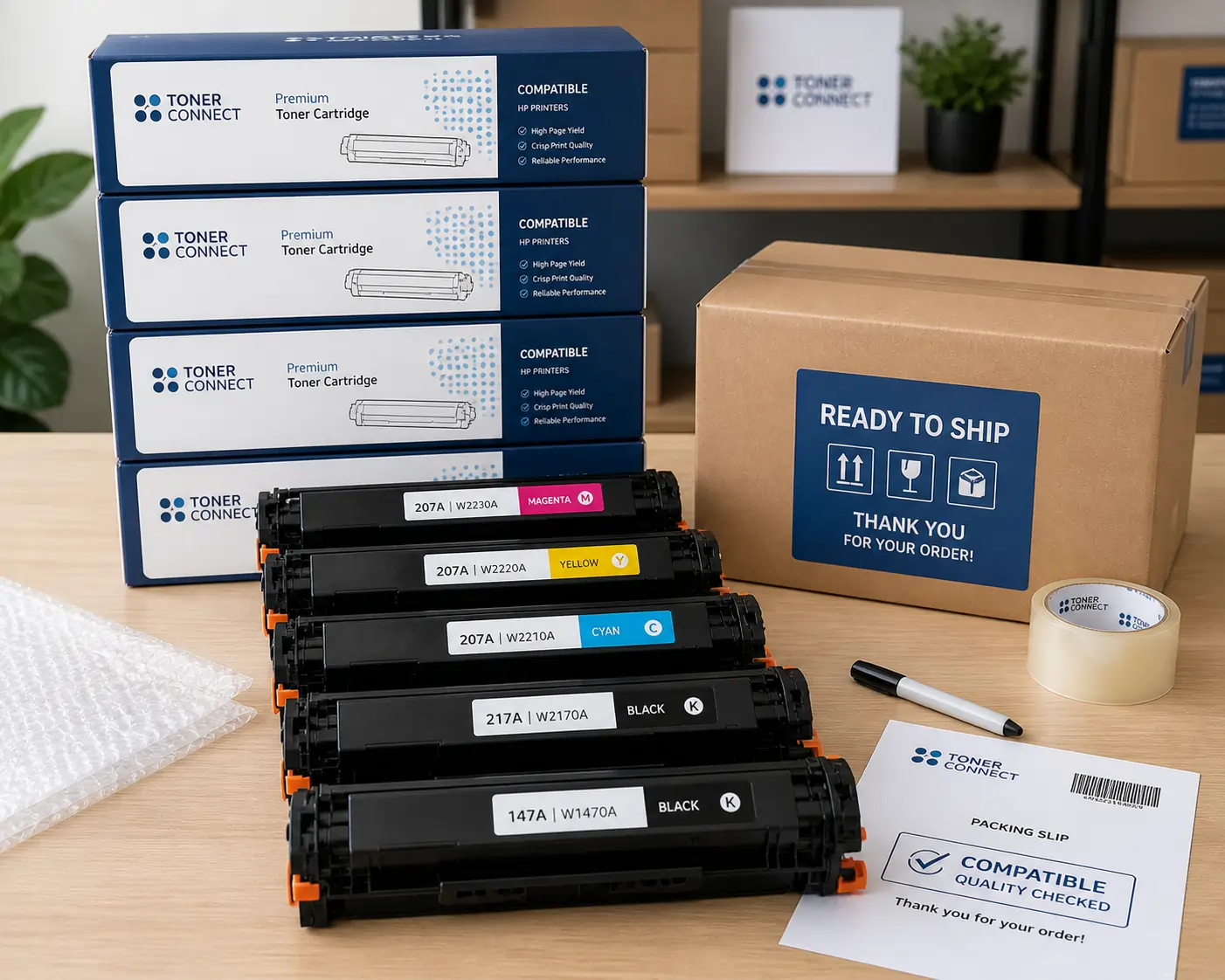
Instead of replacing your printer or overspending, many users are switching to smarter options.
With TonerConnect, you can find:
- Affordable toner cartridges for various HP models
- Products designed for firmware compatibility
- Reliable supply for both home and office use
It’s not about avoiding OEM, it’s about having better options that fit your budget and needs.
Tips to Avoid Future Firmware Issues
Once your printer is back up and running, here are a few ways to keep it that way:
Smart Printing Habits
- Disable automatic firmware updates
- Check compatibility before updating
- Keep backup cartridges
- Buy from trusted suppliers like TonerConnect
These simple habits can save you from future headaches.
Conclusion
If an HP firmware update broke your printer, it might feel like you’re out of options, but you’re not.
With the right approach, understanding firmware restrictions, choosing compatible toner cartridges, and sourcing from reliable providers like TonerConnect, you can keep printing without overspending.
Sometimes, the smartest fix isn’t replacing your printer, it’s simply choosing a better toner.