
How to Prevent Your Printer Ink from Drying Out Too Soon
Printer ink drying out is one of those frustrating issues that seems to happen at the worst possible time, right when you need to print something important. The good news? It’s not random. Ink dries out for specific reasons, and once you understand them, it becomes much easier to prevent.
In this guide, we’ll break down why ink dries out, practical ways to stop it, and even explore a smarter alternative, toner cartridges, if you’re tired of constantly dealing with dried ink.
Why Printer Ink Dries Out in the First Place?
Inkjet printers use liquid ink, which is naturally prone to drying when exposed to air. The most common causes include:
- Infrequent printer use
- Air exposure inside the cartridge or printhead
- Clogged nozzles due to dried residue
- Warm or dry environments
- Leaving cartridges installed but unused for long periods
Even if your cartridge still has ink inside, it can become unusable simply because it has dried in the printhead or nozzle.
Simple Ways to Prevent Your Printer Ink from Drying Out
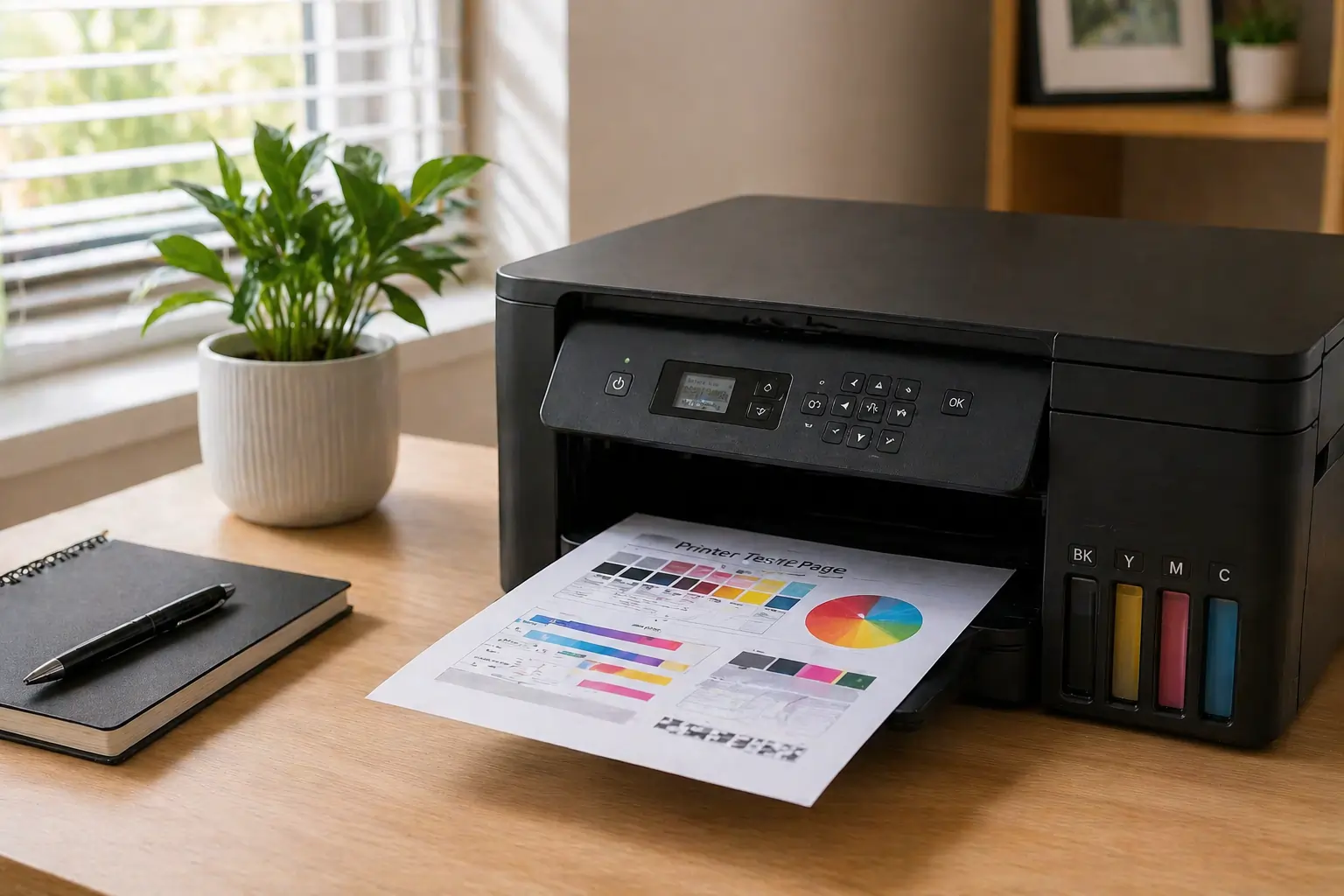
Use Your Printer Regularly
One of the easiest and most effective solutions is to print something at least once a week. Even a simple test page keeps the ink flowing and prevents buildup.
Think of it like exercise for your printer, regular use keeps everything functioning properly.
Keep Your Printer Sealed and Covered
Air exposure is a major factor in ink drying. Always make sure:
- The printer lid is closed
- Cartridges are properly installed
- The printer is turned off correctly (so it caps the printhead)
This helps reduce airflow that can dry out the ink.
Store Cartridges Properly
If you’re not using a cartridge immediately:
- Keep it in its original packaging
- Store it in a cool, dark place
- Avoid removing protective seals until needed
Proper storage can significantly extend the life of your ink.
Run Printer Maintenance Cycles
Most printers have built-in cleaning functions. These help:
- Clear clogged nozzles
- Restore ink flow
- Prevent long-term damage
Running a cleaning cycle occasionally (but not excessively) can keep your printer in top shape.
Maintain the Right Environment
Heat and dry air speed up ink evaporation. Try to:
- Keep your printer in a room with moderate humidity
- Avoid placing it near windows or heat sources
- Use a dust cover if the printer sits unused for long periods
Watch: Why Printer Ink Dries Out (and How to Fix It)
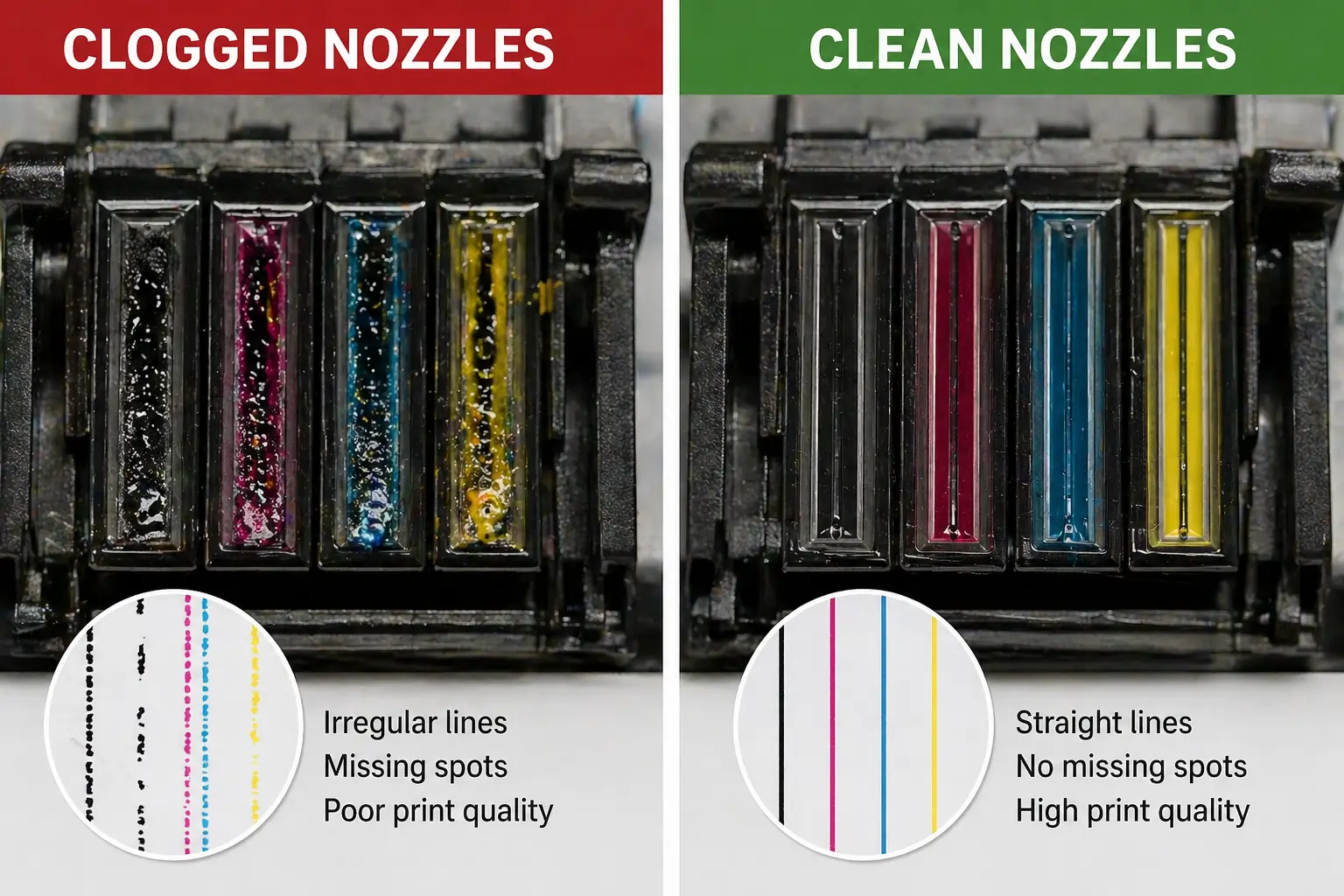
To better understand how ink dries inside the printhead and how to fix it, watch this helpful video:
This video demonstrates how quickly ink can dry inside the nozzles, even when the cartridge isn’t empty, and shows simple maintenance techniques to restore print quality. One key takeaway is that ink drying isn’t about how much ink you have, but how often you actually use your printer.
If you want to dive deeper, you can also watch it directly here.
A Smarter Alternative: Toner Cartridges
If you’re tired of dealing with dried ink altogether, switching to toner cartridges (laser printers) can be a game-changer.
Unlike liquid ink, toner is a fine powder, which means it doesn’t dry out the same way.
Benefits of Toner Cartridges
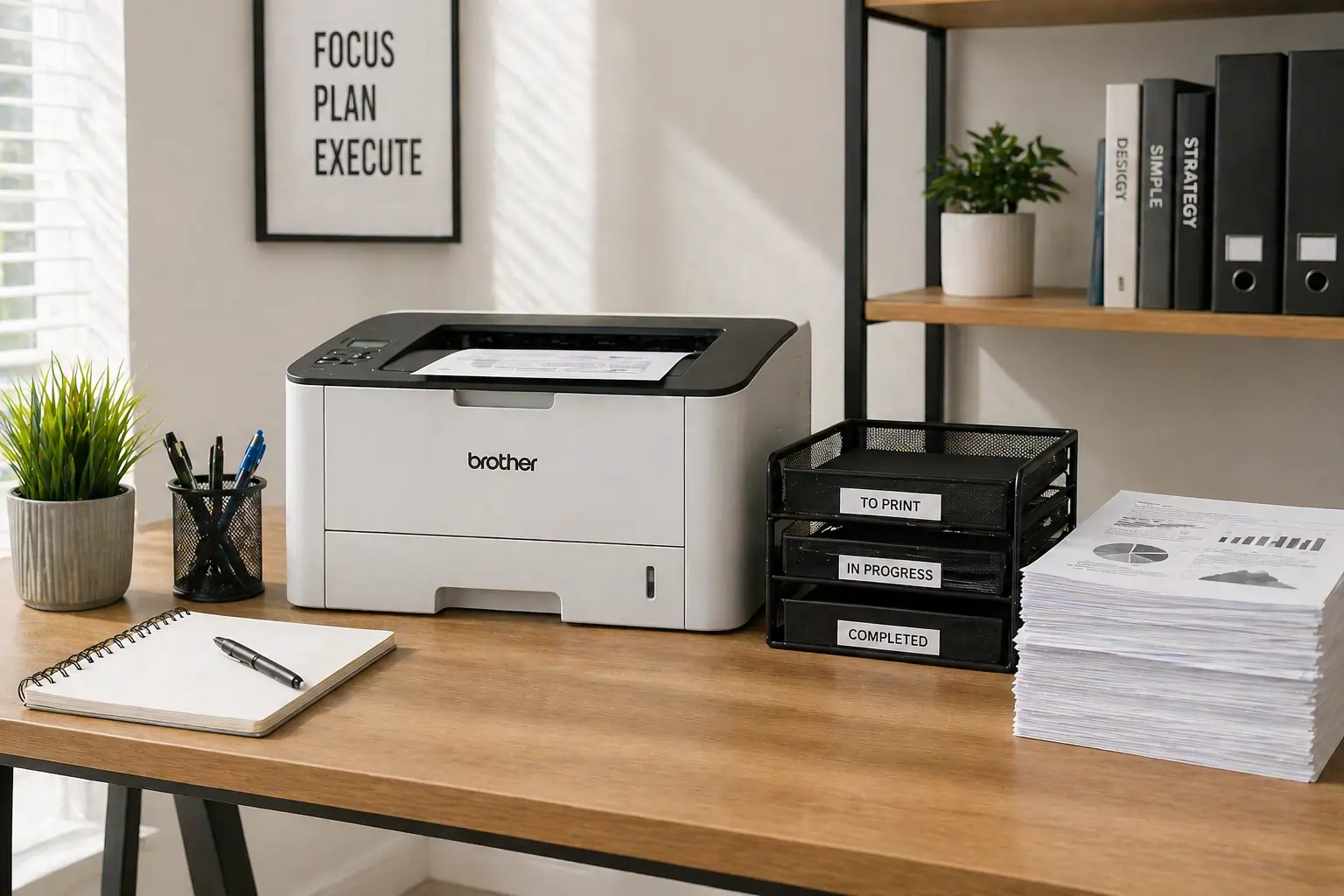
Here’s why many users are making the switch:
- Longer shelf life – Toner doesn’t dry out, even after months of non-use
- Higher page yield – Print more pages compared to ink cartridges
- Lower long-term cost – More efficient for frequent printing
- Faster printing speed – Ideal for offices and high-volume tasks
- Less maintenance – No clogged printheads or frequent cleaning cycles
If you print occasionally or in bursts, toner can save you both time and frustration.
Where to Find Reliable Toner Options?
If you’re considering switching, you can explore affordable and reliable toner options through TonerConnect.
They offer a wide range of cartridges suited for different printer models, making it easier to find a long-term solution that fits your needs.
You can also browse available products here.
What If You Want to Switch Back Later?
Here’s something many people don’t realize, you’re not locked in.
If you decide to try toner cartridges and later want to go back to inkjet printing, you can actually resell unused toner cartridges.
Resell Your Toner Cartridges Easily
Instead of letting extra toner sit unused:
- You can resell them
- Recover part of your investment
- Reduce waste
Toner Connect also buys toner cartridges, making it simple to turn unused supplies into cash.
This flexibility makes switching to toner a low-risk decision.
When Should You Stick with Ink?
Despite its drawbacks, inkjet printing still makes sense in some cases:
- High-quality photo printing
- Lower upfront printer cost
- Occasional color printing needs
If this sounds like your situation, just follow the prevention tips above to keep your ink from drying out.
Helpful Resources on Printer Maintenance
For deeper insights into printer care and ink management, check it out here and here.
Final Thoughts
Preventing your printer ink from drying out doesn’t require complicated fixes, just consistent use, proper storage, and a bit of maintenance. But if you’re constantly running into the same issue, switching to toner cartridges can offer a more reliable, low-maintenance alternative.
Either way, taking a proactive approach will help you save money, reduce waste, and avoid last-minute printing headaches.