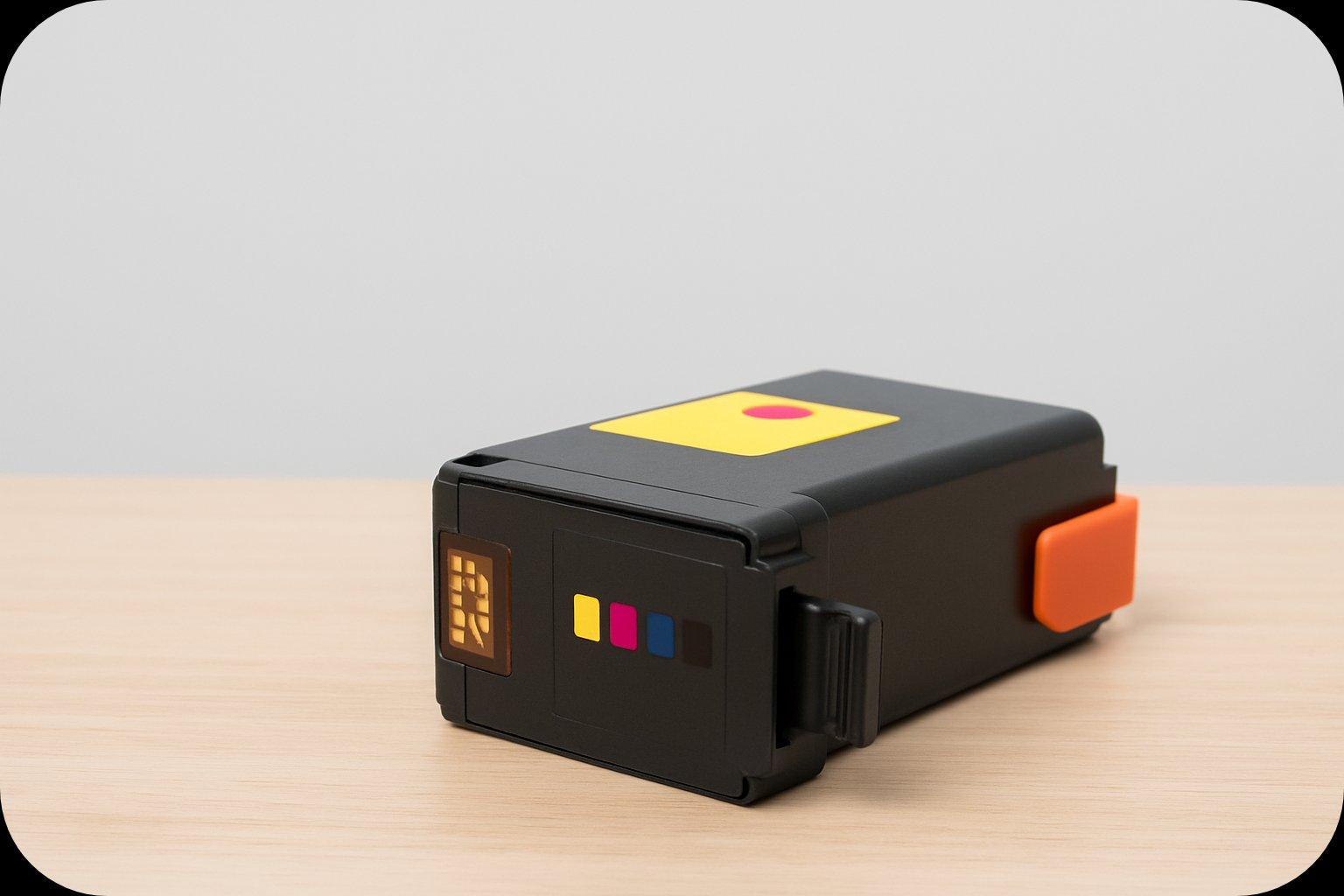
Yes, ink cartridges do dry up, a common and annoying issue for inkjet printer users. Imagine leaving a marker uncapped; the ink is exposed to air, it evaporates, and what remains is a thick pigment that cannot flow smoothly. If you print infrequently, like once a month, this is likely to happen.
Why Ink Cartridges Dry Up
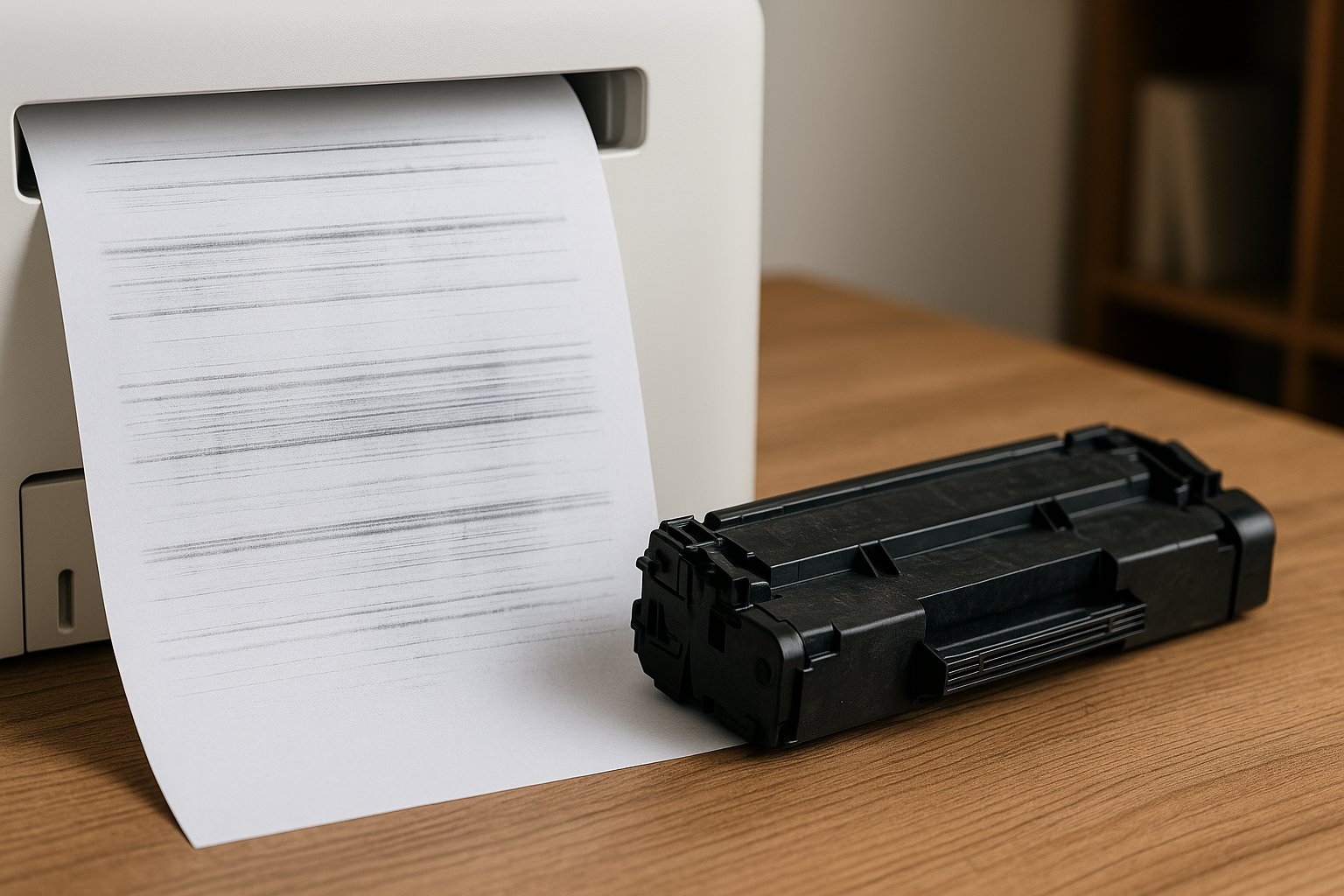
If you return to a printer after weeks and find streaky or blank pages, that's a dried-out cartridge. Air exposure causes the liquid in the ink to evaporate, leaving thickened ink. For instance, leaving a printer unused for two weeks can dry the ink.
-
Thickened Ink: The ink becomes too dense to move smoothly through the printer.
-
Clogged Printhead Nozzles: Dried ink particles can block the printhead nozzles.
This is a significant issue impacting printer reliability. The global ink cartridge market is projected to be worth USD 21.8 billion by 2025, highlighting the importance of managing this problem.
Common Causes and Solutions
Understanding the causes helps in preventing dry ink cartridges. Here’s a quick breakdown of common reasons and prevention strategies:
| Cause | What Happens | Prevention Strategy |
|---|---|---|
| Infrequent Printing | Ink sits and evaporates. Example: Printing concert tickets every few months. | Print a test page weekly. |
| Improper Storage | Heat, sunlight, or low humidity speeds up evaporation. Example: Storing cartridges in a hot garage. | Store upright in a cool, dark, dry place. |
| Incorrect Shutdown | Printhead isn’t properly capped, exposed to air. Example: Using a power strip to turn off. | Use the printer’s power button. |
| Expired Cartridges | Ink stabilizers break down over time. Example: Using an old cartridge. | Check expiration dates before use. |
Why Ink Cartridges Dry Out
Ink is a mix of colorants and liquid, designed to flow through the printhead. Evaporation causes the liquid to leave, thickening the ink. This results in blockages in the printhead.
Environmental Factors
-
Low Humidity: Dry air accelerates evaporation.
-
High Temperatures: Heat speeds up evaporation.
-
Direct Airflow: Airflow carries away evaporating ink.
For example, a cartridge stored in a controlled office environment might last months, but in a hot, dry garage, it could clog in weeks.
Preventing Clogs
Thick ink leads to clogged printheads. Printheads have tiny nozzles that can be blocked by thick ink. This can cause streaky prints or permanent clogs. Keeping ink from evaporating is crucial for print quality.
Storing Ink Cartridges Properly
Proper storage prevents ink from drying out. Whether in use or stored, care is essential.
Storing Spare Cartridges
Keep cartridges in original sealed packaging. Store upright in a cool, dark place to prevent drying.
-
Upright Storage: Avoid air pockets by keeping cartridges vertical.
-
Cool, Dark Places: Avoid heat and wild temperature changes.
-
Dry Conditions: Avoid humidity to prevent package damage.
Maintaining Installed Cartridges
Use the printer regularly to keep ink flowing. Print a simple test page weekly to prevent stagnation. Set reminders to print regularly.
Reviving Dried Ink Cartridges
If a cartridge dries or clogs, try these methods before discarding:
-
Printer's Cleaning Cycle: Use the printer’s software to clear clogs.
-
Damp Paper Towel: Gently press the printhead on a damp cloth to loosen clogs.
-
Soaking Method: Soak the printhead in distilled water for stubborn blockages.
Choose the method based on the severity of the clog.
Handling Surplus Ink Cartridges
If you have unused cartridges, sell them to buyback companies. They buy OEM, sealed, and in-date cartridges.
Conclusion
Ink cartridges do dry out due to evaporation. Regular use and proper storage can prevent this. Selling unused cartridges is also a smart financial move. With these tips, you can manage printing costs effectively.