
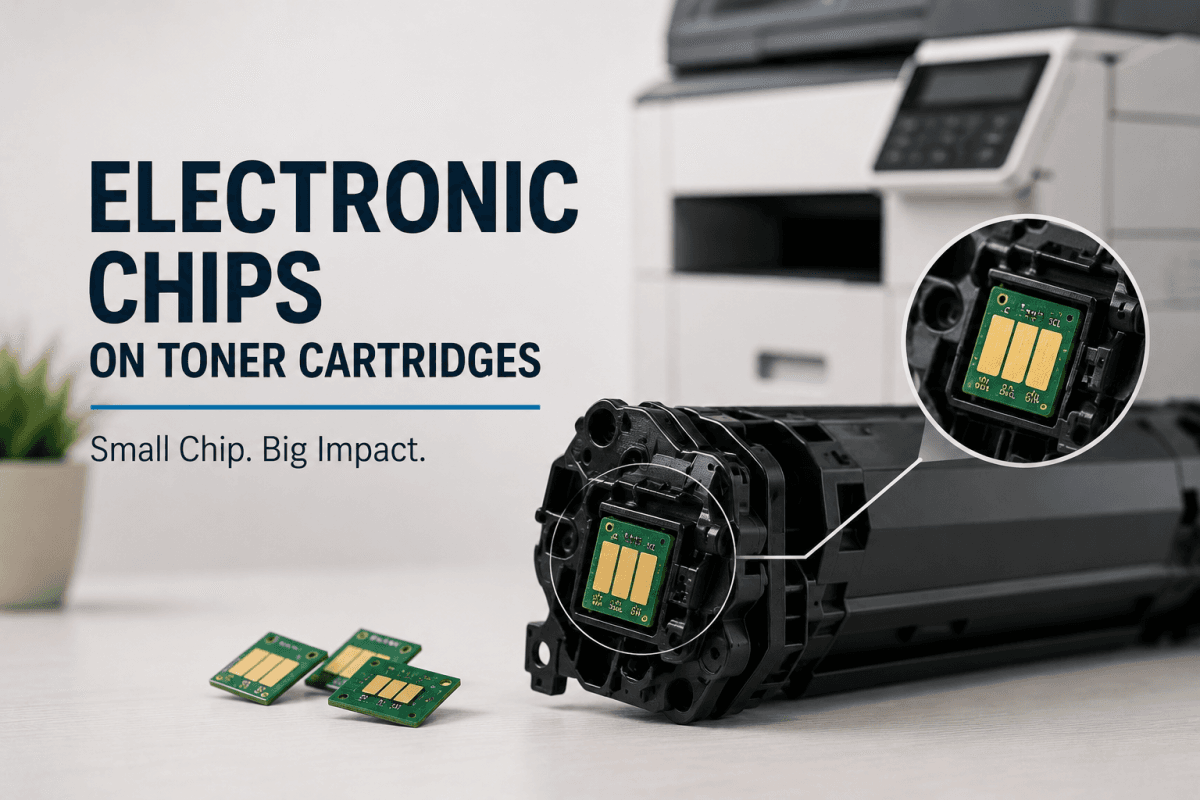
How to Disable Electronic Chips on Toner Cartridges?
Electronic chips on toner cartridges have become a standard feature in many modern laser printers. These smart chips help printers monitor toner levels, verify cartridge compatibility, and track cartridge usage. However, many users become frustrated when electronic chips trigger compatibility warnings, block refilled cartridges, or prevent printers from recognizing third party toner supplies.
As a result, many businesses and home users search for ways to manage or bypass toner cartridge chip related issues. While electronic chips serve important printer management functions, understanding how they work can help users make smarter decisions about toner cartridge compatibility, refilling, and printer maintenance.
This guide explains the purpose of electronic chips on toner cartridges, common chip related problems, and important considerations users should know before attempting chip resets or replacements.
What Are Electronic Chips on Toner Cartridges?
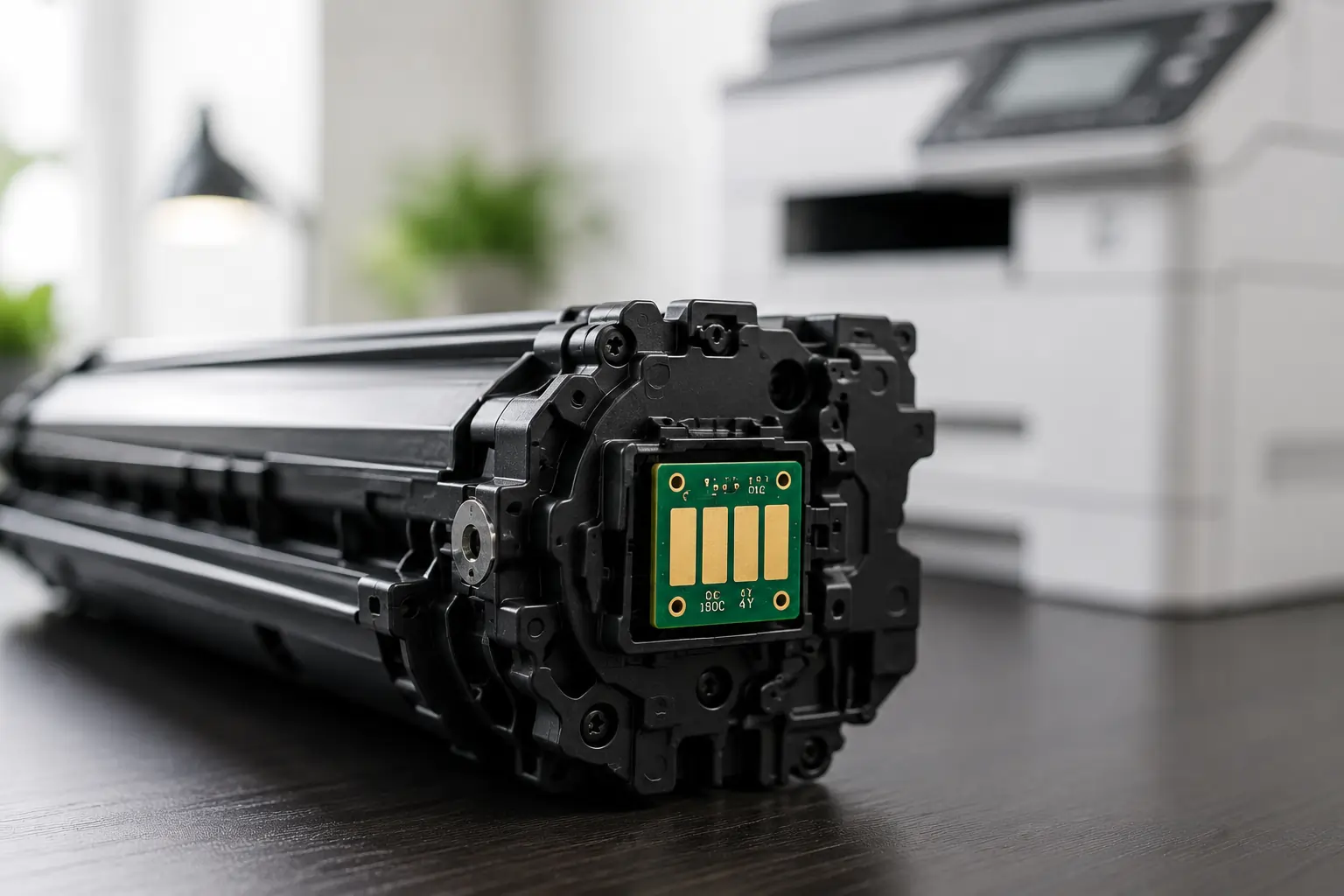
Electronic chips are small microprocessors attached to many modern toner cartridges.
These chips help printers:
- Monitor toner usage
- Display toner levels
- Verify cartridge authenticity
- Track page counts
- Communicate with printer firmware
Because of this technology, printers can manage toner supplies more efficiently and alert users when cartridges require replacement.
Why Toner Cartridge Chips Exist?
Printer manufacturers use electronic chips for several reasons.
Toner Monitoring
Smart chips help printers estimate:
- Remaining toner levels
- Cartridge usage history
- Maintenance timing
Printer Compatibility
Chips help ensure cartridges are compatible with specific printer models.
Print Quality Control
Manufacturers design chip systems to support:
- Reliable print performance
- Consistent toner distribution
- Printer protection
However, some users feel these systems also restrict cartridge flexibility and refill options.
Common Problems Caused by Toner Cartridge Chips
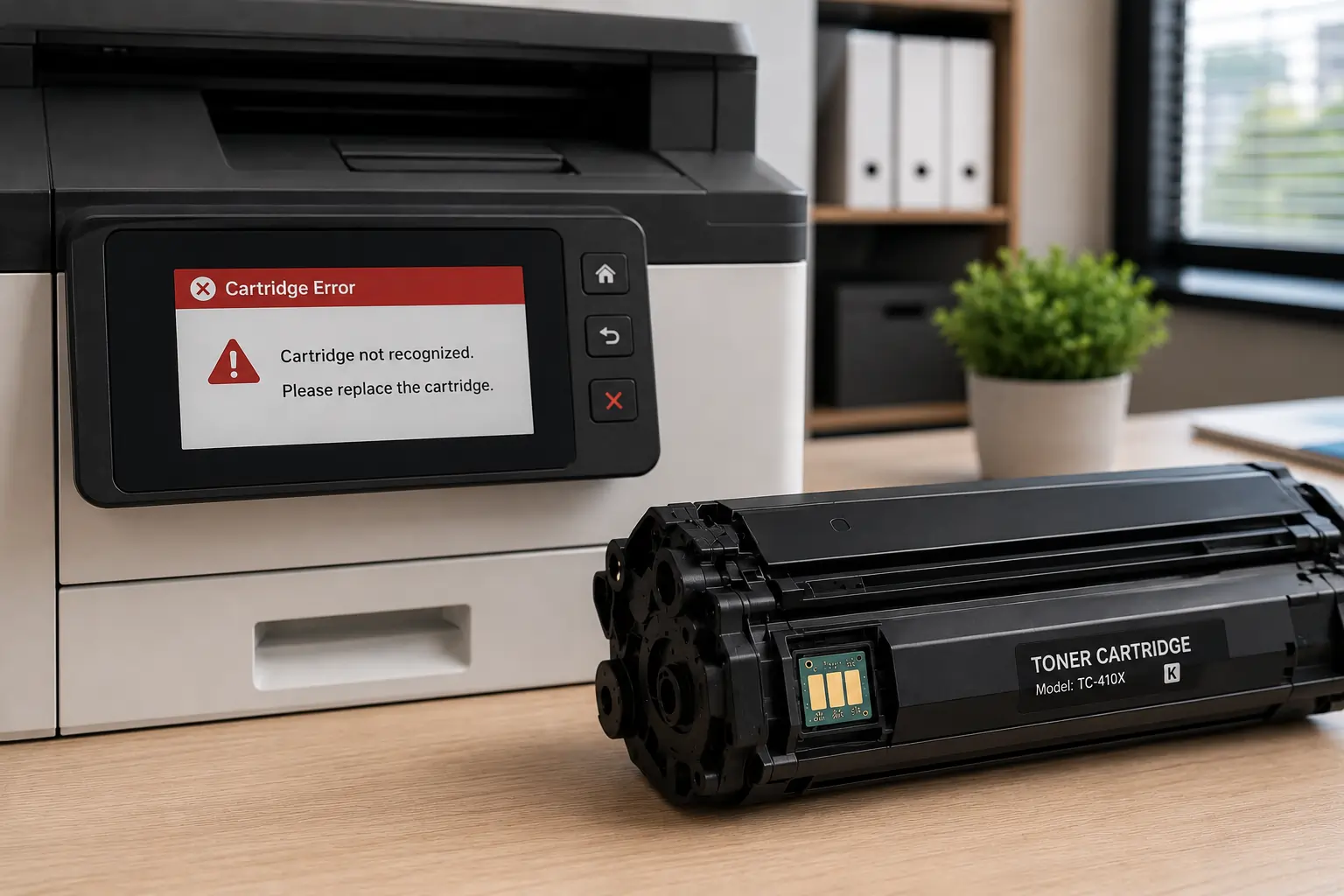
Many toner users experience chip related issues during cartridge replacement or refilling.
Cartridge Recognition Errors
Printers may display messages such as:
- “Cartridge Not Recognized”
- “Incompatible Toner”
- “Replace Cartridge”
Refilled Cartridge Warnings
Some printers continue showing low toner alerts even after successful toner refills.
Firmware Compatibility Issues
Printer firmware updates may occasionally affect third party cartridge recognition.
Because of this, businesses and home users often search for chip reset or replacement solutions.
Understanding Toner Chip Reset Options
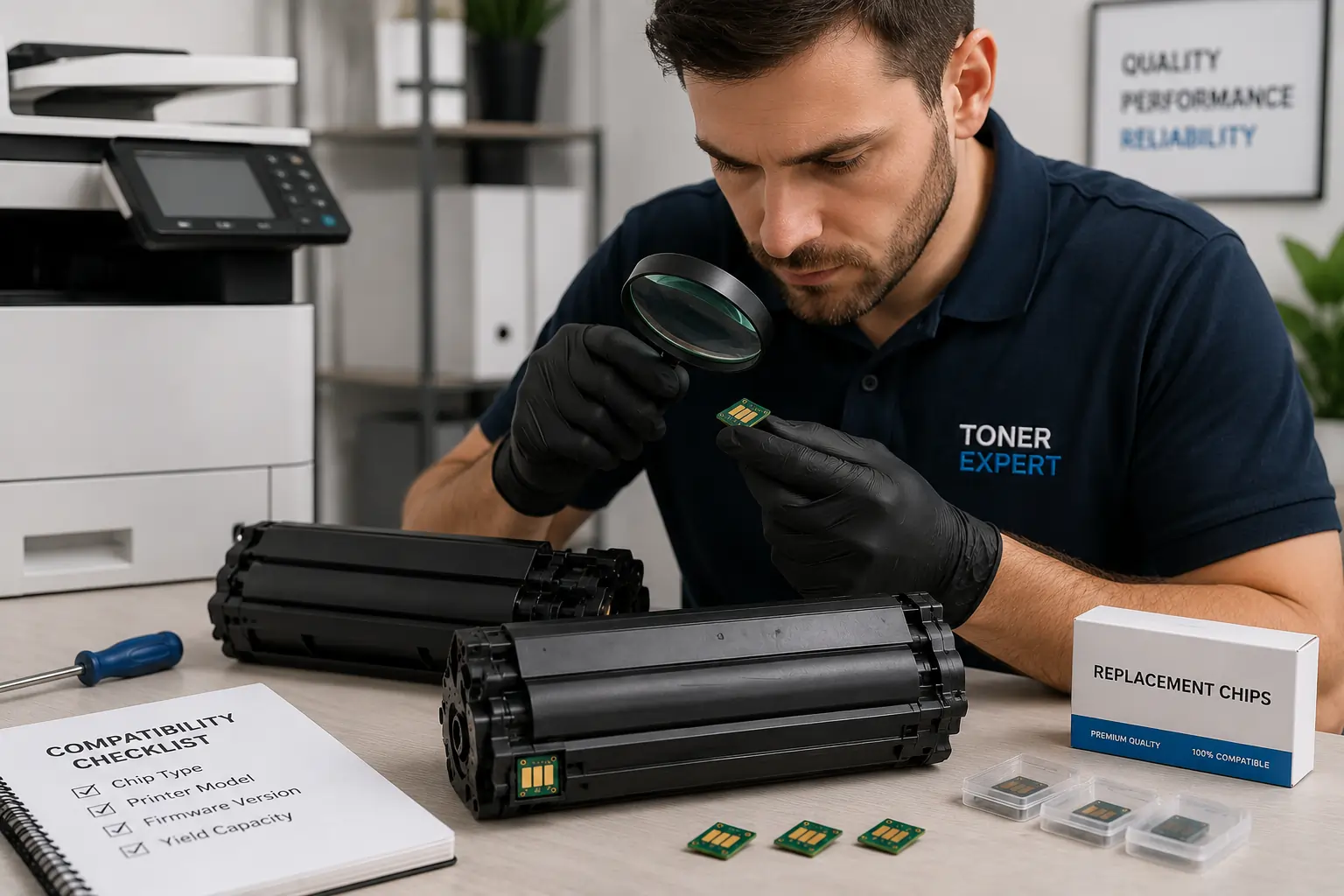
Some toner cartridge systems allow limited chip reset or replacement methods.
Replacement Chips
Certain compatible cartridge suppliers provide replacement chips designed for specific printers.
Auto Reset Technology
Some cartridges include chips that automatically reset during installation.
Printer Firmware Considerations
Printer firmware versions may affect:
- Cartridge recognition
- Chip compatibility
- Refill success
Therefore, users should always verify compatibility carefully before purchasing refill or replacement components.
Important Risks of Attempting Chip Modifications
Users should understand potential risks before attempting to disable or bypass toner cartridge chips.
Printer Warranty Concerns
Unauthorized cartridge modifications may affect:
- Printer warranties
- Manufacturer support eligibility
Printer Performance Problems
Improper chip modifications may lead to:
- Cartridge recognition failures
- Printer errors
- Toner monitoring issues
- Reduced print reliability
Firmware Update Conflicts
Future printer updates may interfere with modified cartridge systems.
Because of this, users should evaluate potential risks carefully before making cartridge modifications.
Safer Alternatives to Disabling Toner Chips
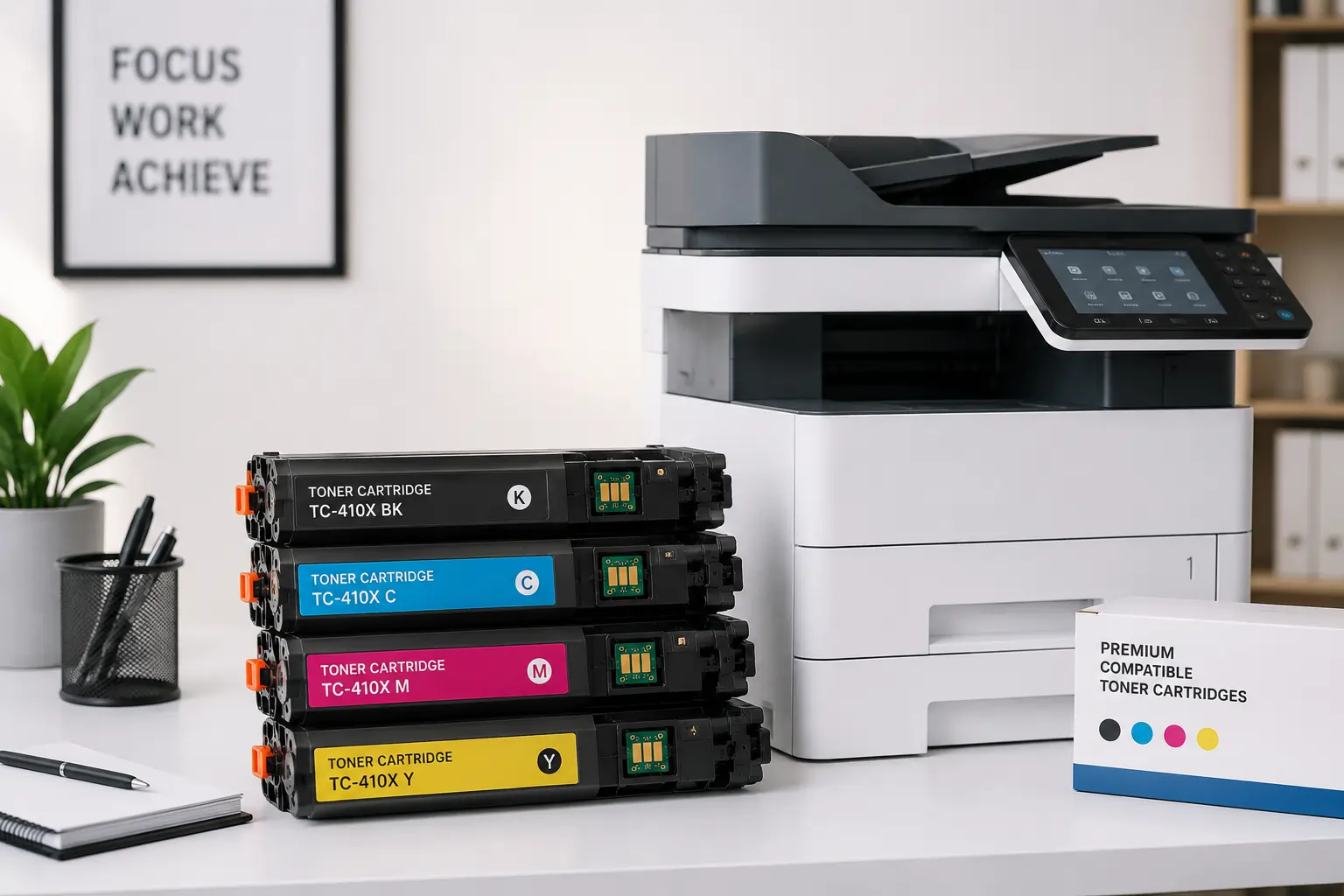
Instead of attempting unsupported chip bypass methods, many users choose safer alternatives.
Use Compatible Cartridges from Trusted Suppliers
Reliable compatible cartridges are often designed to:
- Work with chip systems properly
- Maintain print quality
- Reduce compatibility issues
Choose Professional Refill Services
Professional refill providers may offer:
- Proper chip replacement
- Cartridge rebuilding
- Compatibility testing
Monitor Printer Firmware Updates
Some firmware updates may affect third party toner compatibility.
As a result, businesses often review firmware settings carefully before updating office printers.
Businesses and home users looking for dependable toner cartridge solutions can explore products from Toner Connect.
OEM vs Compatible Toner Cartridge Chip Systems
Different cartridge manufacturers handle chip technology differently.
OEM Cartridges
OEM cartridges usually:
- Integrate directly with printer firmware
- Provide full monitoring support
- Minimize compatibility issues
Compatible Cartridges
High quality compatible cartridges may also:
- Include replacement chips
- Support toner monitoring
- Offer reliable performance
However, chip reliability varies depending on the supplier.
Therefore, choosing trusted toner providers remains important.
Why Toner Cartridge Chips Continue Evolving?
Modern printing systems continue becoming more advanced.
Printer manufacturers now use smart chips for:
- Toner optimization
- Predictive maintenance
- Usage tracking
- Security features
- Print management systems
As printing technology evolves, chip systems will likely become even more sophisticated.
Common Misunderstandings About Toner Cartridge Chips
Some users misunderstand how toner chips actually function.
Chips Do Not Always Measure Physical Toner Levels
Many printers estimate toner usage based on:
- Page counts
- Print coverage
- Usage patterns
Low Toner Warnings May Appear Early
Some cartridges still contain usable toner after low toner alerts appear.
Not All Compatible Cartridges Cause Problems
Reliable compatible cartridges often perform very well when sourced from trusted suppliers.
Because of this, cartridge quality matters more than simply choosing OEM or compatible options alone.
Modern Printers Focus on Smarter Toner Management
Modern laser printers increasingly include:
- Smart toner monitoring
- Remote supply tracking
- Cloud print management
- Automated maintenance alerts
These systems help businesses improve printing efficiency and supply management.
According to HP and Canon printer resources, toner cartridge chips play an important role in maintaining print quality, compatibility management, and long term printer reliability.
Conclusion
Electronic chips on toner cartridges play a major role in modern printer management, toner monitoring, and compatibility systems. While chip related issues can sometimes frustrate users, understanding how these systems work helps businesses and home users make smarter decisions about toner replacements, refilling, and compatible cartridge usage. By choosing reliable toner suppliers, maintaining printers properly, and understanding chip limitations, users can improve printing efficiency while reducing unnecessary cartridge problems.