
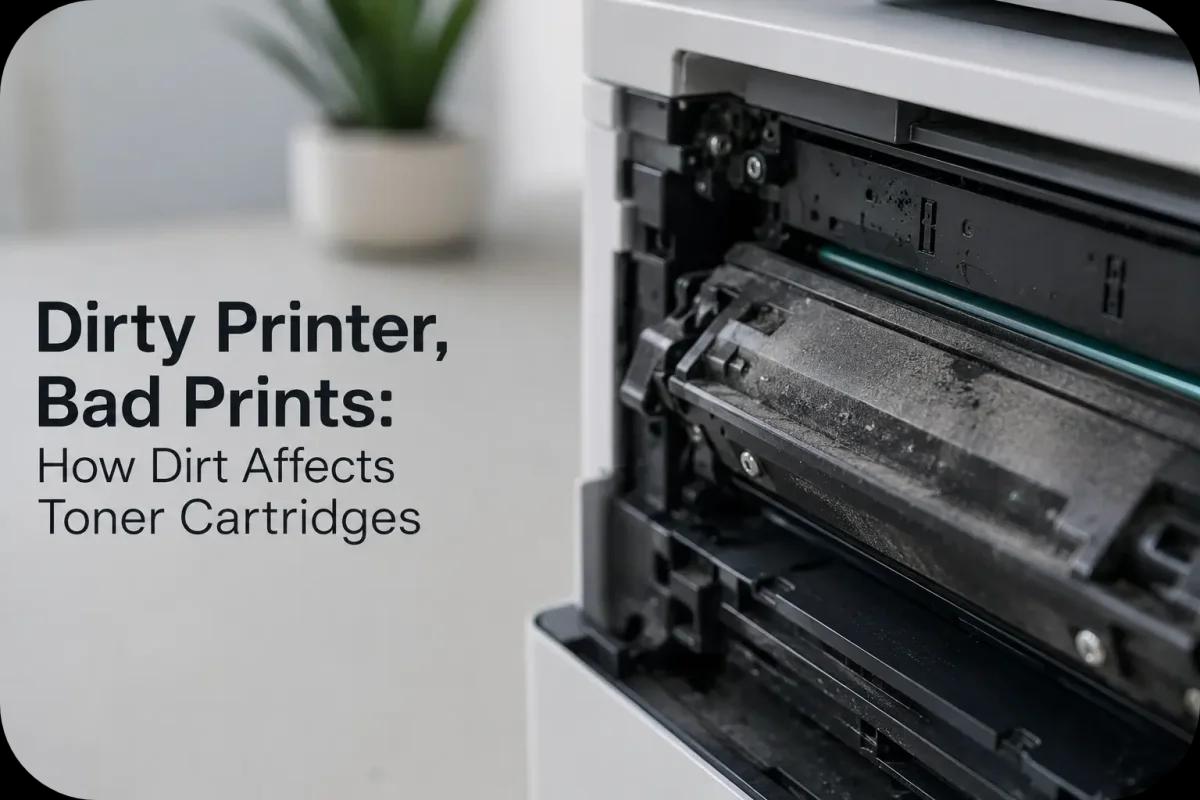
Dirty Printer, Bad Prints: How Dirt Affects Toner Cartridges?
If your printer suddenly starts producing faded pages, streaks, smudges, or random black marks, the toner cartridge may not always be the main problem. In many cases, dirt and dust inside the printer can directly affect toner cartridge performance and print quality. Over time, even a small amount of debris can interfere with how toner moves through the printer, leading to frustrating print issues and unnecessary cartridge replacements.
Whether you use a laser printer at home or in a busy office, keeping your printer clean plays a major role in extending the life of your toner cartridges. A dirty printer environment can slowly damage sensitive components, reduce print clarity, and even cause toner leaks.
If you want to see common printer cleaning issues and maintenance tips in action, this YouTube video provides a helpful visual guide.
Why Dirt Is a Serious Problem for Toner Cartridges?
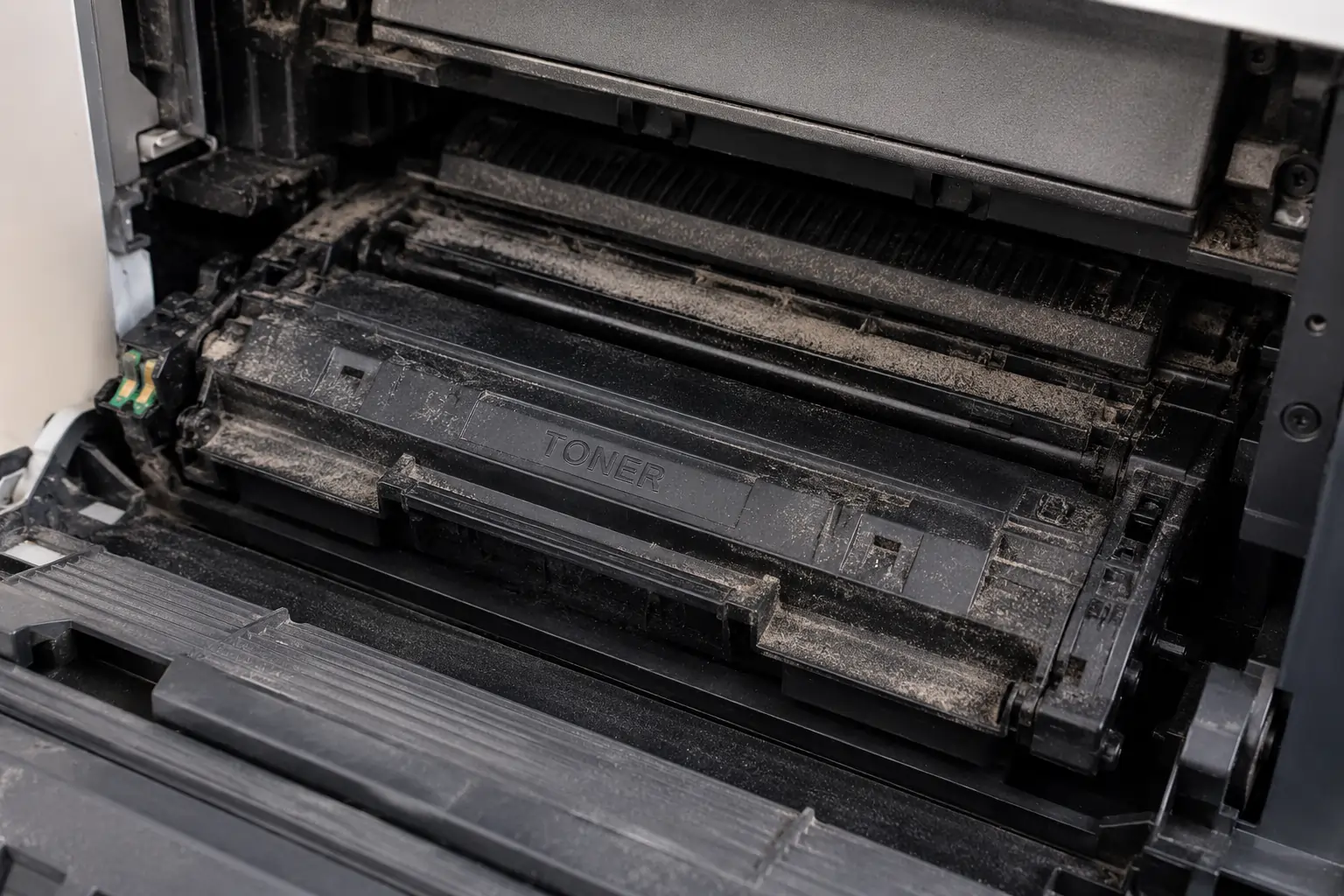
Toner cartridges are designed to work in a controlled environment inside the printer. Unlike ink cartridges, toner cartridges use fine powder particles and delicate mechanical components to transfer toner onto paper. Dust, paper fibers, and dirt can easily interfere with this process.
When dirt builds up inside the printer, it can:
- Block toner distribution
- Cause streaky or faded prints
- Damage the drum unit
- Create toner clumps
- Lead to paper jams
- Reduce cartridge lifespan
Many users assume their cartridge is defective when the real issue is simply a dirty printer interior.
Common Sources of Dirt Inside Printers
Printers naturally collect dust over time, especially in high traffic environments. Some of the most common sources of dirt include:
Paper Dust
Every sheet of paper releases tiny fibers as it moves through the printer. These fibers accumulate near rollers and toner cartridges.
Airborne Dust
Offices and homes with open windows, fans, or air conditioning systems often circulate dust particles that settle inside printers.
Toner Residue
Old toner powder can leak or spill during cartridge replacement. If not cleaned properly, the leftover toner spreads throughout the printer.
Dirty Rollers
Rollers collect debris from paper handling, which can transfer dirt onto printed pages and affect toner application.
Signs Dirt Is Affecting Your Toner Cartridge
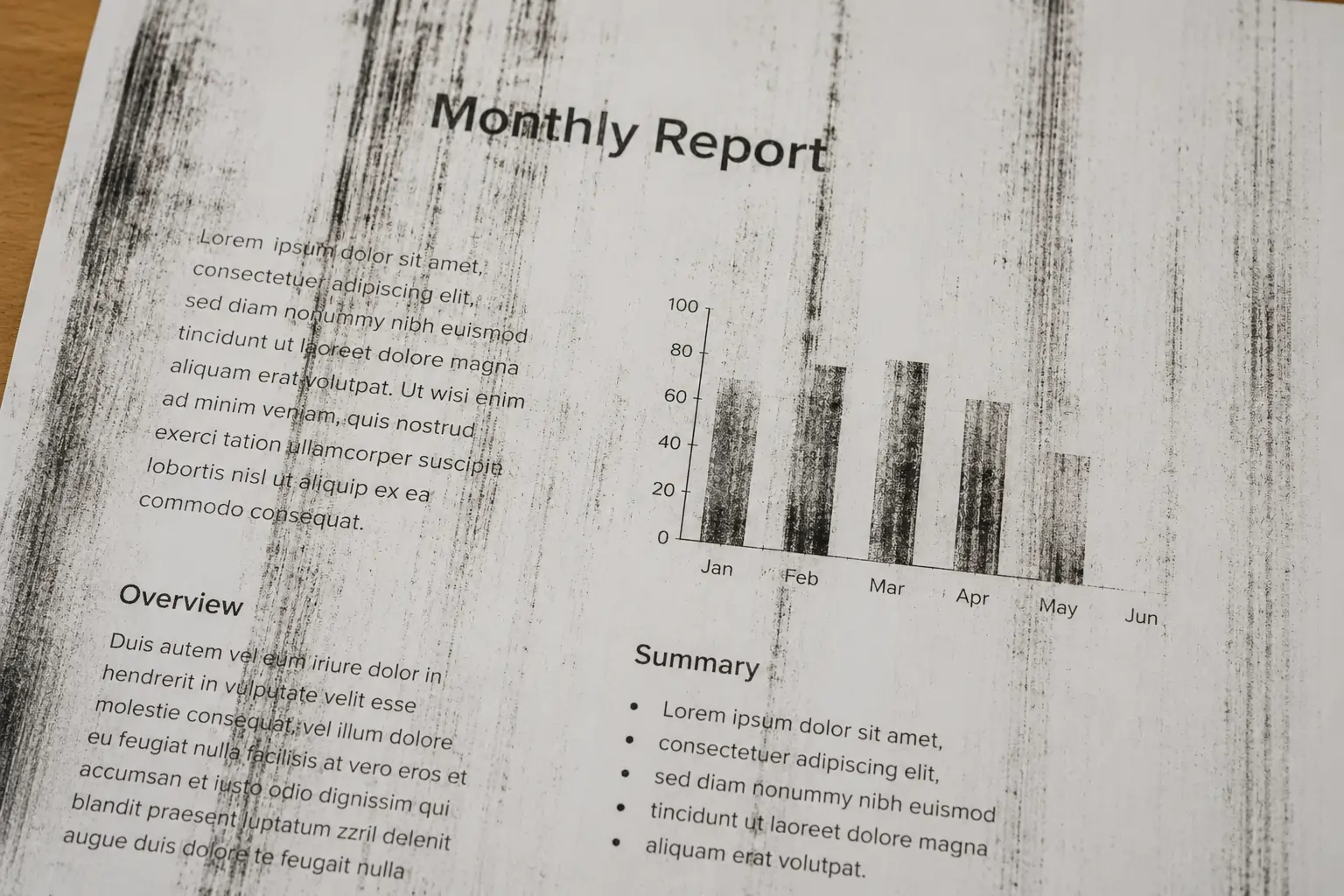
Not every print problem means your toner cartridge is empty. Here are some warning signs that dirt may be interfering with cartridge performance:
- Gray background on printed pages
- Vertical streaks or lines
- Smudged toner
- Uneven print density
- Random black spots
- Faded text or images
- Frequent paper jams
- Toner leaking inside the printer
If you notice these symptoms, cleaning the printer may solve the issue before replacing the cartridge.
How Dirt Damages Toner Cartridge Components?
Toner cartridges contain several sensitive parts that can be affected by debris and dust buildup.
Drum Unit Contamination
The drum unit is highly sensitive to dirt and fingerprints. Dust on the drum can create repeating marks or faded sections across pages.
Wiper Blade Damage
The wiper blade helps distribute toner evenly. Dirt buildup can wear down the blade, causing excess toner to spill onto paper.
Toner Clumping
Humidity mixed with dust can cause toner powder to clump together, resulting in inconsistent printing.
Electrical Contact Issues
Dust around cartridge contacts can interrupt communication between the printer and toner cartridge.
Simple Ways to Protect Your Toner Cartridges from Dirt
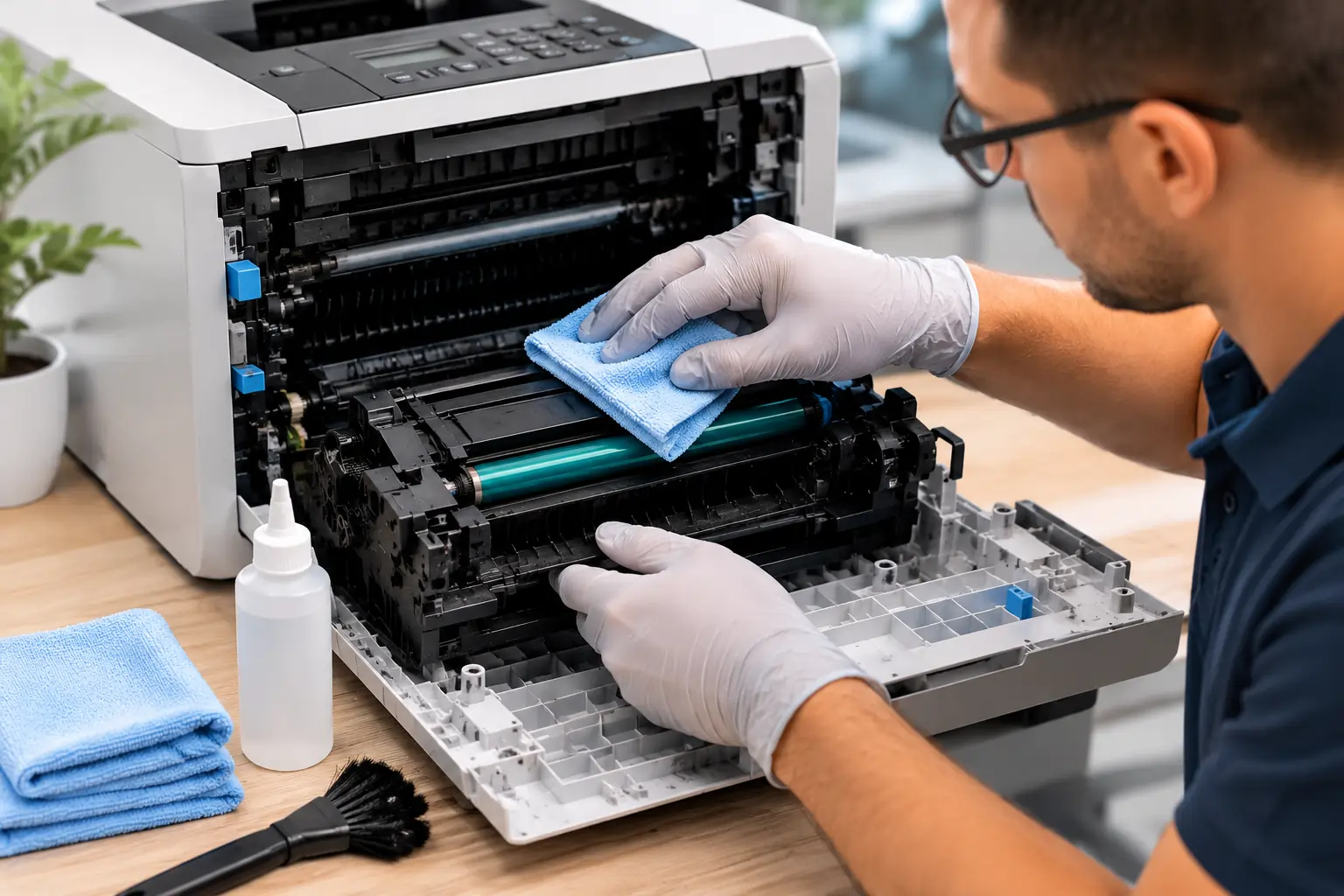
Fortunately, preventing dirt related printer problems is relatively easy with regular maintenance.
Clean the Printer Regularly
Use a lint free cloth and approved cleaning materials to wipe down the printer interior every few weeks.
Store Toner Cartridges Properly
Keep cartridges sealed in their packaging until use. Avoid humid or dusty storage areas.
Use High Quality Paper
Cheap paper sheds more fibers, increasing dust buildup inside the printer.
Avoid Touching the Drum
When installing a cartridge, avoid touching the drum surface to prevent dirt and oil contamination.
Replace Old Cartridges Promptly
Damaged or leaking cartridges can spread toner residue throughout the printer.
Why Quality Toner Cartridges Matter?
Low quality toner cartridges are more likely to leak toner, create excess dust, or wear down internal printer components. Using reliable toner cartridges helps reduce maintenance problems and improves overall print consistency.
Businesses and home users looking for dependable toner supplies can explore options at Toner Connect, which offers toner cartridges compatible with a wide range of printers.
The Importance of Printer Maintenance
Printer maintenance is often overlooked until print quality becomes a serious issue. However, regular cleaning and inspection can dramatically extend the life of both the printer and toner cartridges.
According to HP’s printer maintenance recommendations, keeping internal printer components clean helps prevent toner buildup and improves print reliability.
Can Dirt Cause Permanent Toner Cartridge Damage?
Yes, in some cases dirt can permanently damage toner cartridges. If debris scratches the drum unit or blocks toner movement for an extended period, the cartridge may no longer function correctly even after cleaning.
This is especially common in printers that:
- Operate in dusty rooms
- Rarely receive maintenance
- Use damaged cartridges
- Experience toner spills
Preventive care is usually far less expensive than replacing damaged cartridges and printer parts.
Conclusion
Dirt may seem harmless, but inside a printer it can quietly create major toner cartridge problems. From faded prints to damaged drum units, dust and debris can affect nearly every part of the printing process. Regular cleaning, proper cartridge handling, and using reliable toner supplies can help keep your printer running smoothly and your print quality sharp.