
Advanced Setup Tips for Better Toner Cartridge Performance
Modern laser printers are designed for speed, efficiency, and professional quality printing, but many businesses and home offices still fail to get the best possible performance from their toner cartridges. Poor setup habits, incorrect printer settings, neglected maintenance, and low quality supplies can all reduce toner efficiency and create unnecessary printing problems.
Fortunately, a few advanced setup strategies can dramatically improve toner cartridge performance while helping businesses maintain cleaner print quality, lower operational costs, and extend printer lifespan. From optimizing printer settings to improving toner storage and workflow management, smart setup decisions make a major difference in long term printing reliability.
This guide explores advanced setup tips for better toner cartridge performance and more efficient office printing.
Choose the Right Toner Cartridge for Your Printing Needs
Not all toner cartridges are designed for the same printing environments.
High Yield Toner Improves Efficiency
High yield cartridges help businesses:
- Print more pages
- Reduce cartridge replacements
- Lower cost per page
Match Toner to Print Volume
Heavy printing offices often benefit from:
- Enterprise toner systems
- High capacity cartridges
- Managed print solutions
Because of this, selecting the correct toner type improves long term performance.
Optimize Printer Print Settings
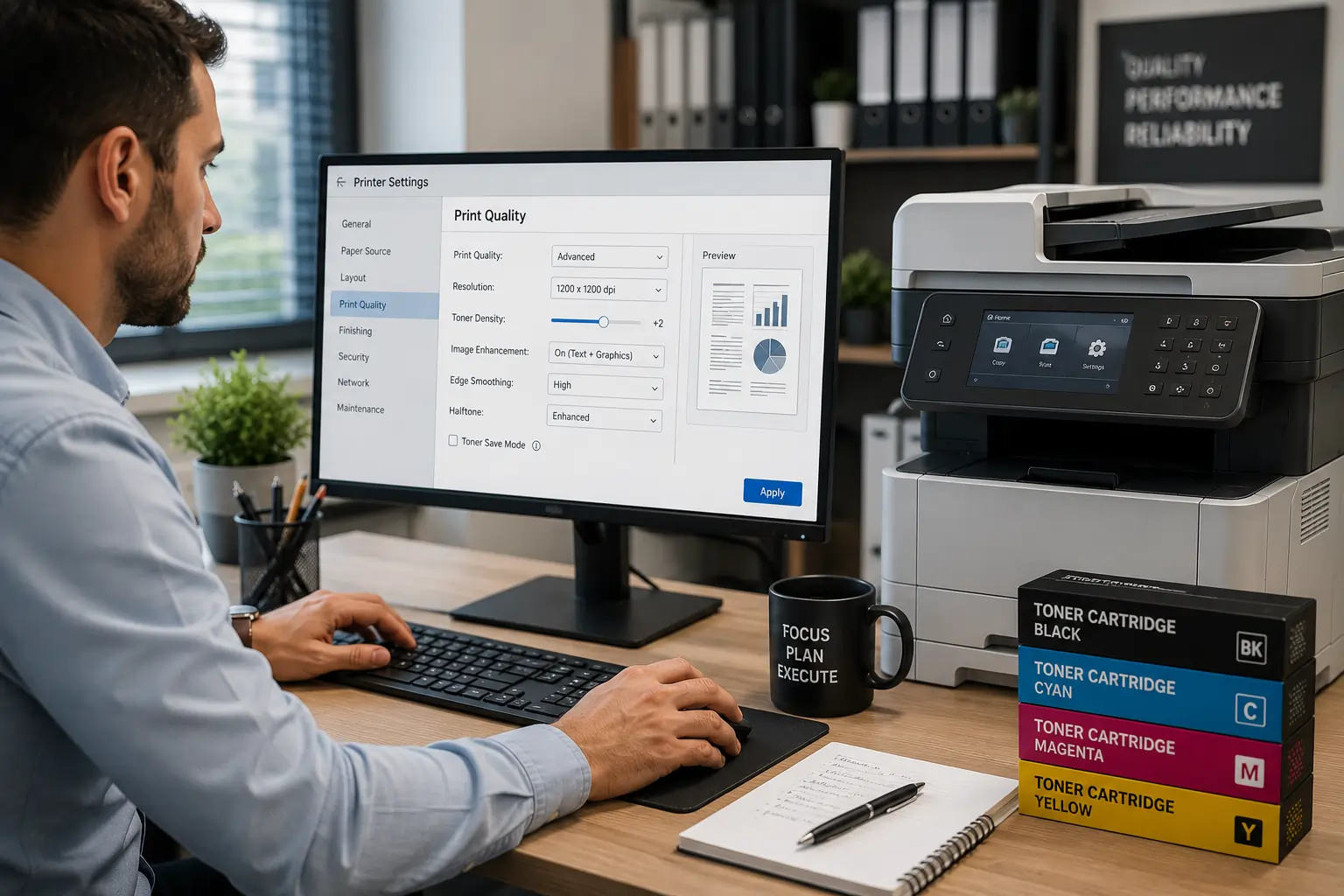
Printer settings directly affect toner usage and print quality.
Adjust Print Density Carefully
High density settings may:
- Use excess toner
- Increase smudging
- Shorten cartridge lifespan
Use Draft Mode Strategically
Draft mode helps reduce toner usage for:
- Internal documents
- Temporary drafts
- Everyday office printing
As a result, proper print settings help balance quality and efficiency.
Use Quality Paper for Better Toner Bonding
Paper quality has a significant impact on toner cartridge performance.
Cheap Paper May Cause:
- Toner smudges
- Dust buildup
- Uneven toner transfer
- Paper jams
Match Printer Settings to Paper Type
Modern printers allow users to select:
- Standard paper
- Thick paper
- Glossy paper
- Specialty media
Because of this, matching paper settings improves toner adhesion and print sharpness.
Store Toner Cartridges Correctly Before Installation
Improper storage may damage toner quality before use.
Keep Toner Away From Heat and Humidity
Environmental exposure may affect:
- Toner consistency
- Cartridge seals
- Internal components
Store Cartridges in Original Packaging
Proper packaging protects cartridges from:
- Dust
- Moisture
- Physical damage
As a result, correct storage helps preserve toner performance and page yield.
Businesses looking for dependable toner cartridge solutions can explore products and services from Toner Connect.
Clean the Printer Interior Regularly
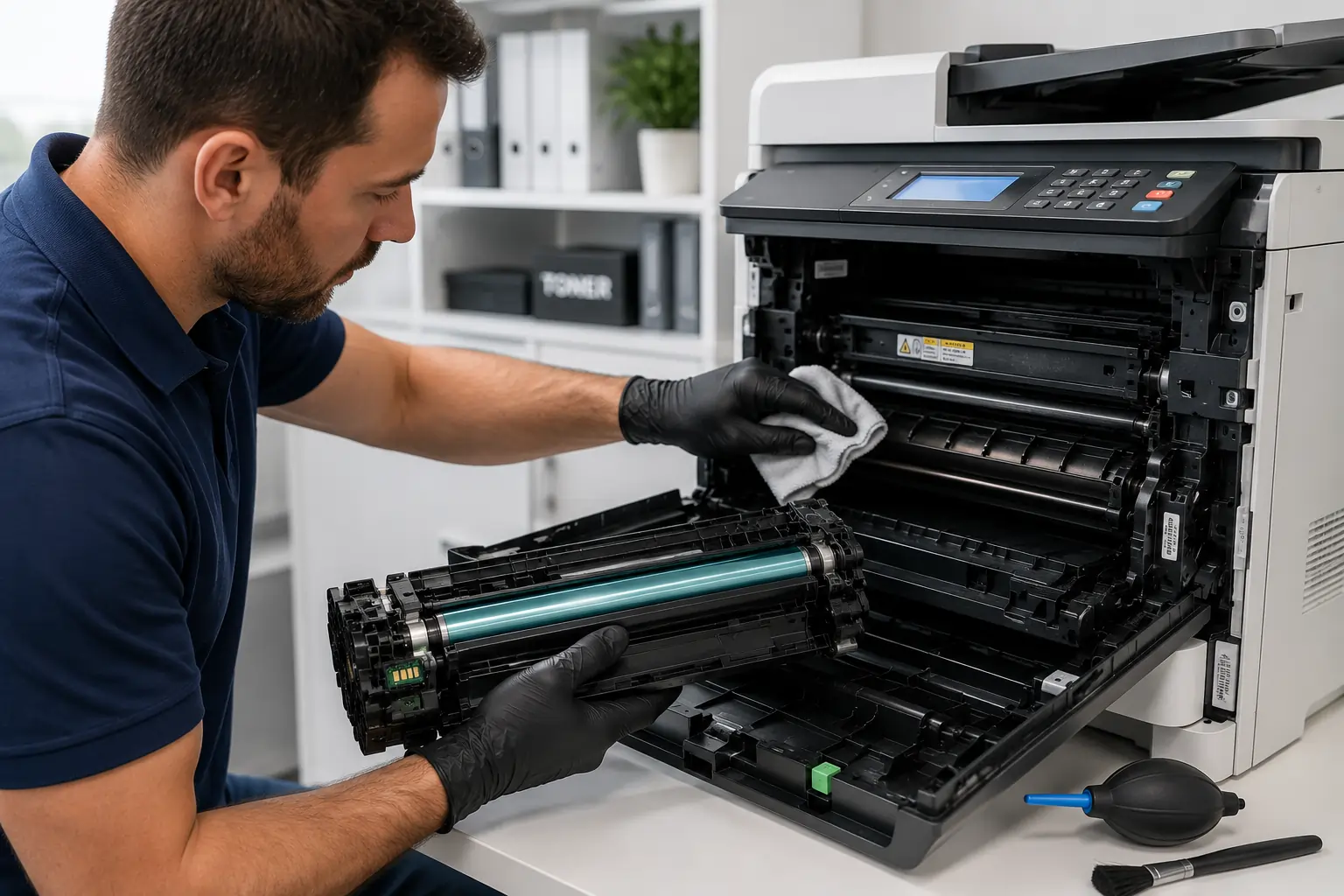
Printer cleanliness directly affects toner cartridge performance.
Loose Toner and Dust Create Print Problems
Buildup inside printers may cause:
- Streaks
- Smudges
- Uneven toner transfer
- Faded printing
Focus on Key Printer Components
Clean:
- Rollers
- Cartridge compartments
- Paper paths
- Accessible internal surfaces
Because of this, routine maintenance helps maintain cleaner printing.
Update Printer Firmware and Drivers
Modern printers rely heavily on software optimization.
Firmware Updates Improve Compatibility
Updates may help:
- Improve toner management
- Enhance print calibration
- Reduce recognition errors
Driver Updates Improve Print Accuracy
Updated drivers help printers:
- Communicate more efficiently
- Optimize toner usage
- Improve workflow stability
As a result, software updates support better overall printing performance.
Use Reliable OEM or High Quality Compatible Toner
Cartridge quality plays a major role in print consistency.
Poor Quality Toner May Cause:
- Toner leaks
- Weak print quality
- Lower page yield
- Printer recognition issues
Reliable Toner Improves Long Term Efficiency
High quality cartridges often provide:
- Better toner flow
- Cleaner printing
- Improved compatibility
- More stable performance
Because of this, toner quality directly affects office productivity.
Calibrate Your Printer Properly
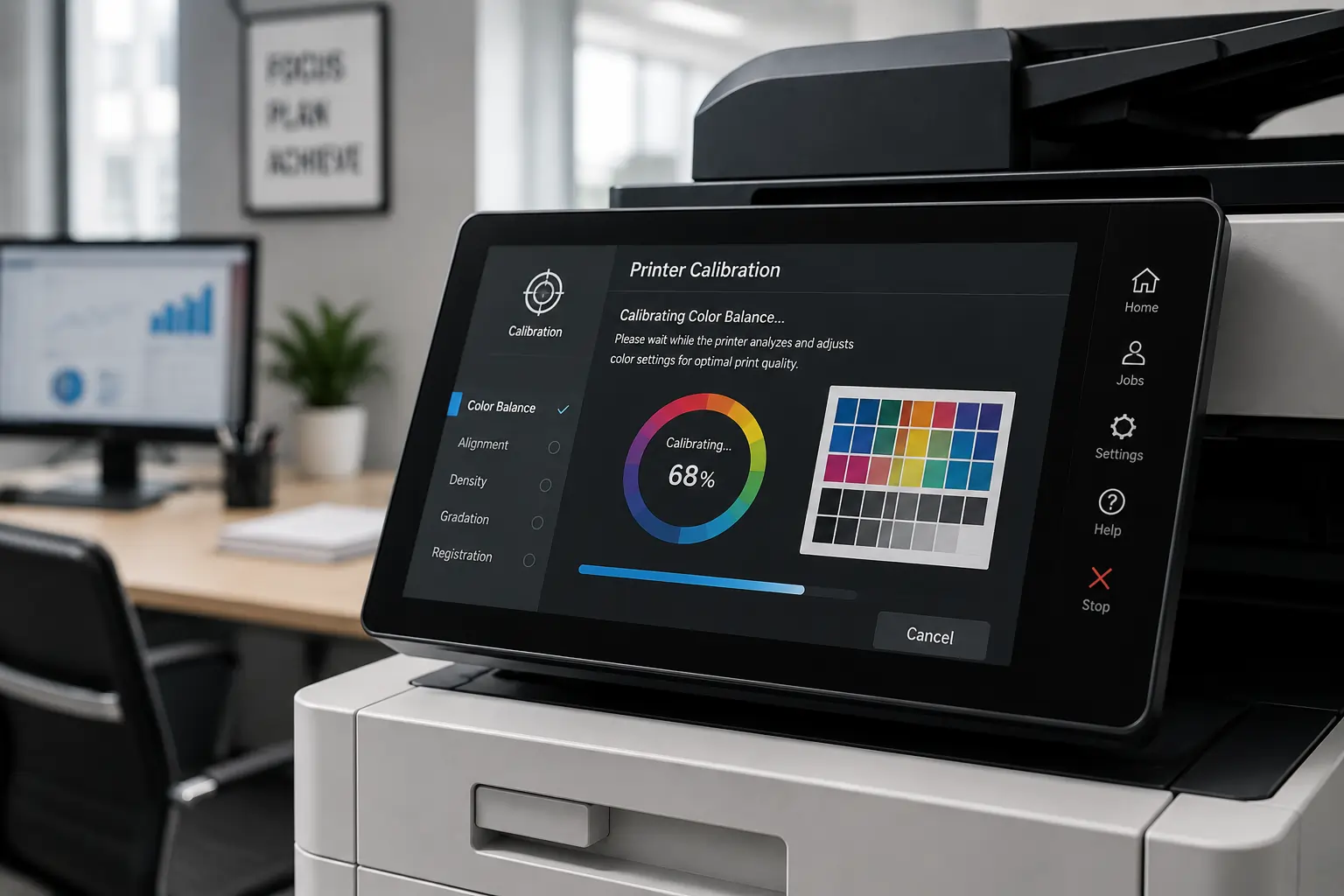
Many businesses ignore built in printer calibration tools.
Calibration Helps Maintain Print Accuracy
Printer calibration improves:
- Toner distribution
- Color consistency
- Alignment accuracy
- Image sharpness
Regular Calibration Reduces Print Defects
Proper calibration may help reduce:
- Streaking
- Faded sections
- Misalignment
As a result, routine calibration improves professional print quality.
Monitor Office Printing Habits

Printing behavior significantly affects toner lifespan.
Reduce Unnecessary Printing
Businesses can lower toner waste by:
- Reviewing documents before printing
- Using digital workflows
- Avoiding duplicate printing
Print Analytics Help Improve Efficiency
Modern print management systems help track:
- Toner usage
- Print volume
- Color printing frequency
Because of this, monitoring print habits improves toner management.
Protect Sensitive Cartridge Components During Installation
Improper installation may damage toner cartridge systems.
Avoid Touching Drum Surfaces
Fingerprints or scratches may create:
- Streaks
- Print defects
- Uneven toner transfer
Install Cartridges Carefully
Make sure cartridges:
- Lock securely
- Align properly
- Sit evenly inside the printer
As a result, careful installation improves print reliability.
Replace Worn Printer Components Promptly
Sometimes toner problems are caused by aging printer hardware.
Worn Components Affect Toner Efficiency
Old:
- Rollers
- Fusers
- Transfer belts
- Drum units
may reduce print quality and increase toner waste.
Preventative Maintenance Improves Reliability
Routine servicing helps:
- Reduce downtime
- Improve toner performance
- Extend printer lifespan
Because of this, proactive maintenance supports long term office efficiency.
Modern Printing Technology Supports Smarter Toner Performance
Modern laser printers now include:
- Smart toner monitoring
- Automated calibration
- Print analytics
- Toner saving technologies
These systems help businesses improve toner cartridge performance while reducing operational costs and maintaining cleaner print quality.
According to HP and Canon printing resources, proper printer setup, toner management, and preventative maintenance remain essential for maximizing toner cartridge performance and office productivity.
Conclusion
Improving toner cartridge performance requires more than simply replacing cartridges when they run low. By optimizing printer settings, maintaining clean equipment, using quality toner supplies, and adopting smarter printing habits, businesses and home users can improve print quality while reducing toner waste and operational costs. In addition, advanced setup strategies help extend cartridge lifespan, improve office productivity, and create more reliable long term printing performance.